Cisco IPsec: How It Works, Setup, and Best Practices
Learn what Cisco IPsec is, how it protects VPN traffic, and how to configure and troubleshoot it securely.
Cisco IPsec is a set of technologies and features used to create encrypted virtual private network (VPN) connections on Cisco devices. It protects IP traffic as it travels over networks such as the public internet, helping connect offices, users, and cloud environments securely. A typical Cisco IPsec deployment combines peer authentication, encryption, and integrity checks, with the exact configuration depending on the router, firewall, software version, and VPN design.

Editor's pick: NordVPN — fast, secure VPN — Strong encryption, a no-logs policy and apps for every device. 30-day money-back guarantee. Get NordVPN →
Compare common Cisco IPsec VPN types
| VPN type | Typical endpoints | Common use | Traffic scope | Main consideration |
|---|---|---|---|---|
| Site-to-site | Cisco routers or firewalls | Connect office networks | Network-to-network | Requires compatible peer configuration |
| Remote access | User device and VPN gateway | Connect users remotely | User-to-network | Requires user authentication |
| Policy-based | IPsec peers | Protect selected traffic | Defined by security policies | Policies must match across peers |
| Route-based | IPsec peers with a tunnel interface | Connect routed networks | Traffic sent through the tunnel | Routing must direct traffic into the tunnel |
| IKEv1-based | IPsec peers | Establish and manage a VPN | Depends on VPN configuration | Legacy option; use only when required |
| IKEv2-based | IPsec peers | Establish and manage a VPN | Depends on VPN configuration | Prefer where supported and compatible |
Compiled November 2026; check the provider's site for current details.
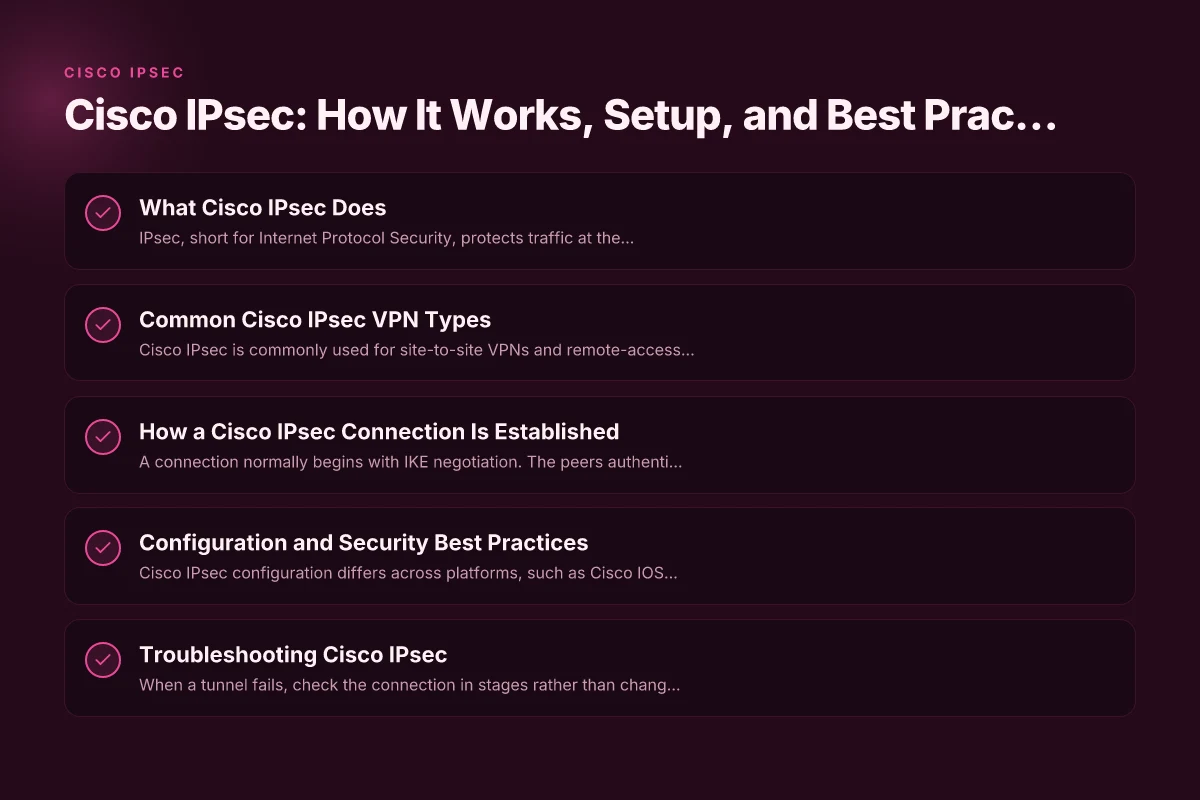
What Cisco IPsec Does
IPsec, short for Internet Protocol Security, protects traffic at the network layer. Rather than securing only one application, it can protect IP packets between two endpoints, such as Cisco routers or a client device and a VPN gateway.
An IPsec connection generally uses two protocols or functions:
- IKE (Internet Key Exchange) negotiates security settings and establishes keys between peers.
- ESP (Encapsulating Security Payload) encrypts and protects the data packets sent through the tunnel.
The peers must agree on compatible parameters, including encryption, integrity protection, authentication, and key exchange. They also need a way to identify and authenticate each other. Depending on the design, authentication may use a pre-shared key or digital certificates.
IPsec is often called a tunnel, but it does not make every part of a network private automatically. Administrators define which traffic should use the VPN, how peers are authenticated, and what protections apply. VPN SSL BWG Online Service: What It Is and How to Use It
Common Cisco IPsec VPN Types
Cisco IPsec is commonly used for site-to-site VPNs and remote-access VPNs. The right design depends on who needs access and where the protected networks are located.
Site-to-site VPN
A site-to-site VPN connects networks through gateways, often Cisco routers or firewalls. For example, a company might connect its headquarters network to a branch office over the internet. Devices on each private network can communicate through the encrypted link without each user starting a VPN session.
Administrators typically define the local and remote networks, configure compatible IKE and IPsec policies, and specify how traffic is routed through the tunnel. Routing may be static or dynamic, depending on the topology and platform.
Remote-access VPN
A remote-access VPN connects individual users or devices to a corporate network. A user runs a VPN client, authenticates to a Cisco gateway, and receives access according to the organization’s policies. VPN Keeps Turning On iPhone: Why It Happens and How to Stop It
Cisco’s remote-access options vary by product and software release. Some deployments use IPsec with Cisco Secure Client or supported legacy clients. Others use different VPN technologies. Check current Cisco documentation for the specific gateway and client before selecting an approach.
| VPN type | Typical endpoints | Common use |
|---|---|---|
| Site-to-site | Network gateways | Connecting offices or data centers |
| Remote access | User device and VPN gateway | Secure access for remote employees |
Cisco IPsec connection stages and what to check
| Stage | What happens | Key inputs | Check if it fails |
|---|---|---|---|
| Peer reachability | Devices contact each other | Peer addresses and network path | Routing, filtering, and reachability |
| IKE negotiation | Peers agree on key exchange settings | IKE version and proposals | Matching algorithms and parameters |
| Peer authentication | Each peer verifies the other | Pre-shared key or certificates | Credentials, identities, and certificate status |
| IPsec negotiation | Peers agree on protected traffic settings | Transform sets or proposals | Matching encryption and integrity settings |
| Security associations | Peers create state for protected traffic | Negotiated parameters | Security association status |
| Traffic protection | Matching traffic is encrypted and sent | Policies, selectors, and routes | Traffic selectors, access rules, and routing |
| Rekeying | Peers refresh security associations | Lifetime and rekey settings | Timer compatibility and negotiation logs |
Compiled November 2026; check the provider's site for current details.
How a Cisco IPsec Connection Is Established
A connection normally begins with IKE negotiation. The peers authenticate each other and agree on how to protect the session. They then establish the keys and security associations used to protect the traffic. iPhone V2Ray: How to Set Up a V2Ray Client on iOS
After setup, ESP protects packets that match the VPN’s traffic rules. Depending on the configuration, IPsec can operate in tunnel mode, which encapsulates an entire original IP packet, or transport mode, which protects the payload while retaining the original IP header. Tunnel mode is common for gateway-to-gateway VPNs.
A working tunnel requires more than matching encryption settings. The peers must also agree on authentication, integrity, key lifetimes, and other parameters. Their network definitions and routing must direct the intended traffic through the connection. Firewalls and upstream network devices must allow the required traffic as well.
For internet-based connections, administrators commonly account for:
- IKE traffic over UDP port 500.
- NAT traversal, typically using UDP port 4500 when a device performs network address translation.
- ESP traffic, which uses IP protocol 50 when it is not encapsulated through NAT traversal.
The exact requirements depend on the design and surrounding network. Why Doesn’t My VPN Switch to Those Local TV Stations?
Configuration and Security Best Practices
Cisco IPsec configuration differs across platforms, such as Cisco IOS, IOS XE, and Cisco Secure Firewall. Use the documentation for the exact device and software version rather than copying commands from an unrelated example. Configuration terminology and supported algorithms can change between releases.
Before deploying a tunnel, document the local and remote subnets, peer addresses, routing plan, authentication method, and access requirements. Then verify that both peers have compatible policies.
For a secure deployment:
- Prefer modern, supported cryptographic algorithms and key-exchange groups.
- Avoid deprecated algorithms and weak or reused pre-shared keys.
- Use certificates where they make identity management and rotation easier.
- Apply least-privilege rules so the VPN permits only required traffic.
- Keep Cisco software and VPN clients updated.
- Protect configuration backups and credentials.
- Monitor tunnel status, authentication failures, and unusual traffic.
- Test failover, rekeying, and recovery, not just initial connectivity.
A VPN can be encrypted and still be insecure if user accounts are weak, access rules are overly broad, or the gateway is unpatched. Treat IPsec as one part of a broader security design. Free VPN for PC: How to Choose a Safe Option
Cisco IPsec configuration and troubleshooting decision guide
| Situation | First check | Likely area | Recommended action | Avoid |
|---|---|---|---|---|
| Tunnel does not establish | Peer reachability | Routing or filtering | Verify paths and permitted IKE/IPsec traffic | Changing many settings at once |
| IKE negotiation fails | IKE proposal match | Version or algorithms | Align peer proposals and authentication | Using weak or unsupported settings |
| Authentication fails | Peer identity and credentials | Pre-shared key or certificates | Confirm identity, key, and certificate validity | Sharing credentials insecurely |
| IPsec negotiation fails | IPsec proposal match | Encryption or integrity settings | Compare transforms and lifetimes | Assuming IKE success means IPsec is ready |
| Tunnel is up but traffic fails | Selectors and routes | Policies or routing | Check protected subnets, routes, and access rules | Broadening access without review |
| Intermittent traffic | Rekey and logs | Lifetimes or connectivity | Review negotiation events and peer stability | Disabling security features as a fix |
| New deployment | Supported configuration | Device and software compatibility | Use strong settings and test before rollout | Reusing unreviewed legacy settings |
Compiled November 2026; check the provider's site for current details.
Troubleshooting Cisco IPsec
When a tunnel fails, check the connection in stages rather than changing several settings at once.
- Confirm reachability. Verify that each peer can reach the other over the underlying network and that required traffic is not blocked.
- Check IKE negotiation. Look for authentication failures or mismatched IKE policies, identities, or key-exchange settings.
- Check IPsec negotiation. Confirm that both sides agree on ESP algorithms, integrity protection, traffic selectors, and lifetimes.
- Review routing and traffic rules. Ensure the intended source and destination networks match the VPN configuration and that routes point to the correct path.
- Check NAT and MTU behavior. NAT traversal or packet-size issues can prevent traffic from passing even when the tunnel appears established.
- Use platform-specific diagnostics. Cisco status and logging commands differ by product and release. Consult the applicable command reference and avoid enabling verbose debugging in production for longer than necessary.
A tunnel that shows as “up” does not guarantee that applications can communicate. Test traffic in both directions and verify firewall rules, return routes, and DNS behavior where relevant. IPsec Port: Which Ports and Protocols Does IPsec Use?
Recommendation
Use Cisco IPsec when you need a standards-based encrypted connection between networks or supported remote users. Choose site-to-site for gateway-to-gateway connectivity and remote access for individual users, then follow current Cisco guidance for your specific platform. Start with least-privilege access, strong authentication, modern cryptography, and a staged test plan before relying on the VPN for production traffic.