IPsec Port: Which Ports and Protocols Does IPsec Use?
Learn which ports IPsec uses, how NAT traversal works, and what to allow through a firewall for an IPsec VPN.
If you’re asking which IPsec port to open, the usual answer is UDP 500 for Internet Key Exchange (IKE) and UDP 4500 for NAT traversal (NAT-T). IPsec’s encrypted data may use ESP, which is IP protocol 50, not a TCP or UDP port. The exact firewall rules depend on the VPN setup, especially whether either endpoint is behind a router performing NAT.

Editor's pick: NordVPN — fast, secure VPN — Strong encryption, a no-logs policy and apps for every device. 30-day money-back guarantee. Get NordVPN →
IPsec ports and protocols at a glance
| Protocol or port | Transport | Port number | Purpose | Firewall note |
|---|---|---|---|---|
| ESP | IP protocol | 50 | Carries encrypted IPsec data | Allow ESP if used |
| AH | IP protocol | 51 | Provides authentication and integrity | Allow AH if used |
| IKE | UDP | 500 | Negotiates IPsec security associations | Allow for IKE |
| NAT-T | UDP | 4500 | Carries IPsec traffic through NAT | Allow for NAT traversal |
| IPsec | TCP or UDP port | No dedicated port | Protects IP traffic at the IP layer | Check protocols and ports |
| IKE with NAT-T | UDP | 500 and 4500 | Sets up and carries NAT-traversed traffic | Allow both as needed |
Compiled November 2026; check the provider's site for current details.
Does IPsec Use a Port?
IPsec is a suite of network-layer protocols, not a single application that listens on one port. It can use IKE to negotiate security settings and keys, then use ESP to protect data. Because those components work differently, “the IPsec port” can refer to different kinds of network traffic.
Ports belong to transport protocols such as TCP and UDP. ESP is identified by its IP protocol number, 50. This distinction matters when configuring a firewall: a rule for UDP port 50 is not the same as a rule allowing ESP.
IPsec may operate in transport mode, which protects the data inside an IP packet, or tunnel mode, which protects an entire packet inside a new IP packet. VPNs commonly use tunnel mode. Neither mode changes the standard IKE ports, but network addresses, NAT, and firewall policies can affect how traffic reaches the tunnel endpoint.
IPsec Ports and Protocols at a Glance
| Traffic | Port or protocol | Purpose |
|---|---|---|
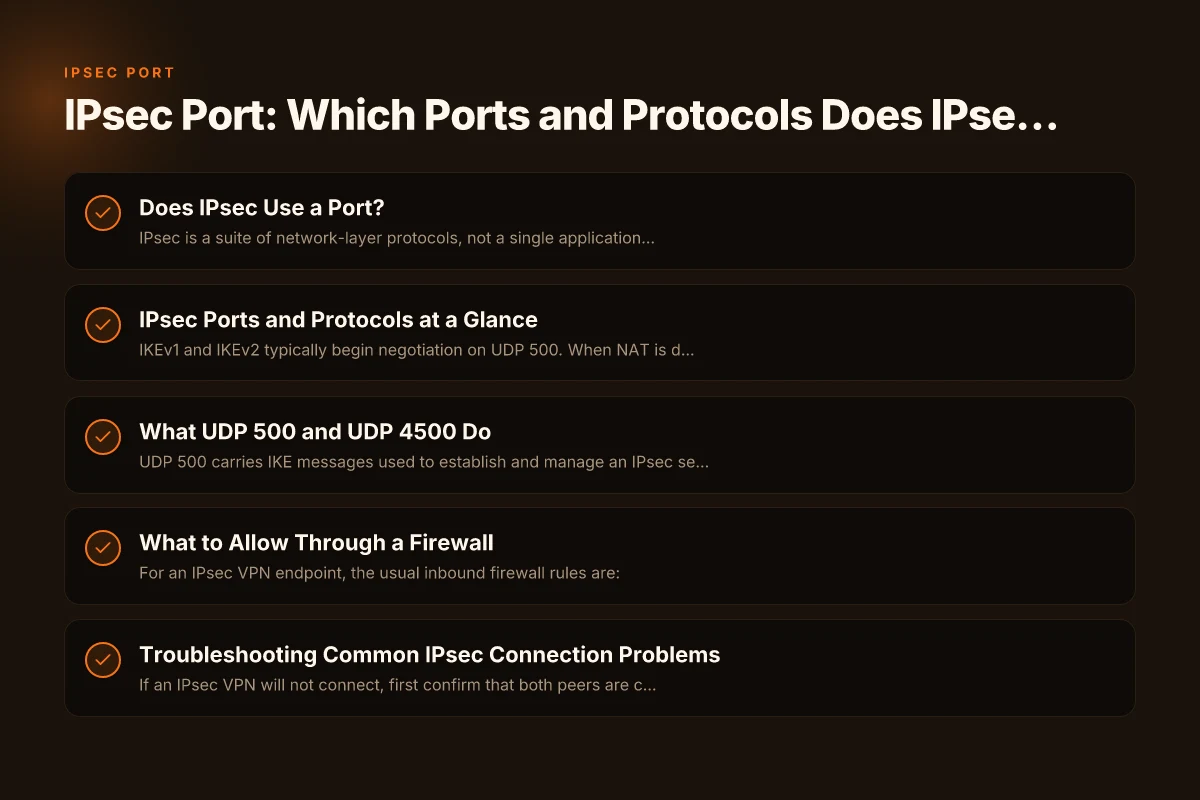
| IKE and IKEv2 | UDP 500 | Negotiates the connection, authentication, and security parameters |
| IPsec NAT traversal (NAT-T) | UDP 4500 | Carries IKE and encapsulated ESP traffic through NAT |
| ESP | IP protocol 50 | Encrypts and authenticates IPsec data |
| AH | IP protocol 51 | Provides authentication and integrity without encryption; uncommon for typical NATed VPNs |
IKEv1 and IKEv2 typically begin negotiation on UDP 500. When NAT is detected between the VPN peers, they generally switch to UDP 4500 and encapsulate ESP traffic there. This lets IPsec traffic pass through many routers that otherwise have trouble handling ESP directly. VPN Country Changer Free: How to Change Your Virtual Location Safely
AH, or Authentication Header, uses IP protocol 51. It is less common than ESP for VPNs, in part because its integrity checks include IP header information that NAT may modify. Most practical IPsec VPN configurations use ESP, often with NAT-T.
UDP 500 and UDP 4500 compared
| Comparison point | UDP 500 | UDP 4500 |
|---|---|---|
| Common name | IKE port | NAT-T port |
| Main role | Negotiates IPsec connections | Supports IPsec through NAT |
| Used for IKE | Yes | Yes, when NAT traversal is used |
| Encapsulates IPsec data | No, not normally | Yes, when NAT traversal is used |
| NAT traversal role | Detects or begins negotiation | Carries NAT-traversed traffic |
| Firewall requirement | Allow for IKE setup | Allow when NAT-T is needed |
Compiled November 2026; check the provider's site for current details.
What UDP 500 and UDP 4500 Do
UDP 500 carries IKE messages used to establish and manage an IPsec security association. During negotiation, the peers agree on matters such as authentication, encryption, and which traffic should pass through the VPN. IKE itself does not carry ordinary application data through the tunnel. Free VPN for PC to Change Location: What Works and What to Check
UDP 4500 is used when NAT traversal is needed. NAT devices rewrite network addresses and may also change port numbers. Since native ESP has no TCP or UDP ports, some NAT devices cannot track or forward it reliably. NAT-T solves this by wrapping ESP traffic in UDP, allowing it to pass through the translated connection.
A VPN may use UDP 500 during initial negotiation and then use UDP 4500 for the tunnel, or it may use UDP 4500 when NAT is detected. Many administrators allow both UDP ports so the peers can negotiate and use NAT traversal when necessary.
What to Allow Through a Firewall
For an IPsec VPN endpoint, the usual inbound firewall rules are:
- Allow UDP 500 for IKE.
- Allow UDP 4500 for NAT-T.
- Allow ESP, IP protocol 50, if the connection needs native ESP and NAT-T is not being used.
- Allow IP protocol 51 only if the VPN specifically uses AH.
Allowing UDP 500 and UDP 4500 is a common starting point, but it is not a universal guarantee. A VPN provider, gateway, or organization may require additional rules, use a different topology, or restrict traffic to particular peer addresses. Check the product documentation and the network policy before changing firewall settings. Free VPN That Allows You to Change Location: What to Choose
When NAT-T is active, ESP is encapsulated in UDP 4500, so a firewall may not need a separate ESP rule for that path. When peers communicate directly without NAT-T, native ESP may be required. Stateful firewalls generally handle replies to permitted outbound connections automatically, but behavior varies by device and policy.
For a client behind a home or office router, the router usually needs to permit the client’s outbound VPN traffic. For a VPN server behind NAT, the router may also need appropriate forwarding rules to the server. Forwarding settings should be limited to the required protocols and the correct destination rather than opened broadly.
IPsec firewall checks and connection troubleshooting
| Symptom or situation | Likely check | Protocol or port | What to allow or verify | Next step |
|---|---|---|---|---|
| IKE negotiation fails | IKE traffic is blocked | UDP 500 | Permit inbound and outbound traffic as needed | Check both endpoints |
| Connection fails behind NAT | NAT-T traffic is blocked | UDP 4500 | Permit UDP 4500 | Confirm NAT traversal is enabled |
| Tunnel fails without NAT | ESP is blocked | IP protocol 50 | Permit ESP between peers | Check firewall rules |
| Authentication or integrity traffic fails | AH is blocked | IP protocol 51 | Permit AH if the configuration uses it | Verify the IPsec settings |
| Tunnel establishes but data does not pass | Data-carrying protocol is blocked | ESP or UDP 4500 | Allow the protocol used by the tunnel | Check routing and policies |
| One-way connectivity | Rules differ by direction | Required IPsec traffic | Check inbound and outbound rules | Compare both peers' rules |
Compiled November 2026; check the provider's site for current details. VPN Change Country Free: How to Switch Your Virtual Location Safely
Troubleshooting Common IPsec Connection Problems
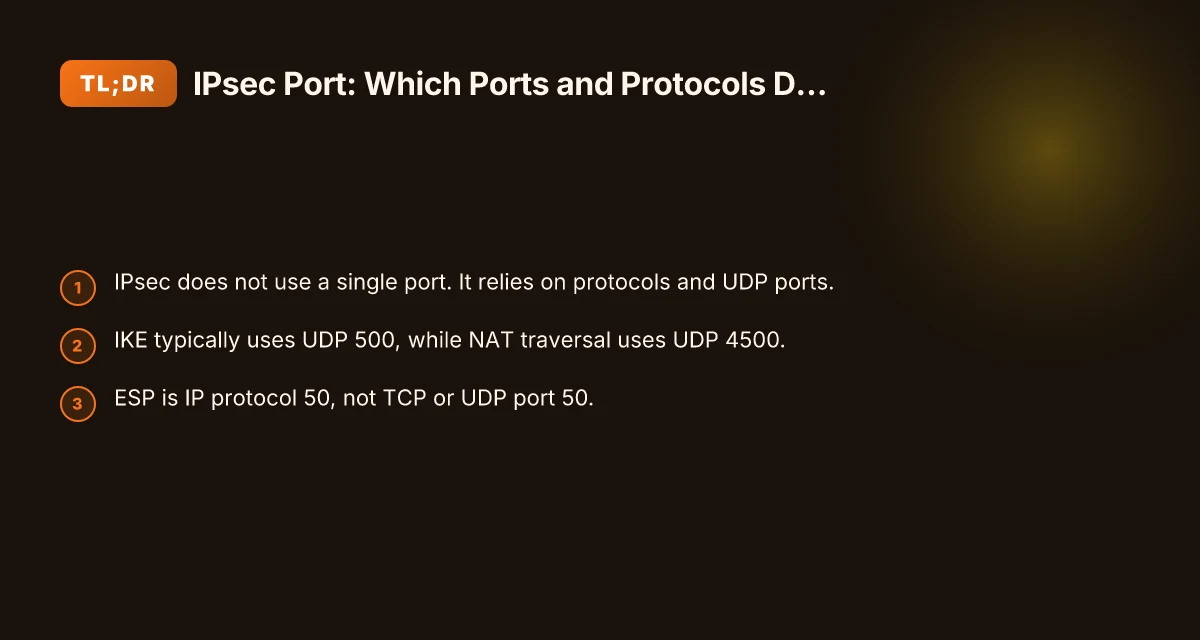
If an IPsec VPN will not connect, first confirm that both peers are configured to use compatible IKE versions, authentication methods, and encryption settings. A port being open does not make the VPN work if the peers cannot agree on those parameters.
Then check the network path. Firewalls, cloud security groups, and upstream routers can block UDP 500 or UDP 4500. Some networks also restrict VPN traffic or handle UDP connections with short timeouts. If a connection starts but drops, review firewall logs and VPN logs for negotiation failures, NAT-T detection, or repeated timeouts.
Common checks include:
- Confirm that the VPN peer’s public IP address and endpoint settings are correct.
- Verify that UDP 500 and UDP 4500 are permitted in both relevant firewall policies.
- Check whether native ESP (IP protocol 50) is required or whether NAT-T is being used.
- Review router NAT and port-forwarding rules when the VPN gateway is behind NAT.
- Make sure no overlapping VPN or firewall rules are overriding the intended policy.
Avoid opening every port as a troubleshooting shortcut. Narrow rules are easier to review and safer to maintain. If the VPN is managed by a provider or workplace IT team, use its published configuration rather than guessing. What Is f5_vpn_edge client.exe? Safety, Purpose, and Troubleshooting
Recommendation
For most IPsec VPN setups, allow UDP 500 and UDP 4500 between the VPN peers, and enable ESP (IP protocol 50) only when the configuration requires native ESP rather than NAT-T. Remember that ESP is a protocol number, not a port. Verify the requirements for your specific gateway and firewall, then restrict access to trusted VPN endpoints where possible.