Total VPN on Fire Stick: How to Install and Use It
Learn whether Total VPN works on Fire Stick, how to install it, and what to do if the app is unavailable.
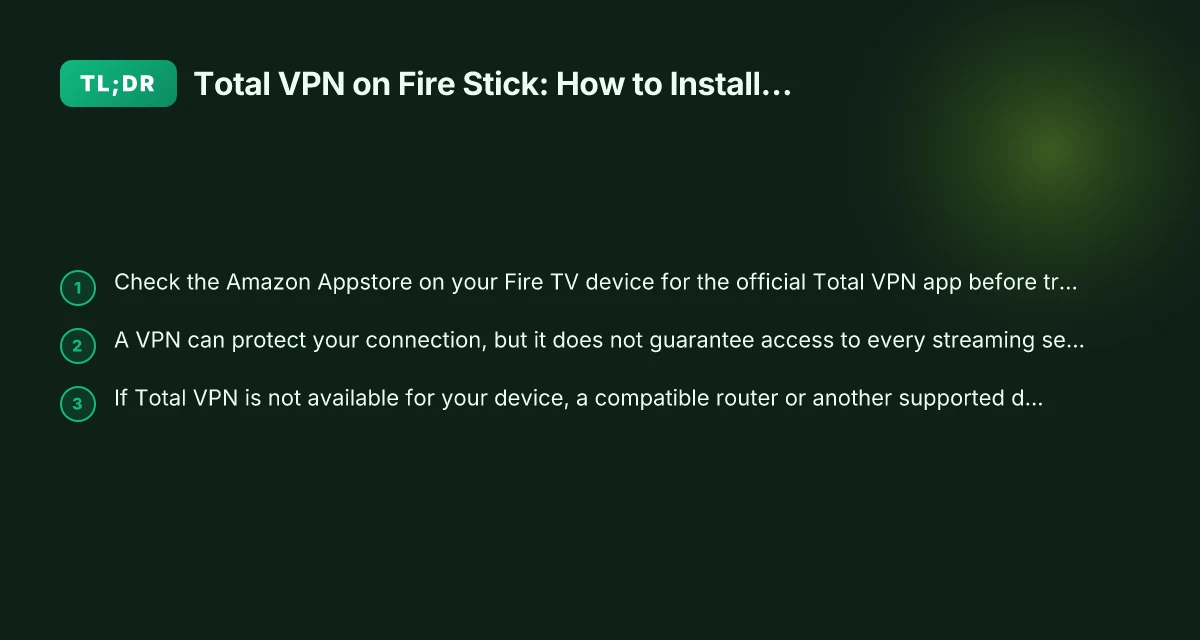
If you want to use Total VPN on Fire Stick, first search for the official app in the Amazon Appstore on your Fire TV device. If it appears, install it, sign in with your Total VPN account, and connect to a server. If it does not appear, the app may not support your Fire Stick model or region. Check Total VPN’s current compatibility information before attempting a workaround.
Fire TV menus and app availability can change, so use the instructions below as a guide rather than assuming every device will show the same options.
| VPN | Obfuscation | From / month | Plan | Free plan | Refund | Alipay | UnionPay | Crypto | Website opens in China | Trustpilot | |
|---|---|---|---|---|---|---|---|---|---|---|---|
 ZoogVPN | Turn on manually Shadow | $2.49/mo | 27 months: $59.99 | Yes | 7 days | ✓ | ✓ | ✓ | ✓ | Official site blocked; our special link opens (4.4 s) | 4.2/5 (195 reviews) |
 NordVPN | Turn on manually Obfuscated Servers / NordWhisper | $3.49/mo | 27 months: $94.23 | No | 30 days | ? | ✗ | ✓ | ✓ | ✗ Blocked | 4.2/5 (51,628 reviews) |
 ExpressVPN | ✓ On by default all servers | $3.00/mo | 28 months: $84 | No | 30 days | ✗ | ✗ | ✓ | ✗ | ✗ Blocked | 4.4/5 (29,706 reviews) |
 Surfshark | ✓ On by default Camouflage, with OpenVPN | See site | See site | No | 30 days | ✗ | ✗ | ✗ | ✓ | ✗ Blocked | 4.3/5 (31,823 reviews) |
 Proton VPN | Turn on manually Stealth, free plan too | $2.99/mo | 12 months: $35.88 | Yes | 30 days | ✗ | ✗ | ✗ | ✓ | ✗ Blocked | 2.1/5 (1,040 reviews) |
 Astrill VPN | Turn on manually StealthVPN / OpenWeb | $12.50/mo | 24 months: $300 | No | See site | ✗ | ✗ | ✗ | ✓ | ✗ Blocked | 1.3/5 (110 reviews) |
 Private Internet Access | Turn on manually Shadowsocks, OpenVPN only | $2.03/mo | 40 months: $81.2 | No | 30 days | ✗ | ✗ | ✗ | ✗ | ✗ Blocked | 4.2/5 (11,033 reviews) |
 CyberGhost | Turn on manually selected servers | $2.19/mo | 28 months: $61.32 | No | 45 days | ✗ | ✗ | ✗ | ✓ | ✗ Blocked | 4.0/5 (24,178 reviews) |
 PureVPN | Turn on manually switch to OpenVPN | $1.69/mo | 60 months: $101.55 | No | 31 days | ? | ? | ✗ | ✓ | ✗ Blocked | 4.4/5 (17,994 reviews) |
 AdGuard VPN | ✓ On by default TrustTunnel | $2.99/mo | 24 months: $71.76 | Yes | 30 days | ✓ | ✗ | ✓ | ✓ | Official site blocked; our special link opens (3.7 s) | 4.3/5 (290 reviews) |
 Mullvad | Turn on manually QUIC / Shadowsocks / LWO | $5.61/mo | €5/mo | No | 14 days | ✗ | ✗ | ✗ | ✓ | ✗ Blocked | 3.2/5 (192 reviews) |
 Windscribe | Turn on manually Stealth / WStunnel | $5.75/mo | 12 months: $69 | Yes | See site | ✗ | ✗ | ✗ | ✓ | ✗ Blocked | 4.7/5 (13,355 reviews) |
 StrongVPN | Turn on manually Scramble, OpenVPN TCP | See site | See site | No | 30 days | ✓ | ✗ | ✗ | ✗ | ✗ Blocked | 4.4/5 (2,695 reviews) |
 LightXtreme 闪连 | Not listed | $7.08/mo | 12 months: $84.99 | Yes | 30 days | ✓ | ✓ | ✓ | ✓ | ✓ Yes (3.5 s) | No page |
Prices checked 2026-11-10 on each vendor's pricing page (cheapest long plan, USD). Check the vendor's checkout for the final price.
Obfuscation checked 2026-11-14 on each vendor's site and help center: "on by default" = nothing to set; "turn on manually" = switch protocol or mode in settings; "not listed" = the vendor describes no obfuscation.
Payment methods checked 2026-11-10 on each vendor's payment pages: all 14 take cards and PayPal; ✗ = not listed, ? = the vendor's own pages disagree.
China access: whether the official website opens from mainland China networks (tests the website only, not the VPN connection). Last checked 2026-11-18 01:02 Beijing time.
Trustpilot score and review count checked 2026-11-10.

Editor's pick: NordVPN — fast, secure VPN — Strong encryption, a no-logs policy and apps for every device. 30-day money-back guarantee. Get NordVPN →
Total VPN installation and access options
| Option | Availability check | Installation route | Extra setup | Best for |
|---|---|---|---|---|
| Amazon Appstore listing | Search for Total VPN | Install from the listing | None | The simplest setup |
| Existing app listing | Check the Fire Stick’s app store | Follow on-screen prompts | Sign in if requested | Supported devices |
| App missing from store | Search again on the device | Use only a trusted alternative source | May require extra steps | When no listing appears |
| Installation blocked | Check device compatibility | Resolve the store or device issue | Restart may help | Install errors |
| App installed | Open Total VPN | Sign in or create an account | Allow requested permissions | First-time setup |
| App ready | Choose a VPN location | Tap Connect | Confirm the connection | Starting a VPN session |
Compiled November 2026; check the provider's site for current details.
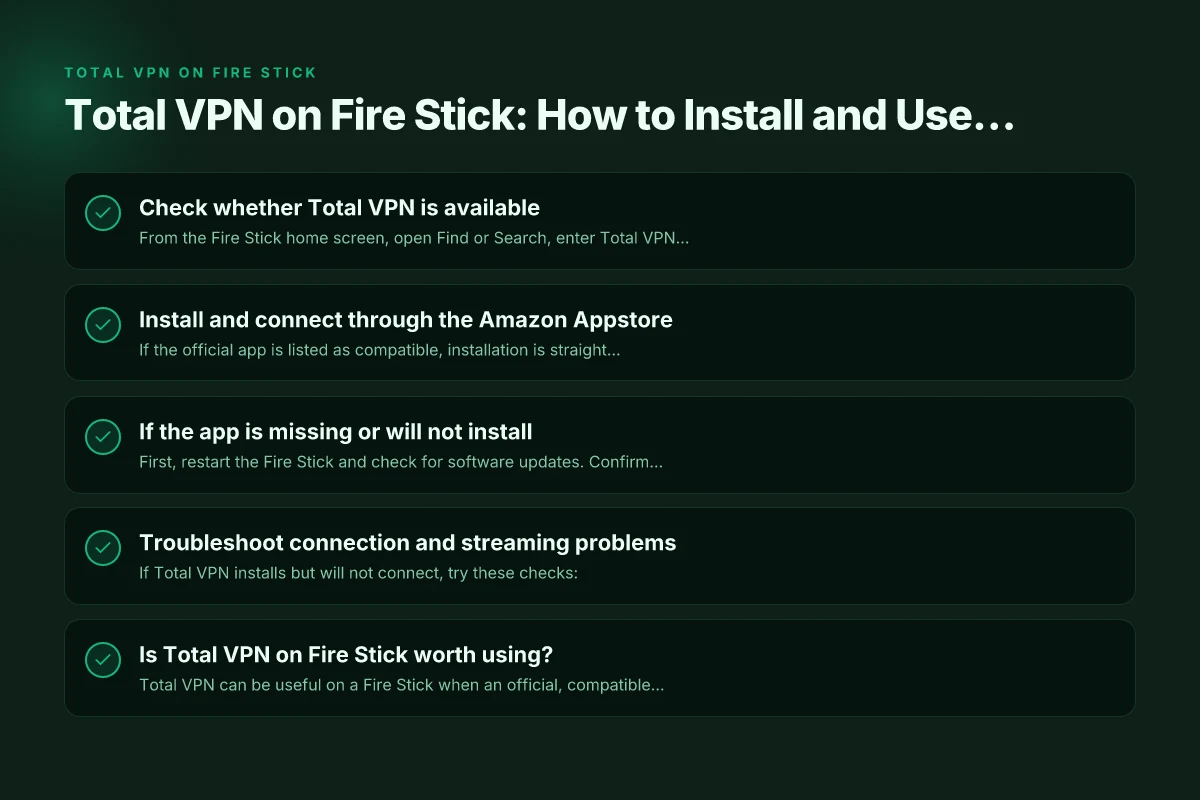
Check whether Total VPN is available
From the Fire Stick home screen, open Find or Search, enter Total VPN, and review the results. You can also check the Amazon Appstore using a browser, but confirm that the listing is compatible with your specific Fire TV device.
Before installing, verify that the app is the official Total VPN app. Check the publisher name and app details rather than choosing a similarly named product. If no official listing appears, consider these possibilities:
- The app is not offered for your Fire TV model.
- The app is unavailable in your Amazon account’s region.
- Your device software or store needs an update.
- Total VPN does not currently provide a native Fire TV app.
You can also consult Total VPN’s official support pages or contact its support team. App availability changes, so current confirmation is more reliable than older setup guides.
Install and connect through the Amazon Appstore
If the official app is listed as compatible, installation is straightforward: Cj.cj.net VPN: What the Website Is and How to Find a VPN Partner Program
- Select the Total VPN app in the Amazon Appstore.
- Choose Get, Download, or Install, depending on the screen.
- Open the app when installation finishes.
- Sign in using your Total VPN account details.
- Choose a server location and select Connect.
- Approve any Fire TV connection prompt if one appears.
Once connected, look for an in-app status showing that the VPN is active. You can also check the Fire TV settings for a VPN connection indicator, though menus differ between device versions. Open the streaming app you want to use and confirm it works as expected.
A VPN encrypts traffic between your device and the VPN server, which can help protect data on networks you do not control. It does not make you anonymous, remove all tracking, or guarantee access to a particular streaming catalogue. Streaming providers may restrict VPN connections under their own terms.
Troubleshooting Total VPN on Fire Stick
| Problem | First check | Try next | Streaming impact | If it continues |
|---|---|---|---|---|
| App will not install | Appstore availability | Check device compatibility | No VPN access | Try a supported setup route |
| App is missing | Search the Fire Stick Appstore | Check whether the device is supported | No VPN access | Avoid untrusted downloads |
| App will not open | Restart the app | Restart the Fire Stick | Streaming may be unprotected | Reinstall if available |
| VPN will not connect | Check the internet connection | Choose another VPN location | VPN protection is unavailable | Contact Total VPN support |
| Streaming is slow | Check connection stability | Try a nearby VPN location | Playback may buffer | Test without the VPN |
| Streaming service will not load | Reconnect to the VPN | Try another location | Access may vary | Check the service’s requirements |
| Connection drops | Check Wi-Fi stability | Reconnect in the app | Protection may stop | Contact support if repeated |
Compiled November 2026; check the provider's site for current details. Axgate VPN client download: Official Sources, Setup, and Troubleshooting
If the app is missing or will not install
First, restart the Fire Stick and check for software updates. Confirm that your Amazon account and device region are set correctly, then search the Appstore again. If the official listing still does not appear, do not assume that a random download file will work.
Some guides recommend sideloading an Android app. This involves installing an app package from outside the Amazon Appstore, and it can create security and usability problems. A mobile app may not be designed for a television screen or Fire TV remote, and a file from an unofficial source could be modified or unsafe. Only consider sideloading if Total VPN explicitly provides instructions and a trustworthy download for your device.
| Option | When it may help | Main limitation |
|---|---|---|
| Official Fire TV app | The app is listed for your device | Availability can vary by model and region |
| Router VPN setup | Total VPN supports your router and configuration | Setup can be technical and may affect every connected device |
| Use a supported device | You can run Total VPN on a computer or mobile device | It may not protect the Fire Stick’s own connection |
| Sideload an app | The provider officially documents the method | Compatibility and security risks need careful checking |
A computer’s VPN connection does not automatically cover a Fire Stick on the same Wi-Fi. Sharing a VPN connection or configuring a router requires extra setup, and the exact steps depend on the hardware and Total VPN’s supported connection methods.
Troubleshoot connection and streaming problems
If Total VPN installs but will not connect, try these checks: OpenVPN Connect: How to Download, Set Up, and Use the Official VPN Client
- Confirm that your subscription is active and your sign-in details are correct.
- Restart the app and Fire Stick.
- Try another server location offered by the app.
- Check that your home internet connection works without the VPN.
- Update the app and Fire TV software if updates are available.
- Contact Total VPN support if the problem continues.
If the VPN connects but a streaming app stops working, the service may be detecting or restricting VPN traffic. Disconnecting and reconnecting, or choosing a different server, may help with ordinary connection issues, but it cannot guarantee access. Follow the streaming provider’s rules and avoid relying on a VPN as a way to bypass geographic restrictions or other service limits.
You can also check whether the VPN affects speed. Video quality depends on your internet plan, Wi-Fi signal, Fire Stick model, VPN server load, and the distance to that server. If playback buffers, test your connection without the VPN and move the Fire Stick or router to improve Wi-Fi reception before changing more settings.
Is Total VPN on Fire Stick the right choice?
| Decision factor | Total VPN from Appstore | Total VPN unavailable | Another VPN option |
|---|---|---|---|
| Setup effort | Usually simpler | May need extra steps | Depends on the app |
| Device support | Check the listing | May be unsupported | Check its device listing |
| Installation route | Amazon Appstore | Trusted alternative only | Appstore or supported route |
| Connection setup | Choose a location and connect | Depends on the setup | Follow the provider’s instructions |
| Streaming performance | Test on your network | Uncertain until installed | Test before relying on it |
| Service compatibility | May vary by service | Cannot confirm from the app listing | Check provider guidance |
| Troubleshooting | App and connection checks | Installation checks first | Provider-specific support |
| Recommendation | Use if available and reliable | Do not assume compatibility | Compare support and performance |
Compiled November 2026; check the provider's site for current details. Best Free VPN for Edge: Top Picks and Limitations
Is Total VPN on Fire Stick worth using?
Total VPN can be useful on a Fire Stick when an official, compatible app is available and you want the device’s traffic to pass through a VPN connection. The main practical question is compatibility: a VPN subscription alone does not mean the service has a Fire TV app or supports every installation method.
Before choosing a setup, confirm that Total VPN supports your exact device and that the connection method fits how you use your home network. A router configuration can cover devices that lack native apps, but it may take more effort and can slow or complicate the network.
Recommendation
Search the Amazon Appstore on your Fire Stick and install Total VPN only if you find the official compatible app. If it is missing, confirm current support with Total VPN before trying sideloading. Otherwise, consider a supported router setup or use the VPN on a device it officially supports.