
SoftEther VPN: What It Is, How It Works, and Whether to Use It
Learn what SoftEther VPN does, how it differs from VPN services, and what to consider before installing it.


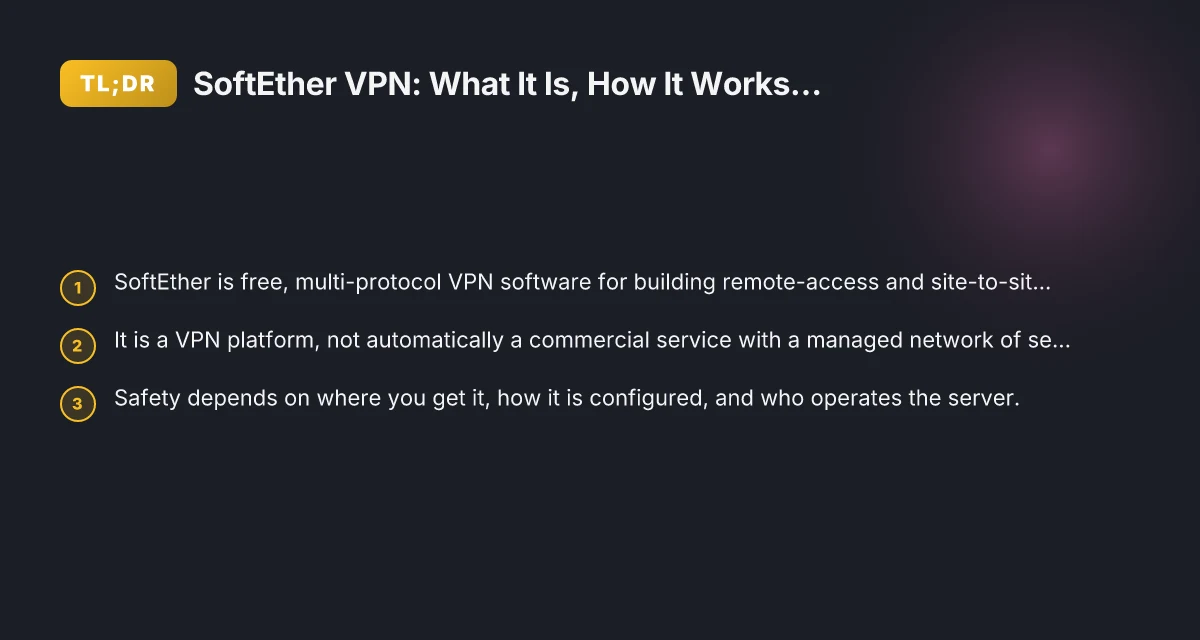
SoftEther VPN is free, multi-protocol VPN software for creating secure virtual network connections, including remote access and site-to-site links. It can be a useful choice for connecting to a network you manage, but it is not the same thing as subscribing to a commercial VPN service: you generally need to configure or choose a VPN server yourself.

Editor's pick: NordVPN — fast, secure VPN — Strong encryption, a no-logs policy and apps for every device. 30-day money-back guarantee. Get NordVPN →
SoftEther VPN compared with a commercial VPN service
| Comparison point | SoftEther VPN | Commercial VPN service | What to consider |
|---|---|---|---|
| What it is | VPN software | VPN subscription service | Software is not a service |
| VPN server | Set up or choose one | Provided by the service | Server access differs |
| Setup | Configure the software | Usually use an app | Technical effort varies |
| Protocol options | Supports multiple protocols | Depends on provider | Check compatibility |
| Privacy policy | Depends on server operator | Depends on provider | Review who handles data |
| Cost | Software is free | Often paid | Hosting may still cost |
| Best fit | Users who want control | Users who want convenience | Match your needs |
Compiled November 2026; check the provider's site for current details.
| VPN | Obfuscation | From / month | Plan | Free plan | Refund | Alipay | UnionPay | Crypto | Website opens in China | Trustpilot | |
|---|---|---|---|---|---|---|---|---|---|---|---|
 ZoogVPN | Turn on manually Shadow | $2.49/mo | 27 months: $59.99 | Yes | 7 days | ✓ | ✓ | ✓ | ✓ | Official site blocked; our special link opens (4.4 s) | 4.2/5 (195 reviews) |
 NordVPN | Turn on manually Obfuscated Servers / NordWhisper | $3.49/mo | 27 months: $94.23 | No | 30 days | ? | ✗ | ✓ | ✓ | ✗ Blocked | 4.2/5 (51,628 reviews) |
 ExpressVPN | ✓ On by default all servers | $3.00/mo | 28 months: $84 | No | 30 days | ✗ | ✗ | ✓ | ✗ | ✗ Blocked | 4.4/5 (29,706 reviews) |
 Surfshark | ✓ On by default Camouflage, with OpenVPN | See site | See site | No | 30 days | ✗ | ✗ | ✗ | ✓ | ✗ Blocked | 4.3/5 (31,823 reviews) |
 Proton VPN | Turn on manually Stealth, free plan too | $2.99/mo | 12 months: $35.88 | Yes | 30 days | ✗ | ✗ | ✗ | ✓ | ✗ Blocked | 2.1/5 (1,040 reviews) |
 Astrill VPN | Turn on manually StealthVPN / OpenWeb | $12.50/mo | 24 months: $300 | No | See site | ✗ | ✗ | ✗ | ✓ | ✗ Blocked | 1.3/5 (110 reviews) |
 Private Internet Access | Turn on manually Shadowsocks, OpenVPN only | $2.03/mo | 40 months: $81.2 | No | 30 days | ✗ | ✗ | ✗ | ✗ | ✗ Blocked | 4.2/5 (11,033 reviews) |
 CyberGhost | Turn on manually selected servers | $2.19/mo | 28 months: $61.32 | No | 45 days | ✗ | ✗ | ✗ | ✓ | ✗ Blocked | 4.0/5 (24,178 reviews) |
 PureVPN | Turn on manually switch to OpenVPN | $1.69/mo | 60 months: $101.55 | No | 31 days | ? | ? | ✗ | ✓ | ✗ Blocked | 4.4/5 (17,994 reviews) |
 AdGuard VPN | ✓ On by default TrustTunnel | $2.99/mo | 24 months: $71.76 | Yes | 30 days | ✓ | ✗ | ✓ | ✓ | Official site blocked; our special link opens (3.7 s) | 4.3/5 (290 reviews) |
 Mullvad | Turn on manually QUIC / Shadowsocks / LWO | $5.61/mo | €5/mo | No | 14 days | ✗ | ✗ | ✗ | ✓ | ✗ Blocked | 3.2/5 (192 reviews) |
 Windscribe | Turn on manually Stealth / WStunnel | $5.75/mo | 12 months: $69 | Yes | See site | ✗ | ✗ | ✗ | ✓ | ✗ Blocked | 4.7/5 (13,355 reviews) |
 StrongVPN | Turn on manually Scramble, OpenVPN TCP | See site | See site | No | 30 days | ✓ | ✗ | ✗ | ✗ | ✗ Blocked | 4.4/5 (2,695 reviews) |
 LightXtreme 闪连 | Not listed | $7.08/mo | 12 months: $84.99 | Yes | 30 days | ✓ | ✓ | ✓ | ✓ | ✓ Yes (3.5 s) | No page |
Prices checked 2026-11-10 on each vendor's pricing page (cheapest long plan, USD). Check the vendor's checkout for the final price.
Obfuscation checked 2026-11-14 on each vendor's site and help center: "on by default" = nothing to set; "turn on manually" = switch protocol or mode in settings; "not listed" = the vendor describes no obfuscation.
Payment methods checked 2026-11-10 on each vendor's payment pages: all 14 take cards and PayPal; ✗ = not listed, ? = the vendor's own pages disagree.
China access: whether the official website opens from mainland China networks (tests the website only, not the VPN connection). Last checked 2026-11-18 01:02 Beijing time.
Trustpilot score and review count checked 2026-11-10.
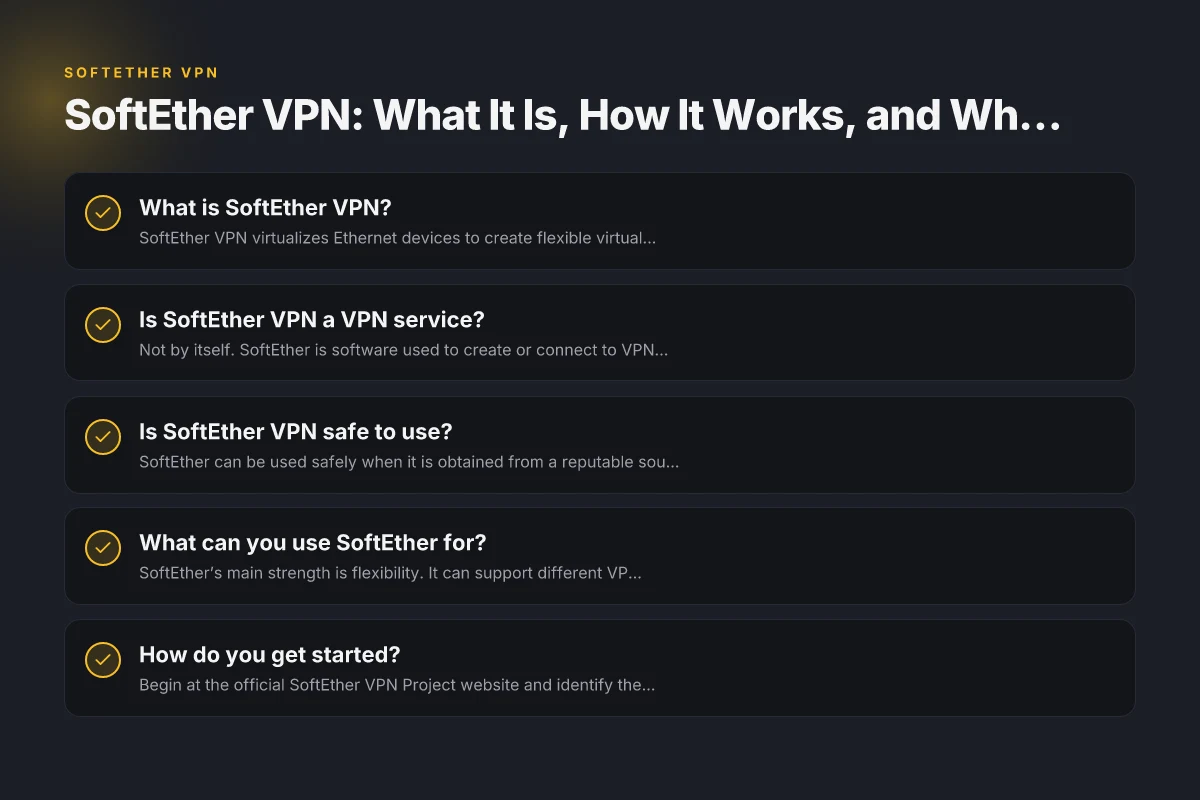
What is SoftEther VPN?
SoftEther VPN virtualizes Ethernet devices to create flexible virtual private networks. The project describes support for both remote-access VPNs, which connect individual users to a network, and site-to-site VPNs, which link separate networks.
The name “SoftEther” means “Software Ethernet.” The software is designed to work across different devices and VPN protocols. Its project describes it as a multi-protocol VPN platform, and the official SoftEther VPN Project site is the best starting point for learning about the software and finding project information.
In practice, SoftEther can be used to:
- Connect to a home, school, or business network from elsewhere.
- Link two networks over the internet.
- Set up a VPN server that other users can access.
- Connect through a VPN server run by someone else, if you trust its operator.
Is SoftEther VPN a VPN service?
Not by itself. SoftEther is software used to create or connect to VPN infrastructure. It does not automatically provide a global network of servers, a managed account, or a particular privacy policy. Proton VPN Free: What You Get, Limitations, and Who It Suits
That distinction matters. With a commercial VPN subscription, the provider typically operates the servers and sets the service’s policies. With a self-hosted SoftEther setup, you or your organization control the server and are responsible for its security and maintenance. If you connect to a public server, the server operator, not the SoftEther software, determines how that server is run.
| Option | Who operates the server? | Best suited to |
|---|---|---|
| Self-hosted SoftEther | You or your organization | Remote access and linking networks you manage |
| Public SoftEther-based server | A third-party operator | Users willing to rely on that operator |
| Commercial VPN service | The VPN company | People seeking a managed consumer service |
SoftEther itself is freeware. However, that does not mean every server you connect to is free, trustworthy, or operated by the project.
SoftEther VPN safety and setup checklist
| Decision point | What to check | Why it matters | Practical approach |
|---|---|---|---|
| Software source | Official SoftEther site | Avoid altered downloads | Download from the official source |
| Server operator | Who controls the server | Operator may access traffic metadata | Use a trusted server |
| Configuration | Correct settings | Misconfiguration can weaken security | Follow documentation |
| Encryption | Supported security settings | Protects data in transit | Use secure settings |
| Updates | Current software version | Updates can address issues | Keep software updated |
| Device access | Who can connect | Limits unwanted access | Use strong credentials |
| Network use | Local rules and policies | VPN use may be restricted | Check before connecting |
Compiled November 2026; check the provider's site for current details. Urban VPN Extension: Features, Setup, and What to Consider
Is SoftEther VPN safe to use?
SoftEther can be used safely when it is obtained from a reputable source and configured appropriately. But no VPN program is automatically safe in every setup. Your protection depends on factors such as the server’s security, account credentials, software updates, and the trustworthiness of the person or organization running the server.
Before using it:
- Download the software from the official SoftEther VPN Project or another source you can verify.
- Use strong, unique credentials and limit server access to authorized users.
- Keep the software and the server’s operating system updated.
- Review the server configuration and logs if you administer it.
- Consider what the server operator can see and whether you trust them.
A VPN can protect traffic between your device and the VPN server, depending on the configuration. It does not make you anonymous by default, protect every device problem, or guarantee that the VPN operator cannot observe activity. If privacy is your priority, understand who runs the server and what data they may retain before connecting.
What can you use SoftEther for?
SoftEther’s main strength is flexibility. It can support different VPN arrangements, making it relevant to both personal and organizational networking. Surfshark Is Making My Connection So Slow: Causes and Fixes
Remote access
A user can connect from outside a location to resources on a network they are allowed to use. This may be useful for accessing internal services or files while away from a home or workplace.
Site-to-site networking
An administrator can connect separate networks so devices at different locations can communicate over a virtual network. This is a networking task that usually requires planning and configuration rather than simply installing an app.
Learning and experimentation
Because SoftEther is software for building VPN connections, it can also help technically minded users learn how VPN servers and network access work. The flexibility is useful, but it may involve more setup than a consumer VPN app.
How do you get started?
Begin at the official SoftEther VPN Project website and identify the components that fit your intended setup. The project’s documentation and resources can help you understand whether you need server software, client software, or both. NordVPN Login: How to Sign In and Manage Your Account
A basic checklist:
- Decide whether you are connecting to a server you control or one operated by someone else.
- Confirm that your device and operating system are supported by the version you plan to use.
- Install the software from a source you trust.
- Configure the server, user access, and connection settings carefully.
- Test that the connection works and that it provides the network access you intended.
VPN Gate is a separate project associated with the University of Tsukuba and offers a download page for its VPN Gate Client. It is one way users may encounter SoftEther, but using a public relay is different from running a private server. Check the current information and terms provided by the relevant project before connecting.
Is SoftEther VPN right for you?
| User need | SoftEther may fit | Main consideration | Alternative direction |
|---|---|---|---|
| Learn about VPN technology | Yes | Requires setup | Guided VPN app |
| Run your own VPN server | Yes | You manage the server | Managed VPN hosting |
| Connect devices remotely | Supported | Configure endpoints | Remote-access service |
| Choose among protocols | Yes | Compatibility varies | Single-protocol VPN |
| Avoid technical setup | Less suitable | Configuration takes effort | Commercial VPN app |
| Get a provider-managed service | No, not by itself | It is VPN software | VPN subscription |
| Control server choices | Yes, with your own setup | You also handle maintenance | Provider with server options |
| Use it for sensitive work | Possible with careful setup | Security depends on configuration and operator | Organization-approved VPN |
Compiled November 2026; check the provider's site for current details. Microsoft Edge Menu > Settings > Show Advanced Settings > Change Proxy Settings > LAN Settings
SoftEther VPN: who should use it?
SoftEther is a good fit for people who want to create or administer their own VPN connections, need flexible networking, or are comfortable managing technical settings. It may be less suitable for someone who simply wants a low-maintenance consumer VPN app and does not want to select, configure, or evaluate a server.
Recommendation: Choose SoftEther if you need a flexible VPN platform and can manage, or trust someone else to manage, the server. For a straightforward privacy service, compare established commercial VPN providers instead, and evaluate their policies and operating practices rather than assuming any VPN guarantees anonymity.