
Proxy Server: What It Is, How It Works, and When to Use One
Learn how a proxy server works, compare common types, and choose one for privacy, access, or network management.
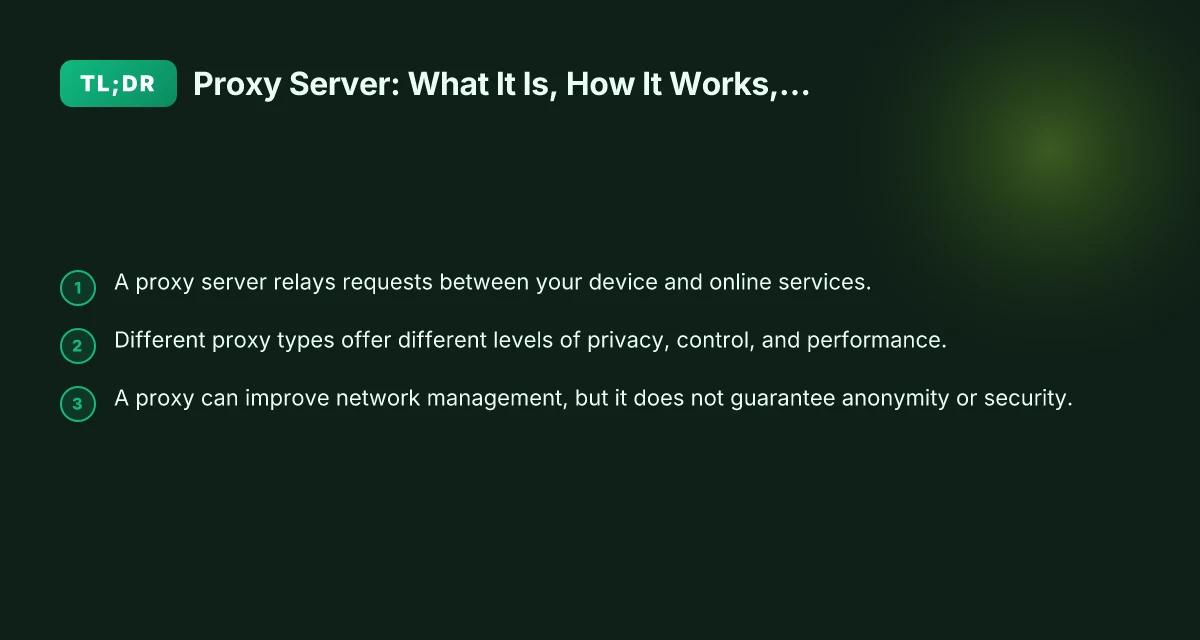
A proxy server is an intermediary between your device and the websites or services you use. Instead of connecting directly, your device sends a request to the proxy, which forwards it to the destination and returns the response. Depending on its configuration, a proxy can help manage network traffic, apply access rules, cache content, or change the IP address that a website sees. It can also introduce privacy and security risks, so choosing a trustworthy provider and understanding the setup matter.

Editor's pick: NordVPN — fast, secure VPN — Strong encryption, a no-logs policy and apps for every device. 30-day money-back guarantee. Get NordVPN →
How a proxy server works
When you visit a website, your browser normally sends a request to that site’s server. With a proxy enabled, the request goes to the proxy first. The proxy then contacts the website on your behalf and passes the response back to you.
The website will generally see the proxy’s IP address rather than your device’s public IP address. However, this does not mean that the proxy makes you anonymous. The proxy operator may be able to see connection details, and websites can use other information, such as cookies, account logins, or browser characteristics, to identify activity.
A proxy may operate at different levels. Some handle only browser traffic, while others can be configured for particular applications or broader network traffic. The details depend on the proxy type and the software or device using it.
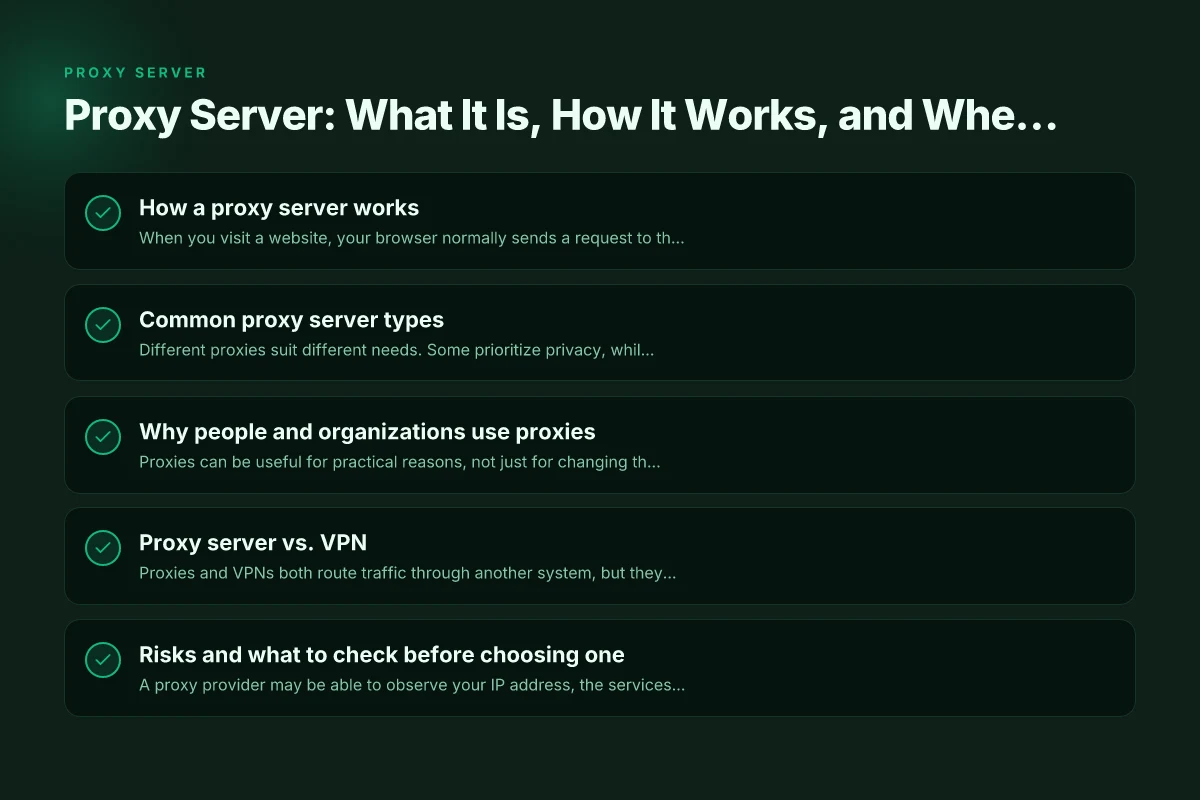
Common proxy server types
Different proxies suit different needs. Some prioritize privacy, while others are designed for speed, access control, or handling many requests. NordVPN Download: How to Get the Official App Safely
| Type | How it is commonly used | Key consideration |
|---|---|---|
| Forward proxy | Routes requests from users to internet services | Often used by organizations to manage outbound traffic |
| Reverse proxy | Receives requests on behalf of web servers | Can help with load balancing, filtering, and TLS handling |
| Residential proxy | Routes traffic through IP addresses associated with residential connections | May appear more like ordinary household traffic, but legitimacy and sourcing matter |
| Datacenter proxy | Uses IP addresses from data centers | Often fast, but some sites may recognize or block these addresses |
| Transparent proxy | Intercepts or routes traffic without requiring detailed user setup | Users may not know it is in place; it is not designed to provide strong privacy |
| SOCKS proxy | Relays different kinds of network traffic, depending on configuration | Often flexible, but does not encrypt traffic by itself |
A forward proxy is typically what people mean when they discuss using a proxy to browse the web. A reverse proxy sits in front of servers instead, helping service owners handle incoming requests. These roles are different, even though both involve an intermediary.
Why people and organizations use proxies
Proxies can be useful for practical reasons, not just for changing the IP address visible to a website.
- Network management: Schools and businesses can control which services users can access and apply policies to outbound connections.
- Caching: A proxy may store copies of frequently requested content, reducing repeated downloads and improving response times in some environments.
- Access to internal services: Organizations can route approved requests through systems that provide controlled access to company resources.
- Testing and research: Developers and analysts can check how a website behaves from different network locations or under different connection conditions.
- Server protection and scaling: A reverse proxy can distribute incoming requests across multiple servers and help shield the underlying infrastructure.
- IP address separation: A proxy can show a website a different public IP address, which may be useful for legitimate testing or privacy preferences.
A proxy is not automatically the best tool for every task. For example, if your main goal is encrypting all internet traffic between your device and a provider, a virtual private network (VPN) may be more appropriate, depending on the provider and configuration.
Proxy server vs. VPN
Proxies and VPNs both route traffic through another system, but they are not interchangeable. A proxy may handle only a specific application or type of traffic. A VPN generally creates an encrypted tunnel for traffic from a device or network, though exact coverage depends on its settings. CJ VPN Login: How to Sign In and Fix Common Access Problems
| Feature | Proxy server | VPN |
|---|---|---|
| Traffic coverage | Often limited to configured apps or requests | Often covers device or network traffic |
| Encryption | Not guaranteed; depends on the connection and proxy | Commonly encrypts the tunnel between the device and VPN provider |
| Typical control | Can filter, route, or cache selected traffic | Primarily routes traffic through an encrypted connection |
| Setup | May be configured per app or browser | Usually configured through an app or system settings |
| Main privacy concern | The proxy operator can observe some traffic or metadata | The VPN provider can observe some connection information |
Neither option makes a user completely anonymous. Encryption also has limits: HTTPS protects data in transit between a browser and a website, but it does not prevent tracking through logged-in accounts, cookies, or other identifiers. Review what a provider collects and how it handles that information.
Risks and what to check before choosing one
A proxy provider may be able to observe your IP address, the services you connect to, and, in some cases, unencrypted traffic. A malicious or poorly managed proxy could log activity, inject unwanted content, or expose sensitive information. Free services are not necessarily unsafe, but their business model, privacy practices, and reliability may be unclear.
Before using a proxy, check:
- Operator and reputation: Identify who runs the service and look for credible information about its track record.
- Logging policy: Find out what connection or usage data is recorded, how long it is retained, and whether it is shared.
- Encryption: Use HTTPS websites, and confirm whether any claimed encryption applies to the connection you care about.
- Permissions and configuration: Avoid installing unknown software or giving a proxy unnecessary access to your device.
- Performance and reliability: Test connection speed, stability, and compatibility with the applications you need.
- Terms and local rules: Follow applicable laws, workplace policies, and the destination service’s terms of use.
For business use, consider managed solutions with clear administrative controls, security updates, and support. For personal use, avoid sending passwords, financial details, or other sensitive information through a proxy you do not trust. Proton VPN Download: How to Get and Install the Official App
How to set up a proxy server
The setup depends on whether you are using a provider’s proxy, configuring an application, or running your own server. Usually, you need the proxy’s address, port, connection type, and, if required, login credentials.
You can often enter these details in your operating system’s network settings or in a particular browser or application. Follow the provider’s instructions and confirm that the proxy is enabled for the traffic you intend to route. Then check your public IP address and test the services you need.
If you run a proxy yourself, you are responsible for updating it, securing access, monitoring logs, and preventing unauthorized use. An exposed proxy can be abused by others and may create legal, operational, or security problems.
Recommendation
Choose a proxy server when you need a specific intermediary for traffic routing, filtering, testing, caching, or server management. Select a provider with transparent privacy practices, configure only the traffic you intend to route, and use HTTPS for sensitive browsing. If you need encrypted coverage across most or all of a device’s internet traffic, compare reputable VPN options instead, and remember that neither tool guarantees anonymity. Free VPN Extension for Edge Browser: What to Choose and How to Use It