NordVPN Download: How to Get the Official App Safely
Find out where to download NordVPN, how to install it on your device, and how to avoid unofficial or unsafe copies.
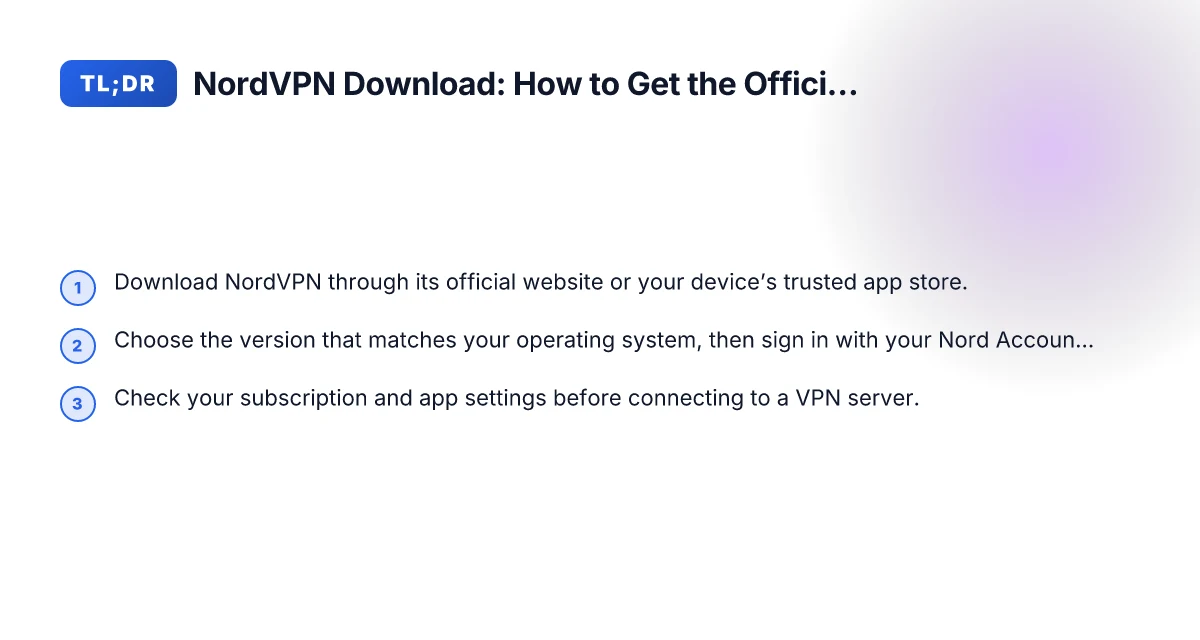
To download NordVPN, visit the official NordVPN website or open the official app store on your device, find the NordVPN app, and follow the installation instructions. Choose the version for your operating system, install it, then sign in with your Nord Account to connect. Avoid third-party download sites, which may offer outdated, altered, or unsafe files.

Editor's pick: NordVPN — fast, secure VPN — Strong encryption, a no-logs policy and apps for every device. 30-day money-back guarantee. Get NordVPN →
Official NordVPN download options by device
| Device or platform | Where to get the app | What to check | Sign-in method |
|---|---|---|---|
| Windows PC | NordVPN official website | Select the Windows download | Nord Account |
| Mac | NordVPN official website | Select the macOS download | Nord Account |
| Android phone or tablet | Google Play or NordVPN official website | Confirm the app is published by NordVPN | Nord Account |
| iPhone or iPad | Apple App Store | Confirm the app is published by NordVPN | Nord Account |
| Linux computer | NordVPN official website | Choose instructions for your distribution | Nord Account |
| Android TV | Google Play, if available on the device | Check device compatibility | Nord Account |
| Browser | Official browser extension store | Check that the extension is NordVPN’s | Nord Account |
Compiled November 2026; check the provider's site for current details.
| VPN | Obfuscation | From / month | Plan | Free plan | Refund | Alipay | UnionPay | Crypto | Website opens in China | Trustpilot | |
|---|---|---|---|---|---|---|---|---|---|---|---|
 NordVPN | Turn on manually Obfuscated Servers / NordWhisper | $3.49/mo | 27 months: $94.23 | No | 30 days | ? | ✗ | ✓ | ✓ | ✗ Blocked | 4.2/5 (51,628 reviews) |
 ZoogVPN | Turn on manually Shadow | $2.49/mo | 27 months: $59.99 | Yes | 7 days | ✓ | ✓ | ✓ | ✓ | Official site blocked; our special link opens (4.4 s) | 4.2/5 (195 reviews) |
 ExpressVPN | ✓ On by default all servers | $3.00/mo | 28 months: $84 | No | 30 days | ✗ | ✗ | ✓ | ✗ | ✗ Blocked | 4.4/5 (29,706 reviews) |
 Surfshark | ✓ On by default Camouflage, with OpenVPN | See site | See site | No | 30 days | ✗ | ✗ | ✗ | ✓ | ✗ Blocked | 4.3/5 (31,823 reviews) |
 Proton VPN | Turn on manually Stealth, free plan too | $2.99/mo | 12 months: $35.88 | Yes | 30 days | ✗ | ✗ | ✗ | ✓ | ✗ Blocked | 2.1/5 (1,040 reviews) |
 Astrill VPN | Turn on manually StealthVPN / OpenWeb | $12.50/mo | 24 months: $300 | No | See site | ✗ | ✗ | ✗ | ✓ | ✗ Blocked | 1.3/5 (110 reviews) |
 Private Internet Access | Turn on manually Shadowsocks, OpenVPN only | $2.03/mo | 40 months: $81.2 | No | 30 days | ✗ | ✗ | ✗ | ✗ | ✗ Blocked | 4.2/5 (11,033 reviews) |
 CyberGhost | Turn on manually selected servers | $2.19/mo | 28 months: $61.32 | No | 45 days | ✗ | ✗ | ✗ | ✓ | ✗ Blocked | 4.0/5 (24,178 reviews) |
 PureVPN | Turn on manually switch to OpenVPN | $1.69/mo | 60 months: $101.55 | No | 31 days | ? | ? | ✗ | ✓ | ✗ Blocked | 4.4/5 (17,994 reviews) |
 AdGuard VPN | ✓ On by default TrustTunnel | $2.99/mo | 24 months: $71.76 | Yes | 30 days | ✓ | ✗ | ✓ | ✓ | Official site blocked; our special link opens (3.7 s) | 4.3/5 (290 reviews) |
 Mullvad | Turn on manually QUIC / Shadowsocks / LWO | $5.61/mo | €5/mo | No | 14 days | ✗ | ✗ | ✗ | ✓ | ✗ Blocked | 3.2/5 (192 reviews) |
 Windscribe | Turn on manually Stealth / WStunnel | $5.75/mo | 12 months: $69 | Yes | See site | ✗ | ✗ | ✗ | ✓ | ✗ Blocked | 4.7/5 (13,355 reviews) |
 StrongVPN | Turn on manually Scramble, OpenVPN TCP | See site | See site | No | 30 days | ✓ | ✗ | ✗ | ✗ | ✗ Blocked | 4.4/5 (2,695 reviews) |
 LightXtreme 闪连 | Not listed | $7.08/mo | 12 months: $84.99 | Yes | 30 days | ✓ | ✓ | ✓ | ✓ | ✓ Yes (3.5 s) | No page |
Prices checked 2026-11-10 on each vendor's pricing page (cheapest long plan, USD). Check the vendor's checkout for the final price.
Obfuscation checked 2026-11-14 on each vendor's site and help center: "on by default" = nothing to set; "turn on manually" = switch protocol or mode in settings; "not listed" = the vendor describes no obfuscation.
Payment methods checked 2026-11-10 on each vendor's payment pages: all 14 take cards and PayPal; ✗ = not listed, ? = the vendor's own pages disagree.
China access: whether the official website opens from mainland China networks (tests the website only, not the VPN connection). Last checked 2026-11-18 01:02 Beijing time.
Trustpilot score and review count checked 2026-11-10.
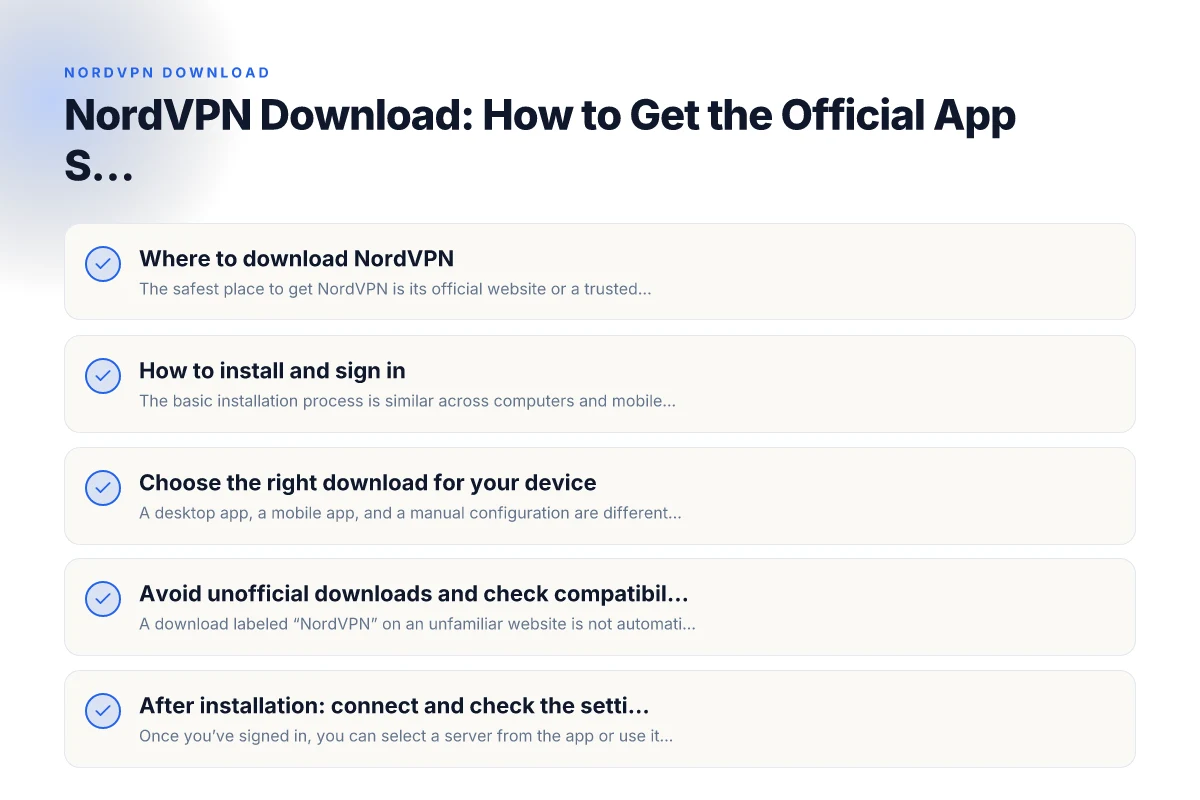
Where to download NordVPN
The safest place to get NordVPN is its official website or a trusted app marketplace. The available route depends on your device:
- Windows and Mac: Go to the NordVPN website and select the download for your operating system.
- Android: Search for NordVPN in Google Play.
- iPhone and iPad: Search for NordVPN in Apple’s App Store.
- Linux: Follow the Linux setup instructions on NordVPN’s official website.
- Other compatible devices: Check NordVPN’s support pages for the appropriate setup method.
Before downloading, confirm that the publisher is Nord Security or the official NordVPN publisher. Search results and download directories can include lookalike apps, so check the listing and its developer rather than relying on the name alone.
NordVPN’s app availability and setup options may vary by operating system, device, and region. Use the official instructions for your specific device if you are unsure which version to choose.
How to install and sign in
The basic installation process is similar across computers and mobile devices: CJ VPN Login: How to Sign In and Fix Common Access Problems
- Open the official download page or your device’s trusted app store.
- Select the NordVPN app for your operating system.
- Download and open the installer, or tap Install in the app store.
- Follow the on-screen prompts and allow any permissions needed to complete setup.
- Open NordVPN and sign in with your Nord Account.
- Choose a server or use the app’s quick-connect option to connect.
You’ll generally need an active NordVPN subscription to use the service. If you don’t have an account, review the available plans and terms on the official website before purchasing. Keep your sign-in details private, and don’t enter them into a site or app you haven’t verified.
If the installer won’t open, check that you downloaded the right version for your operating system and that your device meets the current requirements. Restarting the device or downloading a fresh copy from the official source may help. For persistent issues, consult NordVPN’s official support guidance.
Download source comparison
| Source | Best for | What to verify | Avoid |
|---|---|---|---|
| NordVPN official website | Desktop downloads and Linux guidance | Correct device and operating system | Lookalike domains |
| Apple App Store | iPhone and iPad | Official publisher name | Unverified app listings |
| Google Play | Android devices | Official publisher name | Unofficial APK mirrors |
| Official browser extension store | Browser extensions | NordVPN as the publisher | Extensions with similar names |
| Email or message link | Not recommended for starting a download | Open the official site independently | Unexpected download links |
| Third-party download site | Not recommended | Prefer an official source instead | Bundled or modified installers |
Compiled November 2026; check the provider's site for current details. Proton VPN Download: How to Get and Install the Official App
Choose the right download for your device
A desktop app, a mobile app, and a manual configuration are different ways to use a VPN. For most people, the official app is the simplest choice because it provides a graphical interface for connecting and managing settings.
| Option | Best for | What to know |
|---|---|---|
| Windows or Mac app | Everyday use on a computer | Download the version that matches your operating system. |
| Android or iOS app | Phones and tablets | Install through the device’s official app store. |
| Linux app or setup | Linux computers | Follow NordVPN’s distribution-specific instructions. |
| Manual setup | Supported routers or other configurations | Requires more technical steps; use official documentation. |
A VPN installed on one device does not necessarily protect every device on your network. If you want VPN coverage for a router or multiple household devices, check the current compatibility and setup instructions before choosing an approach.
Avoid unofficial downloads and check compatibility
A download labeled “NordVPN” on an unfamiliar website is not automatically legitimate. Modified installers can put your device and account at risk, and older versions may lack important updates.
Use these checks before installing: Free VPN Extension for Edge Browser: What to Choose and How to Use It
- Confirm that the download comes from NordVPN’s official website or a recognized app store.
- Check the app’s publisher or developer.
- Avoid installers bundled with unrelated software or offers that seem suspicious.
- Keep your operating system and the NordVPN app updated.
- Don’t share your password or verification codes with anyone claiming to provide support.
Also make sure your device supports the version you plan to install. Older operating systems may not be compatible with the latest release. Check NordVPN’s current requirements and instructions rather than relying on an old download link or a guide written for a previous version.
After installation: connect and check the settings
Once you’ve signed in, you can select a server from the app or use its quick-connect feature. The best server depends on what you’re doing and where you need a connection. A nearby server is often a practical starting point for general browsing, but performance can vary with network conditions, server load, and distance.
Before relying on the VPN, take a moment to review the app’s available settings. Depending on your platform and current app version, these may include options such as automatic connection, protocol selection, or a kill switch. Read the in-app descriptions and official guidance so you understand what each setting does.
A VPN can encrypt traffic between your device and the VPN server, but it does not make you completely anonymous or protect against every online threat. Continue to use strong, unique passwords, keep software updated, and be cautious with links and downloads. FortiClient VPN Only: What It Is and How to Set It Up
Installation and first-connection checklist
| Step | What to do | What to check | If something is wrong |
|---|---|---|---|
| Choose a download | Match it to your device | Operating system and device compatibility | Select the correct platform |
| Get the installer | Use an official source | Publisher and app name | Delete an unverified file |
| Install the app | Follow the on-screen prompts | Permissions and installation details | Stop if prompts seem unexpected |
| Sign in | Use your Nord Account | Account details are correct | Use NordVPN’s official account recovery |
| Connect | Choose a server and connect | App shows a connected status | Try another server or check your connection |
| Review settings | Open the app’s settings | Options suit your needs | Change settings in the app |
| Keep the app current | Use the app’s update option or official store | Updates come from an official source | Avoid third-party update files |
Compiled November 2026; check the provider's site for current details.
Recommendation
For a safe, straightforward NordVPN download, use the official NordVPN website for desktop and Linux instructions, or the official app store for mobile devices. Verify the publisher, install the version intended for your operating system, and sign in through the app. If you encounter a problem, use NordVPN’s official support resources rather than downloading an installer from an unfamiliar source.