Best Free VPN for PC Extension Edge: What to Know Before You Install
Learn how free VPN extensions for Microsoft Edge work, what they protect, and how to choose a safer option.


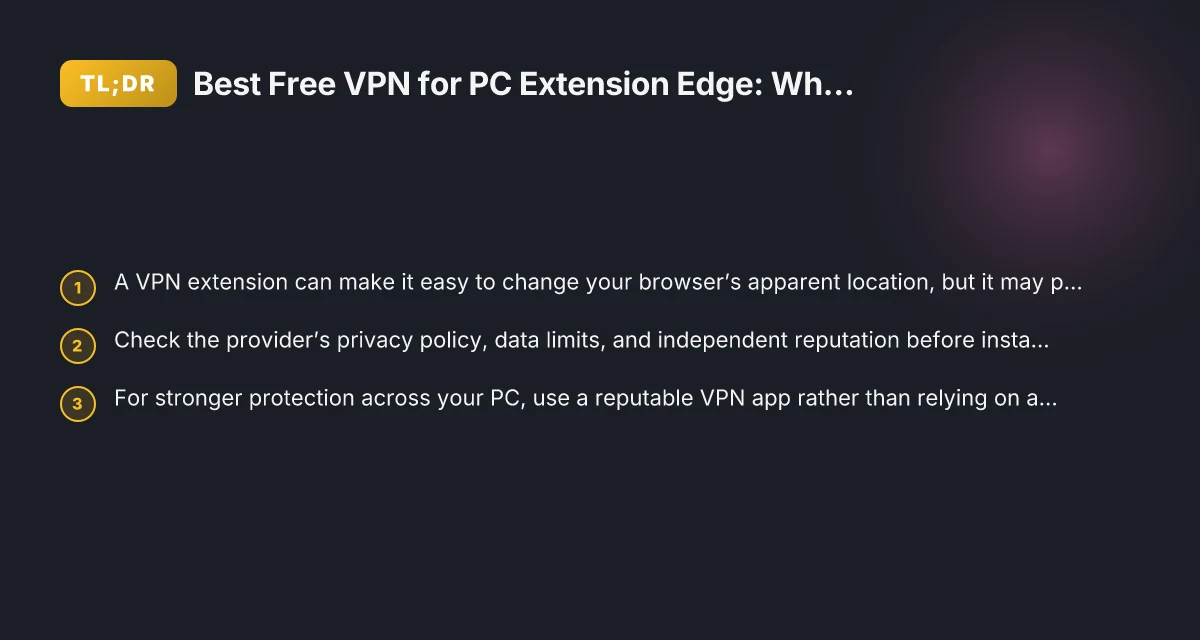
If you’re looking for a free VPN for PC extension Edge, start with an extension from a reputable VPN provider that clearly explains its privacy practices and limitations. A browser extension may be convenient for browsing on public Wi-Fi or accessing a different regional version of a website, but it does not always secure every connection on your computer. Before installing one, check what traffic it covers, whether it has a data cap, and how the provider handles your information.

Editor's pick: NordVPN — fast, secure VPN — Strong encryption, a no-logs policy and apps for every device. 30-day money-back guarantee. Get NordVPN →
| VPN | Obfuscation | From / month | Plan | Free plan | Refund | Alipay | UnionPay | Crypto | Website opens in China | Trustpilot | |
|---|---|---|---|---|---|---|---|---|---|---|---|
 ZoogVPN | Turn on manually Shadow | $2.49/mo | 27 months: $59.99 | Yes | 7 days | ✓ | ✓ | ✓ | ✓ | Official site blocked; our special link opens (4.4 s) | 4.2/5 (195 reviews) |
 NordVPN | Turn on manually Obfuscated Servers / NordWhisper | $3.49/mo | 27 months: $94.23 | No | 30 days | ? | ✗ | ✓ | ✓ | ✗ Blocked | 4.2/5 (51,628 reviews) |
 ExpressVPN | ✓ On by default all servers | $3.00/mo | 28 months: $84 | No | 30 days | ✗ | ✗ | ✓ | ✗ | ✗ Blocked | 4.4/5 (29,706 reviews) |
 Surfshark | ✓ On by default Camouflage, with OpenVPN | See site | See site | No | 30 days | ✗ | ✗ | ✗ | ✓ | ✗ Blocked | 4.3/5 (31,823 reviews) |
 Proton VPN | Turn on manually Stealth, free plan too | $2.99/mo | 12 months: $35.88 | Yes | 30 days | ✗ | ✗ | ✗ | ✓ | ✗ Blocked | 2.1/5 (1,040 reviews) |
 Astrill VPN | Turn on manually StealthVPN / OpenWeb | $12.50/mo | 24 months: $300 | No | See site | ✗ | ✗ | ✗ | ✓ | ✗ Blocked | 1.3/5 (110 reviews) |
 Private Internet Access | Turn on manually Shadowsocks, OpenVPN only | $2.03/mo | 40 months: $81.2 | No | 30 days | ✗ | ✗ | ✗ | ✗ | ✗ Blocked | 4.2/5 (11,033 reviews) |
 CyberGhost | Turn on manually selected servers | $2.19/mo | 28 months: $61.32 | No | 45 days | ✗ | ✗ | ✗ | ✓ | ✗ Blocked | 4.0/5 (24,178 reviews) |
 PureVPN | Turn on manually switch to OpenVPN | $1.69/mo | 60 months: $101.55 | No | 31 days | ? | ? | ✗ | ✓ | ✗ Blocked | 4.4/5 (17,994 reviews) |
 AdGuard VPN | ✓ On by default TrustTunnel | $2.99/mo | 24 months: $71.76 | Yes | 30 days | ✓ | ✗ | ✓ | ✓ | Official site blocked; our special link opens (3.7 s) | 4.3/5 (290 reviews) |
 Mullvad | Turn on manually QUIC / Shadowsocks / LWO | $5.61/mo | €5/mo | No | 14 days | ✗ | ✗ | ✗ | ✓ | ✗ Blocked | 3.2/5 (192 reviews) |
 Windscribe | Turn on manually Stealth / WStunnel | $5.75/mo | 12 months: $69 | Yes | See site | ✗ | ✗ | ✗ | ✓ | ✗ Blocked | 4.7/5 (13,355 reviews) |
 StrongVPN | Turn on manually Scramble, OpenVPN TCP | See site | See site | No | 30 days | ✓ | ✗ | ✗ | ✗ | ✗ Blocked | 4.4/5 (2,695 reviews) |
 LightXtreme 闪连 | Not listed | $7.08/mo | 12 months: $84.99 | Yes | 30 days | ✓ | ✓ | ✓ | ✓ | ✓ Yes (3.5 s) | No page |
Prices checked 2026-11-10 on each vendor's pricing page (cheapest long plan, USD). Check the vendor's checkout for the final price.
Obfuscation checked 2026-11-14 on each vendor's site and help center: "on by default" = nothing to set; "turn on manually" = switch protocol or mode in settings; "not listed" = the vendor describes no obfuscation.
Payment methods checked 2026-11-10 on each vendor's payment pages: all 14 take cards and PayPal; ✗ = not listed, ? = the vendor's own pages disagree.
China access: whether the official website opens from mainland China networks (tests the website only, not the VPN connection). Last checked 2026-11-18 01:02 Beijing time.
Trustpilot score and review count checked 2026-11-10.
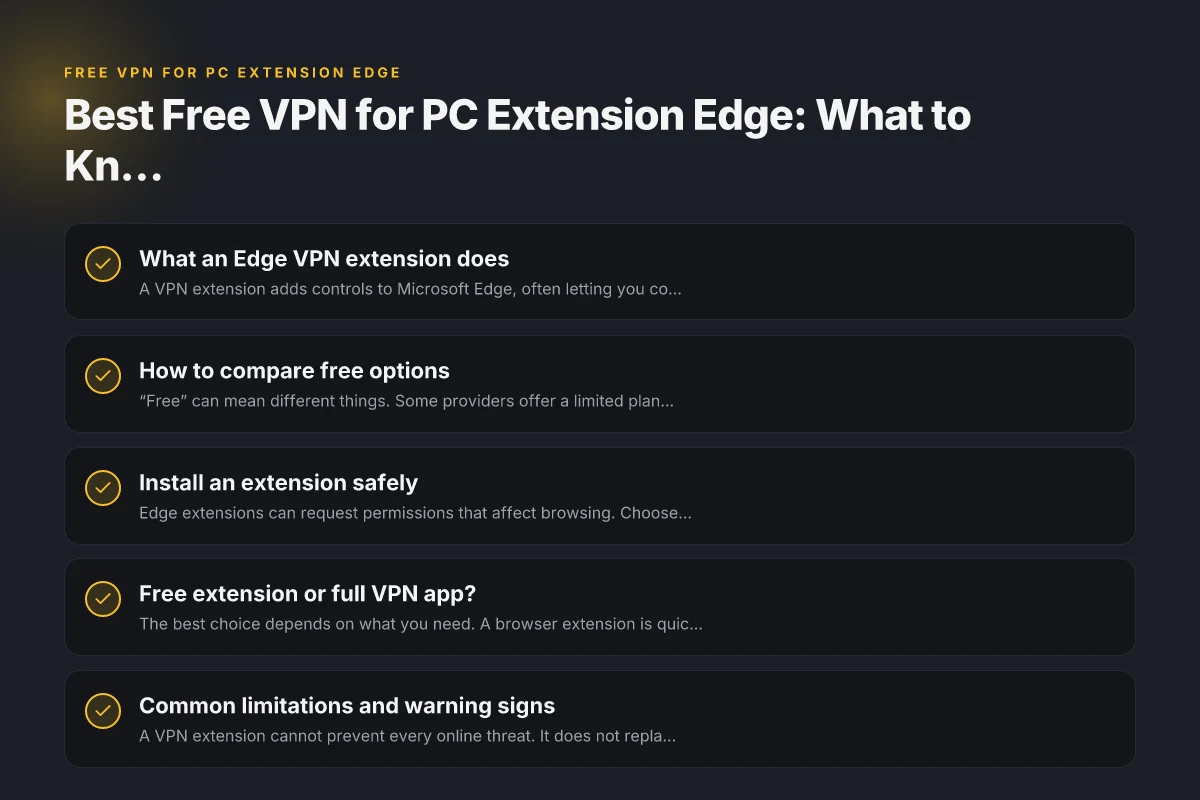
What an Edge VPN extension does
A VPN extension adds controls to Microsoft Edge, often letting you connect to a server in another country with a click. Depending on the provider, it may function as a browser proxy rather than a full VPN. That distinction matters: a proxy can route browser traffic through another server without encrypting all internet traffic from your PC.
A full VPN application typically creates a system-wide connection. It can route traffic from other browsers and desktop apps through the VPN, subject to its settings. An Edge extension may cover only Edge, so another application could still connect directly.
Also, a VPN does not make you anonymous. Websites can still identify you through account logins, cookies, browser fingerprinting, and other signals. A VPN mainly changes the network address websites see and may help protect traffic between your device and the VPN service.
How to compare free options
“Free” can mean different things. Some providers offer a limited plan from a paid VPN service. Others rely on advertising, collect extensive usage data, or provide an unclear service. Review the extension’s listing and the provider’s own website before you install it. BIG-IP Edge VPN: What It Is, How It Works, and When to Use It
| Feature | What to check | Why it matters |
|---|---|---|
| Data allowance | Monthly cap or unlimited use | A small cap may not suit frequent streaming or downloads |
| Server locations | Available countries and server count | Free plans often offer fewer choices |
| Privacy policy | Logging, sharing, and retention practices | The VPN provider can see connection information |
| Protection scope | Browser-only or whole-device coverage | Determines which apps use the VPN |
| Performance | Speed limits and congestion | Free servers may be slower or crowded |
| Support | Help pages and contact options | Useful if the extension stops connecting |
Look for clear, specific explanations rather than broad claims such as “complete privacy.” A trustworthy provider should say what data it collects, why it collects it, and how long it keeps that data.
Install an extension safely
Edge extensions can request permissions that affect browsing. Choose the official extension published by the VPN provider, and avoid similarly named add-ons from unknown developers.
To install one, open the Microsoft Edge Add-ons store, search for the provider’s exact name, and check the publisher and listing details. Read recent reviews, but don’t treat ratings as proof of privacy or security. Then review the requested permissions before selecting “Get.”
After installation: Cisco IPsec: How It Works, Setup, and Best Practices
- Use the extension’s connection indicator to confirm whether it is on.
- Check the provider’s documentation for DNS or WebRTC leak protection.
- Keep Edge and the extension updated.
- Remove extensions you no longer use.
- Avoid entering sensitive information on unfamiliar websites, even while connected.
An extension cannot guarantee that every website or connection is protected. If you need to protect banking, email, or other sensitive activity, make sure you understand the service’s coverage and use secure websites.
Free extension or full VPN app?
The best choice depends on what you need. A browser extension is quick to use, while a desktop VPN app is usually more suitable for protecting traffic from the whole PC.
| Need | Better fit |
|---|---|
| Change the apparent location for Edge browsing | A reputable Edge extension |
| Route traffic from several PC applications | A desktop VPN app |
| Use a VPN occasionally without paying | A limited free plan from an established provider |
| Stream or download heavily | A paid plan with suitable speed and data terms |
| Protect a work or school device | Follow the organization’s security rules |
Free plans commonly restrict server locations, speed, simultaneous connections, or data use. Some may not support streaming reliably. Avoid choosing a service solely because it advertises unlimited access. Verify the terms and privacy practices.
Common limitations and warning signs
A VPN extension cannot prevent every online threat. It does not replace antivirus software, browser updates, strong passwords, or multifactor authentication. It also cannot make an unsafe download trustworthy or prevent a website from tracking an account you have signed into. VPN SSL BWG Online Service: What It Is and How to Use It
Be cautious if an extension:
- Has no identifiable provider or privacy policy.
- Requests permissions that seem unrelated to its function.
- Makes unrealistic promises about anonymity or guaranteed access.
- Has unclear ownership, data practices, or support information.
- Pushes you to disable security settings or install unrelated software.
If a free service requires excessive permissions or gives little information about how it operates, choose another option. Your browsing traffic is being routed through the provider, so its reputation and policies matter.
Recommendation
For occasional browsing in Edge, choose a well-known VPN provider’s official extension and confirm whether it protects only browser traffic. If you want broader protection for your PC, use a reputable desktop VPN app instead. In either case, read the privacy policy and free-plan limits before connecting. A clear, trustworthy service is more important than a long list of server locations.