FortiGate L2TP: Setup, Compatibility, and Security
Learn what FortiGate L2TP supports, how to configure an L2TP/IPsec connection, and which VPN option to choose.
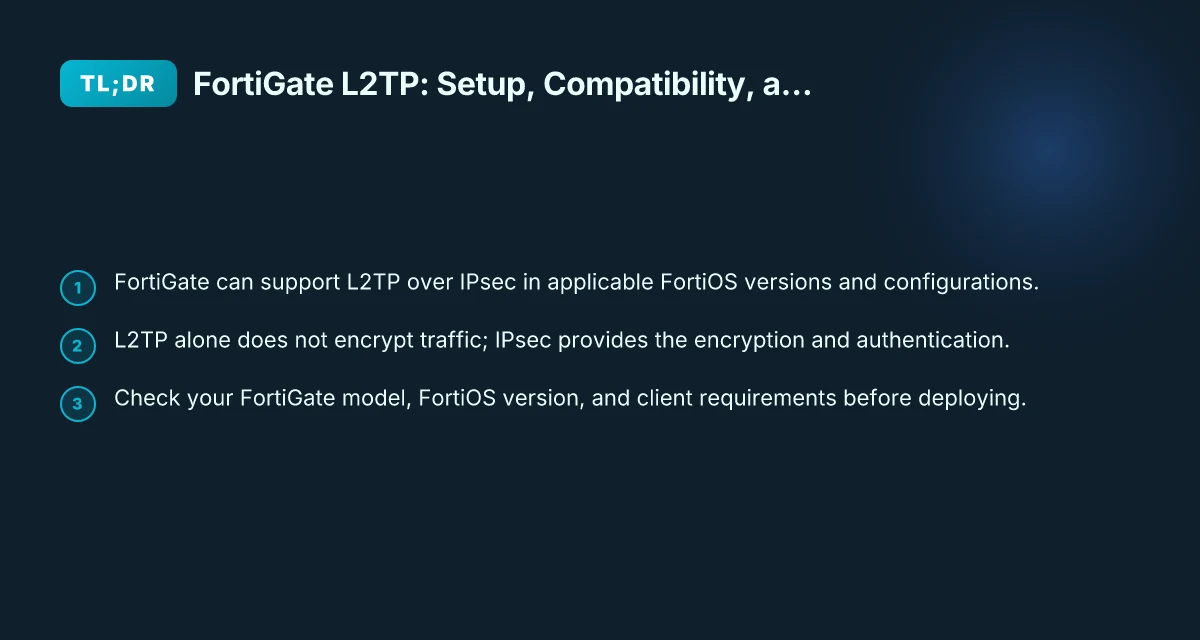
FortiGate L2TP typically refers to using a FortiGate firewall with an L2TP VPN protected by IPsec. L2TP creates the tunnel, while IPsec encrypts the traffic. Support and configuration details vary by FortiOS version, device model, and deployment, so confirm the relevant documentation before following any setup guide. For many remote-access deployments, SSL VPN or IPsec remote-access VPN may be a better-supported choice.

Editor's pick: NordVPN — fast, secure VPN — Strong encryption, a no-logs policy and apps for every device. 30-day money-back guarantee. Get NordVPN →
Compare FortiGate L2TP deployment options
| Option | Client compatibility | FortiGate support | Setup effort | Best fit |
|---|---|---|---|---|
| L2TP/IPsec | Depends on client OS | Verify model and FortiOS support | Moderate | Clients that require native L2TP |
| SSL VPN | Depends on client and FortiOS | Verify model and FortiOS support | Moderate | Remote access where supported |
| IPsec remote access | Depends on client configuration | Verify model and FortiOS support | Moderate to high | Managed clients and stronger control |
| Site-to-site IPsec | Not for individual remote clients | Verify model and FortiOS support | High | Connecting networks |
| No VPN | Not applicable | Not applicable | Low | Networks without remote-access needs |
Compiled November 2026; check the provider's site for current details.
What FortiGate L2TP means
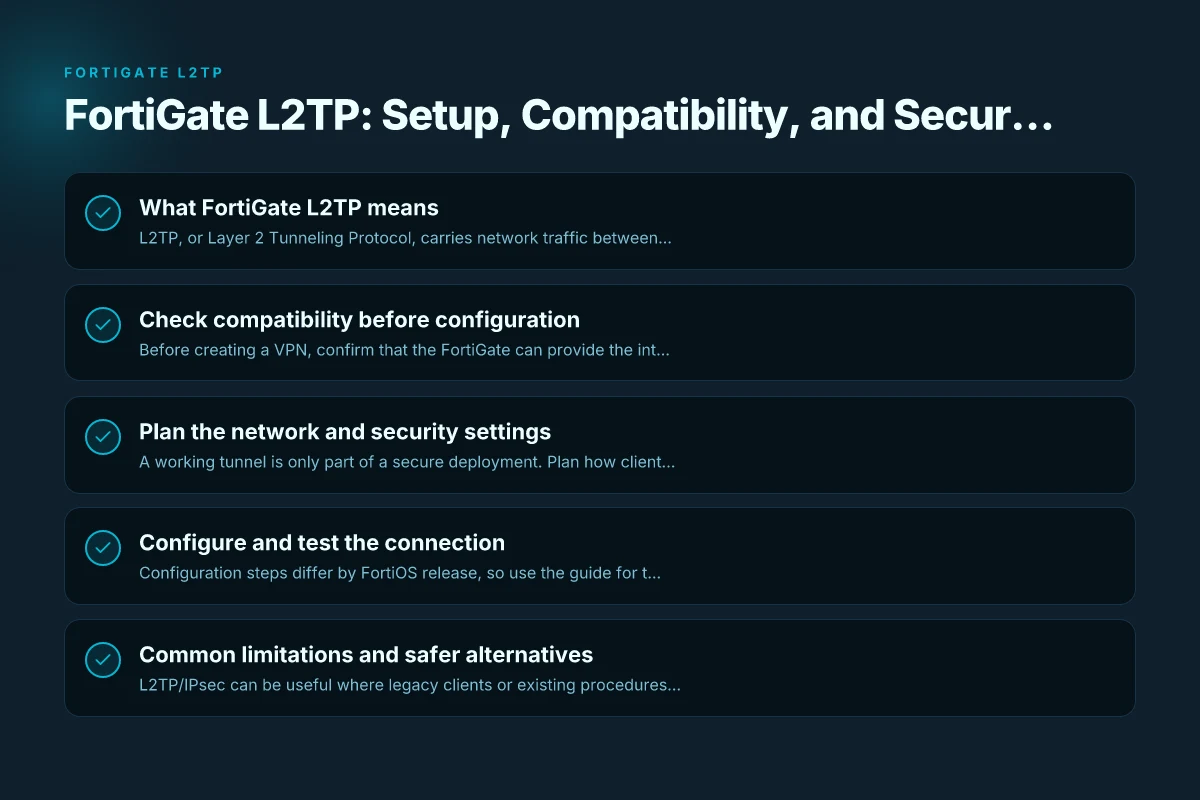
L2TP, or Layer 2 Tunneling Protocol, carries network traffic between a remote device and a VPN endpoint. On its own, it does not encrypt that traffic. An L2TP VPN is therefore commonly paired with IPsec, which provides encryption and peer authentication.
With a FortiGate in the design, the firewall may act as the IPsec endpoint, enforce access policies, and route authorized VPN traffic to internal networks. The exact role of the FortiGate depends on the network design and software release. In some environments, another device or service handles L2TP, while the FortiGate provides firewalling and routing.
Do not assume that every FortiGate supports every L2TP setup. FortiOS feature availability and configuration methods can change between releases. Check the administration guide and release notes for your specific model and FortiOS version.
Check compatibility before configuration
Before creating a VPN, confirm that the FortiGate can provide the intended service and that the client operating systems support the required authentication and encryption settings. FortiGate VPN Client: How to Choose, Install, and Troubleshoot
Collect these details first:
- FortiGate model and FortiOS version
- Whether the device will be the VPN gateway or only route VPN traffic
- Client operating systems and their L2TP/IPsec capabilities
- Authentication method, such as a preshared key and user credentials, if supported
- Remote-access address pool and internal subnets
- Firewall policies, routing, and any upstream NAT devices
Also check whether the FortiGate has a public address or sits behind another router. If it is behind NAT, the upstream device may need to pass the relevant IPsec traffic. Commonly, IPsec uses UDP ports 500 and 4500, and ESP protocol traffic may also be involved. The precise requirements depend on the deployment and configuration.
| Option | Main characteristics | Best suited to |
|---|---|---|
| L2TP/IPsec | Combines L2TP tunneling with IPsec protection; compatibility depends on clients and FortiOS | Environments that specifically require L2TP client support |
| IPsec remote access | Uses IPsec for the VPN tunnel and can integrate with FortiGate authentication and policies | FortiGate deployments seeking a native remote-access VPN design |
| SSL VPN | Uses TLS-based connectivity; availability and recommended use depend on FortiOS version and platform | Supported environments where browser or SSL VPN clients are preferred |
Plan the network and security settings
A working tunnel is only part of a secure deployment. Plan how clients will receive addresses, resolve names, and reach internal resources.
Choose a VPN address pool that does not overlap with: Free VPN Where You Can Choose Location: What to Use and What to Check
- The internal networks clients need to access
- Networks commonly used at remote locations
- Other VPN pools or infrastructure subnets
Decide whether remote users should access only specified internal services or whether all of their internet traffic should pass through the VPN. Split tunneling can reduce unnecessary traffic through the firewall, but it requires precise routes and access rules. Full tunneling is easier to centralize for some security controls, but increases bandwidth and operational demands.
Use unique, strong credentials and the strongest authentication and cryptographic settings supported by both the FortiGate and the clients. Avoid sharing one preshared key broadly. Where possible, use an authentication approach that supports individual accounts, access control, and revocation. Restrict VPN access with firewall policies rather than granting unrestricted access to internal networks.
Check these settings before configuring L2TP
| Decision area | What to confirm | Why it matters | Safer choice |
|---|---|---|---|
| FortiGate model | L2TP support | Capability varies by model | Check product documentation |
| FortiOS version | Feature and syntax support | Configuration can differ by release | Confirm the version-specific guide |
| Client OS | Native L2TP/IPsec availability | Clients may differ in support | Test the intended client |
| Authentication | Supported user and authentication method | Determines who can connect | Use unique accounts and strong credentials |
| Addressing | VPN client address range | Prevents overlap with existing networks | Choose a non-overlapping range |
| Firewall policy | Allowed destinations and services | Limits access after connection | Permit only required traffic |
| IPsec settings | Compatible proposals and parameters | Mismatches prevent tunnel setup | Use documented secure settings |
| Exposure | WAN access and permitted sources | Public access increases risk | Restrict access where practical |
Compiled November 2026; check the provider's site for current details. Free VPN Choose Location: How to Pick a Safe Service
Configure and test the connection
Configuration steps differ by FortiOS release, so use the guide for the installed version rather than relying on menu names from another release. At a high level, an L2TP/IPsec design involves:
- Enabling and configuring the supported VPN service or IPsec endpoint.
- Defining the authentication method and, where applicable, permitted users or groups.
- Setting the client address pool and DNS information.
- Creating firewall policies that allow only the required VPN-to-network traffic.
- Adding or checking routes so the FortiGate can reach the destination networks.
- Configuring the client with matching gateway, authentication, and encryption settings.
Test with one client before enabling access for a wider group. Verify that the user can authenticate, receives an address, resolves internal hostnames, and reaches only the resources permitted by policy. Test from networks both with and without restrictive NAT or firewall rules if users will connect from varied locations.
If the tunnel does not connect, check the FortiGate VPN and event logs, client error messages, system time, credentials, and settings that must match on both ends. Confirm that upstream routers are not blocking or mishandling IPsec traffic. Change one setting at a time so you can identify the cause.
Common limitations and safer alternatives
L2TP/IPsec can be useful where legacy clients or existing procedures require it, but it is not automatically the best option for a new FortiGate deployment. Client support, feature availability, and management experience vary. Some operating systems may also require specific settings or have limited troubleshooting information. OVPN Explained: What It Is and How to Use It
Consider a FortiGate-supported IPsec remote-access design or SSL VPN when it better matches your FortiOS release and client environment. Compare options using current Fortinet documentation, especially because VPN features and recommendations can change across releases. Do not expose a VPN service with default credentials, weak shared secrets, or broad access policies.
Choose a response to common L2TP concerns
| Concern | L2TP response | Safer or practical action | Decision cue |
|---|---|---|---|
| Client support varies | Compatibility depends on OS and configuration | Test every required client type | Choose another VPN if clients fail |
| Configuration differs by release | FortiOS syntax and support can vary | Follow documentation for the installed release | Confirm before deployment |
| Broad network access | A connected client may reach more than needed | Use narrowly scoped policies | Limit access by destination and service |
| Shared credentials | Reuse makes access difficult to control | Assign individual accounts | Avoid shared logins |
| Weak authentication | Credentials can be exposed or guessed | Use strong authentication controls | Follow organizational policy |
| Public exposure | Internet-reachable VPN services attract attacks | Restrict sources where possible and monitor access | Reduce unnecessary exposure |
| Operational complexity | Testing and troubleshooting take planning | Validate login, routing, and permitted traffic | Pilot before rollout |
| Alternative available | L2TP may not fit every environment | Compare supported SSL VPN or IPsec options | Prefer the option that meets security and client needs |
Compiled November 2026; check the provider's site for current details.
Recommendation
Use FortiGate L2TP/IPsec only when your exact FortiGate platform and FortiOS version support the required design and your clients need L2TP compatibility. Confirm the official configuration guidance, limit access with explicit firewall policies, and test thoroughly. For a new deployment without a specific L2TP requirement, evaluate FortiGate’s currently supported IPsec remote-access or SSL VPN options first. Proton Free VPN: What You Get and Whether It’s Worth Using