
OVPN Explained: What It Is and How to Use It
Learn what OVPN means, how OVPN files work, and how to connect safely using a VPN client.
“OVPN” most often refers to an OpenVPN configuration file: a text file that tells compatible VPN software how to connect to a particular server. If you have an OVPN file and want to use it, import it into an OpenVPN-compatible app, provide any required login details, and connect. The file is not usually the VPN service itself. It is a set of connection instructions that may work with a VPN provider, workplace, school, or personal server.

Editor's pick: NordVPN — fast, secure VPN — Strong encryption, a no-logs policy and apps for every device. 30-day money-back guarantee. Get NordVPN →
Compare the three components of a VPN connection
| Option | What it is | What it provides | What you need | Best for |
|---|---|---|---|---|
| OVPN file | Configuration file | Connection settings | Compatible VPN client | Manual setup |
| VPN app | Software for a device | Interface to connect to a VPN | VPN service account | Simple setup |
| VPN service | Provider and network | VPN servers and access | App or compatible client | VPN access |
| OVPN file alone | Configuration only | No VPN server by itself | VPN service and client | Not a complete solution |
| App without a service | Client software | No VPN access by itself | VPN service | Not sufficient alone |
| Service without a client | VPN access | No device connection on its own | App or compatible client | Choosing a provider |
Compiled November 2026; check the provider's site for current details.
| VPN | Obfuscation | From / month | Plan | Free plan | Refund | Alipay | UnionPay | Crypto | Website opens in China | Trustpilot | |
|---|---|---|---|---|---|---|---|---|---|---|---|
 ZoogVPN | Turn on manually Shadow | $2.49/mo | 27 months: $59.99 | Yes | 7 days | ✓ | ✓ | ✓ | ✓ | Official site blocked; our special link opens (4.4 s) | 4.2/5 (195 reviews) |
 NordVPN | Turn on manually Obfuscated Servers / NordWhisper | $3.49/mo | 27 months: $94.23 | No | 30 days | ? | ✗ | ✓ | ✓ | ✗ Blocked | 4.2/5 (51,628 reviews) |
 ExpressVPN | ✓ On by default all servers | $3.00/mo | 28 months: $84 | No | 30 days | ✗ | ✗ | ✓ | ✗ | ✗ Blocked | 4.4/5 (29,706 reviews) |
 Surfshark | ✓ On by default Camouflage, with OpenVPN | See site | See site | No | 30 days | ✗ | ✗ | ✗ | ✓ | ✗ Blocked | 4.3/5 (31,823 reviews) |
 Proton VPN | Turn on manually Stealth, free plan too | $2.99/mo | 12 months: $35.88 | Yes | 30 days | ✗ | ✗ | ✗ | ✓ | ✗ Blocked | 2.1/5 (1,040 reviews) |
 Astrill VPN | Turn on manually StealthVPN / OpenWeb | $12.50/mo | 24 months: $300 | No | See site | ✗ | ✗ | ✗ | ✓ | ✗ Blocked | 1.3/5 (110 reviews) |
 Private Internet Access | Turn on manually Shadowsocks, OpenVPN only | $2.03/mo | 40 months: $81.2 | No | 30 days | ✗ | ✗ | ✗ | ✗ | ✗ Blocked | 4.2/5 (11,033 reviews) |
 CyberGhost | Turn on manually selected servers | $2.19/mo | 28 months: $61.32 | No | 45 days | ✗ | ✗ | ✗ | ✓ | ✗ Blocked | 4.0/5 (24,178 reviews) |
 PureVPN | Turn on manually switch to OpenVPN | $1.69/mo | 60 months: $101.55 | No | 31 days | ? | ? | ✗ | ✓ | ✗ Blocked | 4.4/5 (17,994 reviews) |
 AdGuard VPN | ✓ On by default TrustTunnel | $2.99/mo | 24 months: $71.76 | Yes | 30 days | ✓ | ✗ | ✓ | ✓ | Official site blocked; our special link opens (3.7 s) | 4.3/5 (290 reviews) |
 Mullvad | Turn on manually QUIC / Shadowsocks / LWO | $5.61/mo | €5/mo | No | 14 days | ✗ | ✗ | ✗ | ✓ | ✗ Blocked | 3.2/5 (192 reviews) |
 Windscribe | Turn on manually Stealth / WStunnel | $5.75/mo | 12 months: $69 | Yes | See site | ✗ | ✗ | ✗ | ✓ | ✗ Blocked | 4.7/5 (13,355 reviews) |
 StrongVPN | Turn on manually Scramble, OpenVPN TCP | See site | See site | No | 30 days | ✓ | ✗ | ✗ | ✗ | ✗ Blocked | 4.4/5 (2,695 reviews) |
 LightXtreme 闪连 | Not listed | $7.08/mo | 12 months: $84.99 | Yes | 30 days | ✓ | ✓ | ✓ | ✓ | ✓ Yes (3.5 s) | No page |
Prices checked 2026-11-10 on each vendor's pricing page (cheapest long plan, USD). Check the vendor's checkout for the final price.
Obfuscation checked 2026-11-14 on each vendor's site and help center: "on by default" = nothing to set; "turn on manually" = switch protocol or mode in settings; "not listed" = the vendor describes no obfuscation.
Payment methods checked 2026-11-10 on each vendor's payment pages: all 14 take cards and PayPal; ✗ = not listed, ? = the vendor's own pages disagree.
China access: whether the official website opens from mainland China networks (tests the website only, not the VPN connection). Last checked 2026-11-18 01:02 Beijing time.
Trustpilot score and review count checked 2026-11-10.
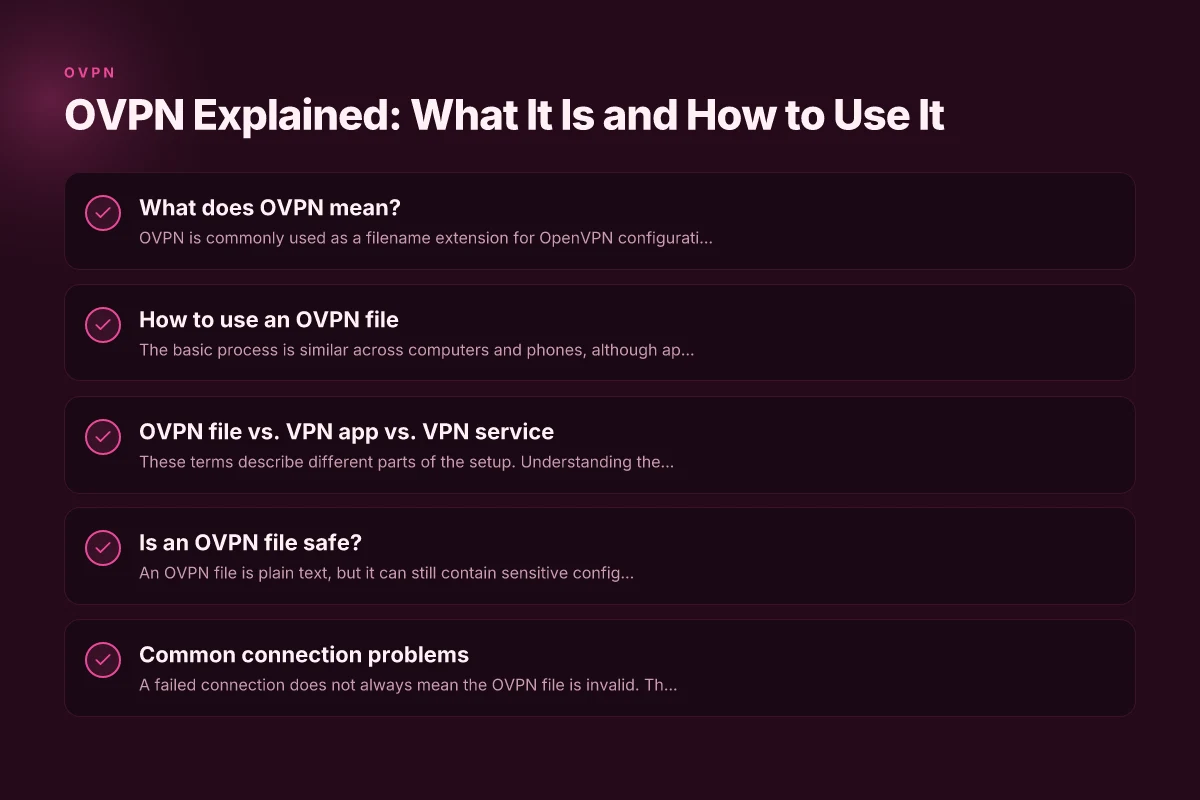
What does OVPN mean?
OVPN is commonly used as a filename extension for OpenVPN configuration files. OpenVPN is VPN software that creates an encrypted connection between your device and a VPN server. Once connected, your internet traffic can travel through that server, subject to the VPN’s configuration and policies.
An OVPN file may specify details such as:
- The server address and connection port
- The transport protocol, such as UDP or TCP
- Encryption and authentication settings
- References to certificates, keys, or other files
- Options that control routing and connection behavior
The exact contents vary. Some configuration files include certificates or keys directly, while others refer to separate files. Many providers also require a username and password that are different from the credentials used to sign in to their website.
“OVPN” can also appear in product names or as shorthand for OpenVPN. If you encountered the term in a specific app, service, or error message, its meaning may depend on that context. In general, however, a file ending in .ovpn is intended for an OpenVPN client. Proton Free VPN: What You Get and Whether It’s Worth Using
How to use an OVPN file
The basic process is similar across computers and phones, although app names and menu labels differ.
- Get the file from a trusted source. This may be your VPN provider, employer, school, or the administrator of your own VPN server.
- Install a compatible client. Use an official OpenVPN client or the client recommended by the organization that supplied the file.
- Import the configuration. In the app, look for an option such as “Import profile” or “Add profile,” then select the OVPN file.
- Enter credentials if prompted. Use the VPN-specific username and password provided to you.
- Connect and check the status. The client should indicate whether the connection is active. If it fails, note the error message before changing settings.
On a desktop, you can usually import the file through the app’s interface or open it with an installed OpenVPN client. On mobile devices, the usual approach is to save the file to the device and import it from within the VPN app. Exact instructions depend on the operating system and client version.
Do not assume that importing a file guarantees all traffic will use the VPN. The configuration may route only certain traffic through the tunnel. Check the provider or administrator’s instructions, and verify the connection using tools they recommend.
Choose how to connect using an OVPN file FortiClient VPN Online Installer.exe: What It Is and How to Download Safely
| Situation | OVPN file | VPN app | VPN service | Practical choice |
|---|---|---|---|---|
| You have a configuration file | Use it in a compatible client | May import the file | Must match the configuration | Import into the client |
| You want guided setup | Usually not needed | Handles connection steps | Provides VPN access | Use the provider’s app |
| You need VPN servers | Not enough by itself | Not enough by itself | Required | Choose a VPN service |
| Your device supports a compatible client | Can be used | Optional | Required | Use the file with the client |
| You cannot import the file | Cannot connect through it | Try the provider’s app | Required | Use another supported method |
| You are unsure which file to use | Check the provider’s instructions | May select settings automatically | Confirm the correct configuration | Follow provider guidance |
Compiled November 2026; check the provider's site for current details.
OVPN file vs. VPN app vs. VPN service
These terms describe different parts of the setup. Understanding the difference can help you choose the right next step.
| Item | What it is | What you need it for |
|---|---|---|
| OVPN file | A configuration containing connection settings | Telling a compatible client how to reach a VPN server |
| VPN client | Software that reads the configuration and creates the connection | Importing the file and managing the connection |
| VPN service or server | The provider or system that accepts the VPN connection | Supplying the server, access, and any required credentials |
An OVPN file alone does not typically provide an account, a VPN server, or a subscription. If you received the file from a provider, follow that provider’s setup instructions. If you are configuring a private server, you or its administrator must ensure the server is running and that the configuration matches its settings.
Some VPN companies offer their own apps instead of asking customers to import OVPN files. Their apps may provide server selection, automatic updates, and additional features. Manual OVPN setup can be useful when you need a particular server configuration or are connecting to an organization’s network. Forticlientvpninstaller.exe: How to Download and Install FortiClient VPN
Is an OVPN file safe?
An OVPN file is plain text, but it can still contain sensitive configuration information. Depending on how it is set up, it may include certificates, keys, or other authentication material. Treat the file as private if its source tells you it contains credentials or access keys.
Only import configurations from sources you trust. A malicious or misleading VPN configuration could direct your connection to an untrusted server or change how traffic is routed. A VPN also does not make you anonymous by itself: the VPN operator may be able to see connection metadata, and websites can still identify you through accounts, cookies, or other signals.
For safer use:
- Download configuration files from the provider’s official site or a known administrator.
- Avoid files shared through unverified links, forums, or unsolicited messages.
- Keep the VPN client and device software updated.
- Do not share configuration files that contain certificates or private keys.
- Review the provider’s privacy and security policies before routing sensitive traffic through its servers.
If a file arrives unexpectedly, do not import it just to see what happens. Ask the sender to confirm what it is and why you need it. Configure Windows 11 VPN IPsec Client to Replace FortiClient
Common connection problems
A failed connection does not always mean the OVPN file is invalid. The cause may be a typo, expired access, a blocked network, or a mismatch between the file and the client.
Try these checks:
- Confirm the file is complete. If it refers to separate certificate or key files, make sure those files are available in the location the client expects.
- Check your credentials. VPN account details may differ from your regular account password. Some providers require a separately generated password.
- Use the recommended client. Older or incompatible software may not support the configuration’s settings.
- Check the date and time. Incorrect device time can interfere with certificate validation.
- Try another network if permitted. A firewall or restricted network may block the configured connection.
- Read the error message. Authentication, certificate, DNS, and network errors point to different problems.
Avoid editing settings at random. A change to the protocol, port, certificate, or routing options can prevent the connection from working or alter how traffic travels. If the file came from an organization, contact its IT support. For a commercial provider, consult its setup guide or support team.
Troubleshoot common OVPN connection problems VPN to Change Location Free: What to Know Before You Connect
| Symptom | Check first | OVPN file | VPN app or client | Next step |
|---|---|---|---|---|
| File will not import | Client compatibility | Confirm supported format | Update or switch client | Follow provider instructions |
| Connection fails | File and account details | Check configuration is current | Restart the client | Contact the provider |
| Server is unreachable | Selected server | Confirm server settings | Try another available server | Check provider status |
| Connection drops | Network stability | Check configuration settings | Reconnect or try another network | Contact the provider |
| No internet after connecting | Device network settings | Check routing settings | Disconnect and reconnect | Ask the provider for help |
| Unsure whether the file is safe | Source of the file | Use a trusted provider source | Avoid unknown downloads | Verify with the provider |
Compiled November 2026; check the provider's site for current details.
Recommendation
If you have an OVPN file, import it using the official or recommended OpenVPN-compatible client and follow the instructions from the person or service that supplied it. Treat the file as potentially sensitive, verify that the VPN connection is active, and contact the provider or administrator if setup fails.