Clash Meta for iOS: What It Is and How to Use It
Learn what Clash Meta for iOS does, how to install it safely, and what to check before importing a proxy profile.


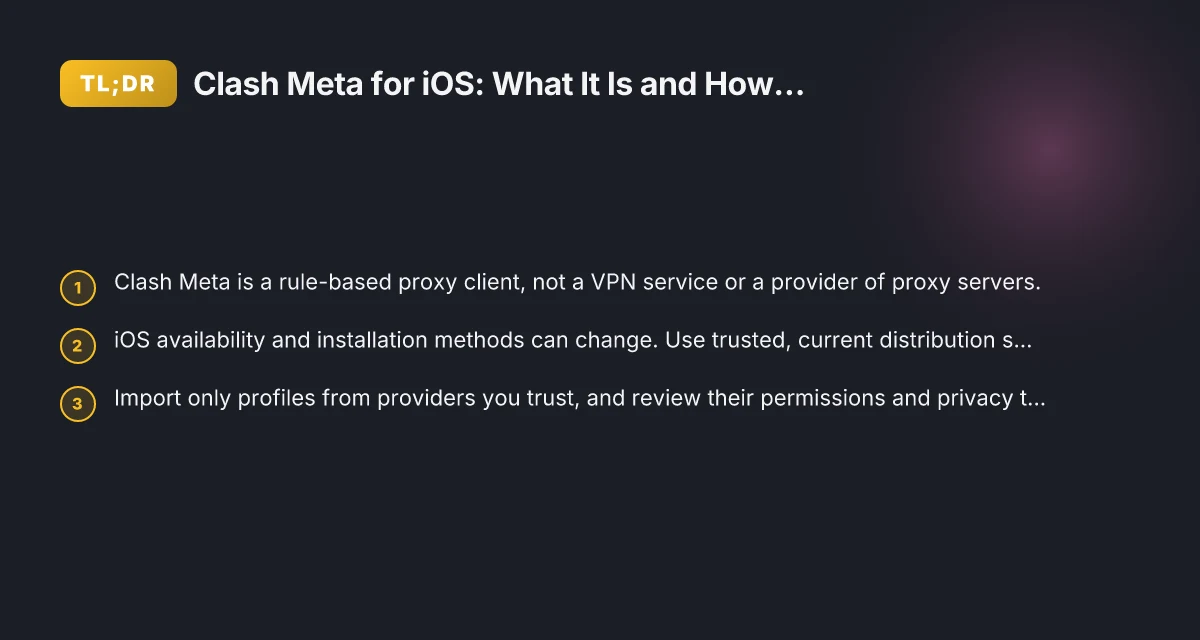
Clash Meta for iOS is a client for managing proxy connections and routing network traffic according to configurable rules. It can help you direct selected apps or domains through a proxy, but it does not supply a proxy service by itself. To use it, you need a compatible iOS app, a proxy profile from a source you trust, and an understanding of what that profile routes.

Clash Meta for iOS: Availability and Setup Options
| Option | Where to get it | Setup effort | Configuration needed | Best for |
|---|---|---|---|---|
| Official iOS app | App Store, if available | Low | App settings | Users who find a suitable official listing |
| TestFlight build | TestFlight invitation or listing | Low | App settings | Users with access to a current test build |
| Sideloaded app | Trusted distribution source | Medium | App installation and settings | Experienced users who understand sideloading |
| Manual profile import | App-supported import method | Low | Compatible configuration profile | Users who already have a profile |
| QR-code import | App camera or scan feature | Low | Valid configuration QR code | Users setting up from another screen |
| File import | Files app or supported file picker | Low | Compatible configuration file | Users with a saved configuration |
| Enter settings manually | Inside the app | High | Server and proxy details | Users without an importable profile |
Compiled November 2026; check the provider's site for current details.
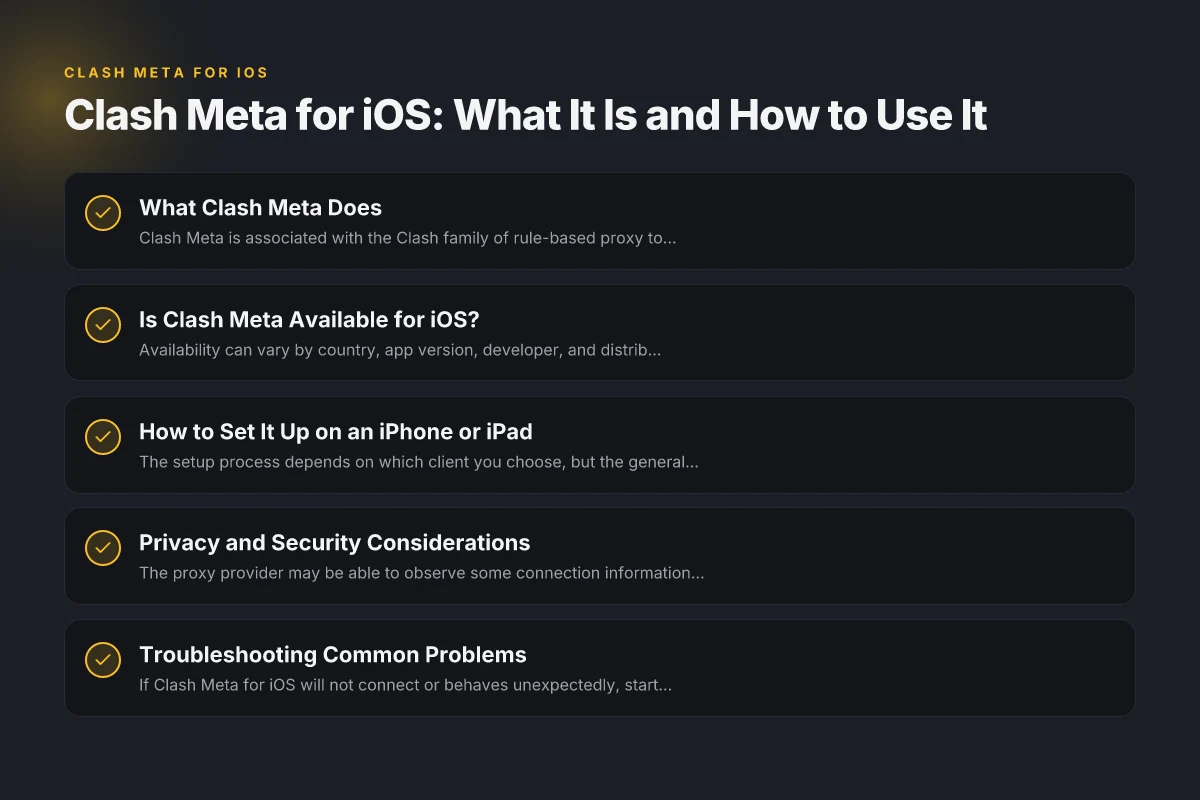
What Clash Meta Does
Clash Meta is associated with the Clash family of rule-based proxy tools. Depending on the iOS app and its implementation, it may offer a dashboard for connecting to proxy nodes, choosing routing modes, and managing configuration profiles.
A profile typically contains server details and rules that determine where traffic goes. Common routing choices include:
- Rule-based routing: Direct traffic according to domain, IP address, or other rules.
- Global routing: Send most or all applicable traffic through the selected proxy.
- Direct routing: Avoid the proxy for traffic covered by the direct setting.
The exact options and behavior depend on the app and profile. An iOS proxy client may use Apple’s networking frameworks to create a local VPN-style connection. That does not automatically mean it is a full privacy VPN, nor does it guarantee that every app’s traffic follows the same path.
What It Does Not Include
Clash Meta is not, by itself, a source of paid or free proxy servers. It also does not guarantee anonymity, unblock every service, or prevent tracking by websites and apps. Those outcomes depend on the proxy provider, the configuration, the websites you use, and other factors. What Is My IP Address? Check It With NordVPN
Is Clash Meta Available for iOS?
Availability can vary by country, app version, developer, and distribution channel. A project or app called Clash Meta may not have an official iOS release that is available in every region. Some iOS clients may support compatible Clash-style profiles without being the same project or offering identical features.
Before installing anything, check the project’s current documentation and the app’s official listing or developer page. Be cautious of download pages that imitate official sources, promise a “one-tap” setup, or ask you to install an unfamiliar configuration profile.
| Option | What to check | Main consideration |
|---|---|---|
| Official App Store listing | Developer identity, recent updates, privacy disclosures | Usually the simplest route when a suitable app is available |
| Developer’s documented distribution | Source authenticity, installation steps, signing details | Availability and setup can be more complicated |
| Third-party download site | Reputation, file integrity, permissions, and support | Higher risk of counterfeit or modified software |
Do not assume that an app is legitimate just because its name or icon includes “Clash.” Verify the developer and follow links from trusted project documentation where possible.
Choosing a Configuration Import Method Microsoft Edge Secure Network VPN: How It Works and How to Turn It On
| Method | What you need | Setup effort | Common issue | Good choice when |
|---|---|---|---|---|
| Configuration URL | A valid subscription or profile URL | Low | Expired or inaccessible URL | Your provider supplies a link |
| QR code | A readable QR code | Low | Poor scan or incomplete code | You can display the code on another device |
| Configuration file | A supported file saved on the device | Low | Unsupported format | You received a file from a trusted source |
| Manual entry | Correct server and proxy details | High | Typing errors | No link, code, or file is available |
| Shared profile | A profile from a trusted administrator | Low | Outdated settings | An organization manages your connection |
| Existing device export | A compatible exported profile | Medium | Incompatible version or format | You are migrating from another device |
Compiled November 2026; check the provider's site for current details.
How to Set It Up on an iPhone or iPad
The setup process depends on which client you choose, but the general steps are similar.
- Choose a trustworthy client. Confirm its developer, documentation, update history, and privacy information.
- Get a compatible profile. Obtain it from a proxy provider or administrator you trust. Profiles may be supplied as files, URLs, or subscription links.
- Import the profile. Use the client’s documented import method. Avoid entering credentials into an unrelated website or app.
- Review the configuration. Check the server, routing mode, DNS settings, and rules. A subscription can update its contents, so review it again after updates.
- Allow the iOS connection request. iOS may ask you to approve a VPN configuration or network connection. Read the prompt and confirm that it relates to the app you installed.
- Connect and test. Check that intended sites work and that traffic behaves as expected. Disconnect if the connection fails or you see unfamiliar behavior.
A profile URL can contain sensitive access information. Treat it like a password: do not post it publicly, forward it casually, or paste it into services you do not trust.
Privacy and Security Considerations
The proxy provider may be able to observe some connection information, such as the destination IP addresses and timing of traffic. Whether it can read the contents of a connection depends on factors including encryption, DNS handling, and the services being accessed. HTTPS protects much of the content between your device and a website, but it does not make the proxy provider irrelevant. Urban VPN Chrome: How to Install, Use, and Evaluate the Extension
Review these points before connecting:
- Provider trust: Understand who operates the proxy and how it handles logs.
- Profile permissions: Know what connection settings the app requests and why.
- DNS behavior: Check whether DNS queries follow the profile’s intended route.
- Traffic coverage: Confirm which apps and destinations use the proxy and which connect directly.
- Updates and support: Prefer maintained software with clear documentation.
Avoid profiles from anonymous sources, especially if they request broad access or require installing unrelated certificates. A proxy profile can change how network traffic is routed, so its source matters.
Troubleshooting Common Problems
If Clash Meta for iOS will not connect or behaves unexpectedly, start with basic checks rather than importing another unknown profile.
- Connection fails: Confirm that the profile is current, the server details are valid, and your internet connection works without the proxy.
- Some sites do not load: Review the routing rules and DNS settings. A rule may send a domain through an unavailable node or block the route it needs.
- The app disconnects: Check whether the client needs to remain active, whether iOS settings have changed, and whether the provider is experiencing an outage.
- The app is missing from your region: Check official documentation for current availability. Avoid unofficial downloads that claim to bypass regional restrictions without explaining their source.
- You no longer want to use it: Disconnect inside the app and remove its VPN configuration through iOS settings if it remains installed. Menu names can differ by iOS version.
Keep the app and its profiles up to date, but do not accept a profile update automatically if you cannot verify who controls it. Urban VPN Review: Features, Platforms, and What to Consider
Privacy and Troubleshooting Decision Guide
| Situation | What to check | Recommended action | Privacy or security note | When to seek help |
|---|---|---|---|---|
| App is unavailable | Current official distribution options | Check trusted sources and availability | Avoid unknown installers | No verified source is available |
| Profile will not import | File type, URL, or QR code | Request a fresh compatible profile | Do not share private subscription links | Import still fails |
| Connection does not start | Profile selection and connection permission | Recheck settings and reconnect | Review what traffic the profile routes | Settings appear correct |
| Some apps cannot connect | Routing rules and selected profile | Check the profile’s rules | Routing can affect which traffic uses the proxy | Rules are unclear |
| Connection is slow | Network quality and server choice | Try a trusted alternative server | Avoid untrusted servers | Slowness persists across networks |
| Unexpected permission request | App source and requested access | Pause setup and verify the app | Grant only permissions you understand | The request cannot be explained |
| Profile source is unknown | Provider or administrator identity | Confirm the source before importing | A profile may direct or inspect traffic | Source cannot be verified |
| App stops working after an update | App and profile compatibility | Check for trusted updates and profile changes | Recheck permissions after updates | No compatible version is available |
Compiled November 2026; check the provider's site for current details.
Recommendation
Clash Meta for iOS may suit users who want fine-grained proxy routing and are comfortable managing profiles. Choose a verifiable iOS client, obtain configurations only from a trusted provider, and review how traffic is routed before connecting. If your main goal is a straightforward privacy service, compare reputable VPN apps instead. A proxy client and a VPN service are not interchangeable.