
VPN PES: What It Does and Whether You Need One for eFootball
Learn what “VPN PES” can mean, when a VPN may help with eFootball, and how to choose and use one safely.


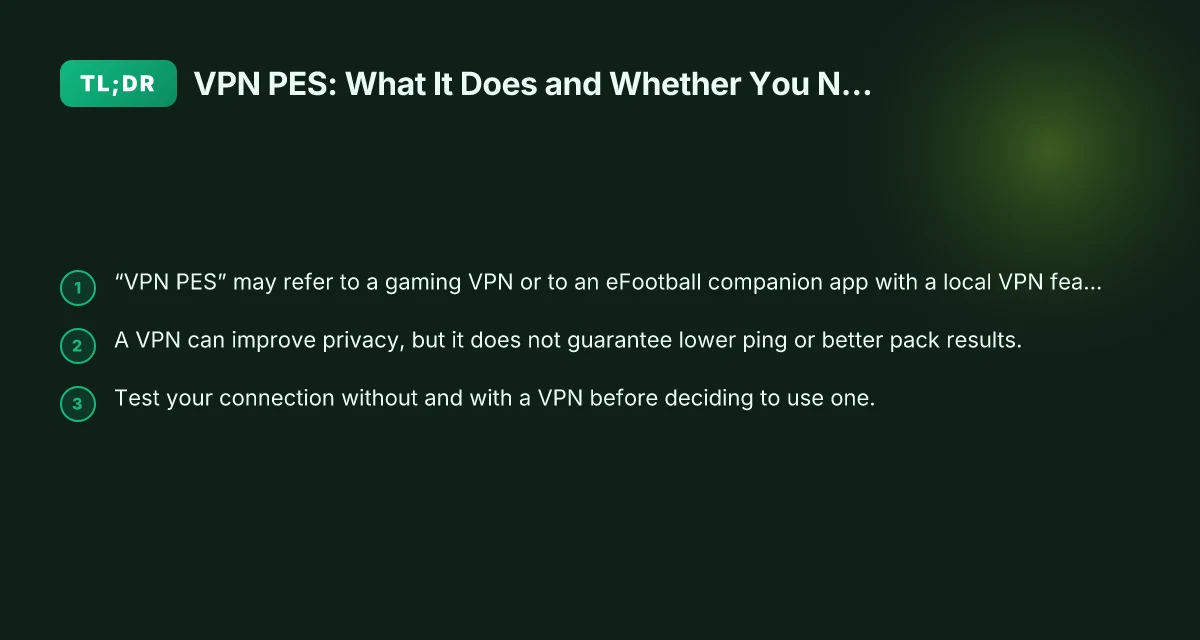
If you’re searching for a VPN for PES or eFootball, the short answer is that a VPN may help protect your connection, but it is not a guaranteed way to reduce lag, find better players, or improve pack luck. The term “VPN PES” can also refer to companion apps for eFootball Mobile, so check what an app actually does before installing it. Choose a reputable service, connect to a nearby server, and compare your gameplay with and without it.

Editor's pick: NordVPN — fast, secure VPN — Strong encryption, a no-logs policy and apps for every device. 30-day money-back guarantee. Get NordVPN →
VPN options by gaming use case
| Option | Best for | Likely effect on ping | Setup effort | Main trade-off |
|---|---|---|---|---|
| No VPN | Nearby game servers | Usually lowest route overhead | None | Does not change your route |
| Nearby VPN server | Testing an alternate route | May improve or worsen ping | Low | Results depend on routing |
| Distant VPN server | Accessing a different region | Often adds latency | Low | Longer network path |
| VPN on router | Consoles and whole-home devices | Depends on server and route | Medium | Affects connected devices |
| VPN app on PC | PC gameplay | Depends on server and route | Low | Covers only that device |
| VPN app on phone | Mobile gameplay | Depends on server and route | Low | Must remain connected |
| Split tunneling | Sending selected traffic through VPN | Keeps other traffic direct | Medium | Feature availability varies |
Compiled November 2026; check the provider's site for current details.
| VPN | Obfuscation | From / month | Plan | Free plan | Refund | Alipay | UnionPay | Crypto | Website opens in China | Trustpilot | |
|---|---|---|---|---|---|---|---|---|---|---|---|
 ZoogVPN | Turn on manually Shadow | $2.49/mo | 27 months: $59.99 | Yes | 7 days | ✓ | ✓ | ✓ | ✓ | Official site blocked; our special link opens (4.4 s) | 4.2/5 (195 reviews) |
 NordVPN | Turn on manually Obfuscated Servers / NordWhisper | $3.49/mo | 27 months: $94.23 | No | 30 days | ? | ✗ | ✓ | ✓ | ✗ Blocked | 4.2/5 (51,628 reviews) |
 ExpressVPN | ✓ On by default all servers | $3.00/mo | 28 months: $84 | No | 30 days | ✗ | ✗ | ✓ | ✗ | ✗ Blocked | 4.4/5 (29,706 reviews) |
 Surfshark | ✓ On by default Camouflage, with OpenVPN | See site | See site | No | 30 days | ✗ | ✗ | ✗ | ✓ | ✗ Blocked | 4.3/5 (31,823 reviews) |
 Proton VPN | Turn on manually Stealth, free plan too | $2.99/mo | 12 months: $35.88 | Yes | 30 days | ✗ | ✗ | ✗ | ✓ | ✗ Blocked | 2.1/5 (1,040 reviews) |
 Astrill VPN | Turn on manually StealthVPN / OpenWeb | $12.50/mo | 24 months: $300 | No | See site | ✗ | ✗ | ✗ | ✓ | ✗ Blocked | 1.3/5 (110 reviews) |
 Private Internet Access | Turn on manually Shadowsocks, OpenVPN only | $2.03/mo | 40 months: $81.2 | No | 30 days | ✗ | ✗ | ✗ | ✗ | ✗ Blocked | 4.2/5 (11,033 reviews) |
 CyberGhost | Turn on manually selected servers | $2.19/mo | 28 months: $61.32 | No | 45 days | ✗ | ✗ | ✗ | ✓ | ✗ Blocked | 4.0/5 (24,178 reviews) |
 PureVPN | Turn on manually switch to OpenVPN | $1.69/mo | 60 months: $101.55 | No | 31 days | ? | ? | ✗ | ✓ | ✗ Blocked | 4.4/5 (17,994 reviews) |
 AdGuard VPN | ✓ On by default TrustTunnel | $2.99/mo | 24 months: $71.76 | Yes | 30 days | ✓ | ✗ | ✓ | ✓ | Official site blocked; our special link opens (3.7 s) | 4.3/5 (290 reviews) |
 Mullvad | Turn on manually QUIC / Shadowsocks / LWO | $5.61/mo | €5/mo | No | 14 days | ✗ | ✗ | ✗ | ✓ | ✗ Blocked | 3.2/5 (192 reviews) |
 Windscribe | Turn on manually Stealth / WStunnel | $5.75/mo | 12 months: $69 | Yes | See site | ✗ | ✗ | ✗ | ✓ | ✗ Blocked | 4.7/5 (13,355 reviews) |
 StrongVPN | Turn on manually Scramble, OpenVPN TCP | See site | See site | No | 30 days | ✓ | ✗ | ✗ | ✗ | ✗ Blocked | 4.4/5 (2,695 reviews) |
 LightXtreme 闪连 | Not listed | $7.08/mo | 12 months: $84.99 | Yes | 30 days | ✓ | ✓ | ✓ | ✓ | ✓ Yes (3.5 s) | No page |
Prices checked 2026-11-10 on each vendor's pricing page (cheapest long plan, USD). Check the vendor's checkout for the final price.
Obfuscation checked 2026-11-14 on each vendor's site and help center: "on by default" = nothing to set; "turn on manually" = switch protocol or mode in settings; "not listed" = the vendor describes no obfuscation.
Payment methods checked 2026-11-10 on each vendor's payment pages: all 14 take cards and PayPal; ✗ = not listed, ? = the vendor's own pages disagree.
China access: whether the official website opens from mainland China networks (tests the website only, not the VPN connection). Last checked 2026-11-18 01:02 Beijing time.
Trustpilot score and review count checked 2026-11-10.
What does “VPN PES” mean?
The search term is used for more than one kind of product. It may mean a conventional VPN used while playing PES or eFootball, or an eFootball-focused Android app that includes a VPN-style feature.
For example, Cptn PES describes itself as a free Android app for eFootball Mobile. Its listed features include a match-mode VPN, measured ping, a Smart Coach, and a “Boost Luck” feature for packs. Another search result, VPN PES Finder, presents itself as a tool for finding Epic, Showtime, and Big Time players by connecting to selected servers.
These descriptions are claims made by the products. A VPN cannot establish that a pack outcome has changed, and a server connection does not guarantee that a particular player will become available. Treat features promising better luck or faster player acquisition cautiously.
A separate result for Cptn PES explains that its “VPN” is a local VPN interface on the phone, not a VPN server. It says the feature pauses downloads from other apps. That is different from a commercial VPN that routes internet traffic through a remote server. Microsoft Edge VPN Extension: What It Is and How to Choose One
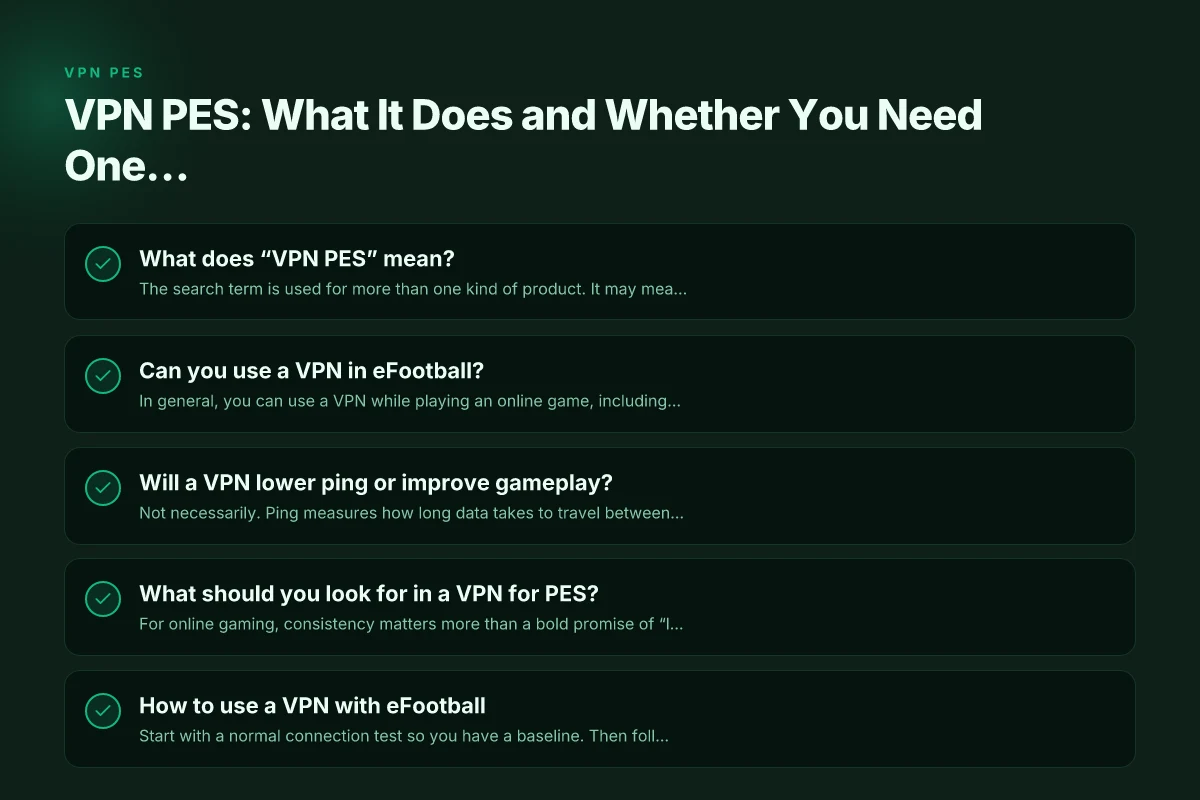
Can you use a VPN in eFootball?
In general, you can use a VPN while playing an online game, including eFootball. Whether it is useful depends on your connection, the VPN provider, the server location, and how the game handles network traffic. A VPN adds another step between your device and the game’s service, which can sometimes make the connection slower.
A VPN may be worth testing if you want to:
- Add privacy on a public or shared network.
- Check whether your internet provider is affecting your connection.
- Reduce exposure to some forms of direct connection-based disruption.
- Compare routing through a different network path.
However, a VPN cannot fix weak Wi-Fi, an overloaded home network, a distant game server, or problems on the game service itself. It may also increase ping, introduce jitter, or cause disconnects. Use it only if the connection remains stable and the game’s terms and local rules allow it.
What to check when choosing a VPN for eFootball Urban VPN Edge: How to Install, Use, and Assess the Extension
| Criterion | What to look for | Why it matters | How to check |
|---|---|---|---|
| Nearby server locations | Servers near you and the game region | Shorter routes may help | Check the server list |
| Connection stability | Consistent connections | Drops can disrupt matches | Test during play |
| Speed | Strong performance on your connection | VPN overhead can affect gameplay | Compare with and without VPN |
| Device support | Your PC, phone, or router | Determines where you can use it | Check supported platforms |
| Router support | Router setup instructions | Useful for consoles without VPN apps | Review setup guides |
| Split tunneling | App or traffic selection | Lets other traffic stay direct | Check plan features |
| Privacy policy | Clear data-handling terms | Helps you assess privacy practices | Read the policy |
| Terms and game rules | Compatibility with platform rules | VPN use may be restricted | Check current terms |
Compiled November 2026; check the provider's site for current details.
Will a VPN lower ping or improve gameplay?
Not necessarily. Ping measures how long data takes to travel between your device and a server. A VPN can sometimes improve the route if your usual connection takes an inefficient path, but it can also add distance and processing time. The result varies by location, provider, server, and network conditions.
| Option | Possible benefit | Possible drawback |
|---|---|---|
| Play without a VPN | Direct route with no extra VPN hop | Your provider’s route may be congested or inefficient |
| Use a nearby VPN server | May change routing and add privacy | Could increase ping, jitter, or connection instability |
| Use a faraway VPN server | May provide a different regional route | Extra distance often makes latency worse |
| Use a local VPN-style app feature | May manage traffic on your device | May not route your traffic through a remote VPN server |
For a fair test, play under similar conditions with the VPN off and on. Check the ping shown by the game or app, but also pay attention to jitter, packet loss, and how responsive matches feel. If the VPN makes gameplay less stable, disconnect it.
What should you look for in a VPN for PES?
For online gaming, consistency matters more than a bold promise of “low ping.” Consider these points before choosing a service: FortiClient VPN Download: Official Install Guide for Every Device
- Nearby server locations: A close server is generally a better starting point than one in another country.
- Stable performance: Look for reliable connections and the ability to change servers if one performs poorly.
- Clear privacy information: Understand what connection data the provider collects and how it handles it.
- Device support: Check that the service works with your platform. An Android-only companion app will not automatically protect a console or computer.
- Transparent pricing and limits: Review any data caps, account requirements, and subscription conditions before relying on the service.
- No unrealistic promises: Be wary of claims that a VPN guarantees better matchmaking, pack luck, or specific player drops.
A VPN’s security and privacy features also vary by provider. Do not assume that every app using the word “VPN” offers the same protection or routes all your internet traffic.
How to use a VPN with eFootball
Start with a normal connection test so you have a baseline. Then follow these steps:
- Install a VPN from a source you trust and review its permissions.
- Connect to a server near you, rather than choosing a distant location just because it sounds faster.
- Open eFootball and test a match under comparable network conditions.
- Compare stability and responsiveness with your baseline.
- Disconnect if you see higher latency, lag, or repeated connection problems.
If you are considering an eFootball companion app, read its description carefully. Confirm whether it connects to a remote VPN server or only uses Android’s local VPN interface to manage device traffic. Be cautious about installing APK files from unfamiliar sources, and avoid giving an app account credentials or permissions it does not need.
Troubleshooting VPN use with eFootball Urban VPN Extension for Chrome: Features, Safety, and How to Use It
| Symptom | Test | Possible cause | Practical next step |
|---|---|---|---|
| Higher ping | Compare VPN off and on | Longer or less efficient route | Disconnect or try a nearer server |
| Unstable gameplay | Test another server | Congestion or connection instability | Choose a more stable location |
| Matchmaking changes | Compare regions and settings | VPN may affect apparent location | Use your usual region |
| Game will not connect | Try without the VPN | VPN routing or network blocking | Check VPN and game support |
| Console has no VPN app | Check router options | Device may not support direct setup | Configure a compatible router |
| Other apps slow down | Check split tunneling | VPN may cover all device traffic | Exclude unrelated apps if supported |
Compiled November 2026; check the provider's site for current details.
Recommendation
A VPN can be a useful privacy tool and may help some players test a different network route, but it is not a reliable shortcut to lower ping or better eFootball results. Start with a reputable VPN and a nearby server, test the game, and keep using it only if your connection improves without becoming less stable. Treat pack-luck and player-finding claims as unverified features, not guaranteed outcomes.