
TunnelBear Extension: How It Works and Whether You Need It
Learn what the TunnelBear extension does, how to install it, and how it compares with the full TunnelBear VPN app.
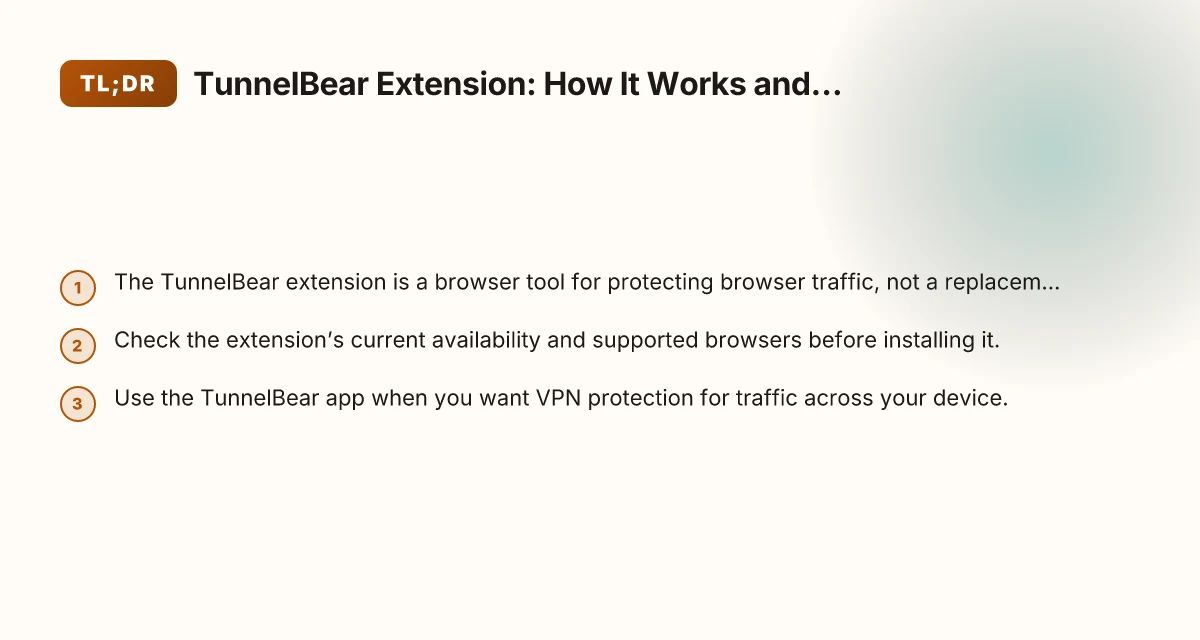
The TunnelBear extension is a browser-based tool designed to route traffic from a supported browser through TunnelBear’s VPN network. It can be convenient for browsing, but it does not provide the same whole-device coverage as the TunnelBear desktop or mobile app. Before looking for it, check TunnelBear’s official website and your browser’s extension store: availability and browser support can change.

Editor's pick: NordVPN — fast, secure VPN — Strong encryption, a no-logs policy and apps for every device. 30-day money-back guarantee. Get NordVPN →
TunnelBear extension vs. full VPN app
| Feature | Browser extension | Full VPN app |
|---|---|---|
| Where it works | Supported browser | Device-wide |
| Protects browser traffic | Yes | Yes |
| Protects other apps | No | Yes |
| Setup location | Browser store | TunnelBear app |
| Browser required | Yes | No |
| Best for | Browser-only use | Whole-device use |
| Can replace the other option | No | Not needed for browser-only use |
Compiled November 2026; check the provider's site for current details.
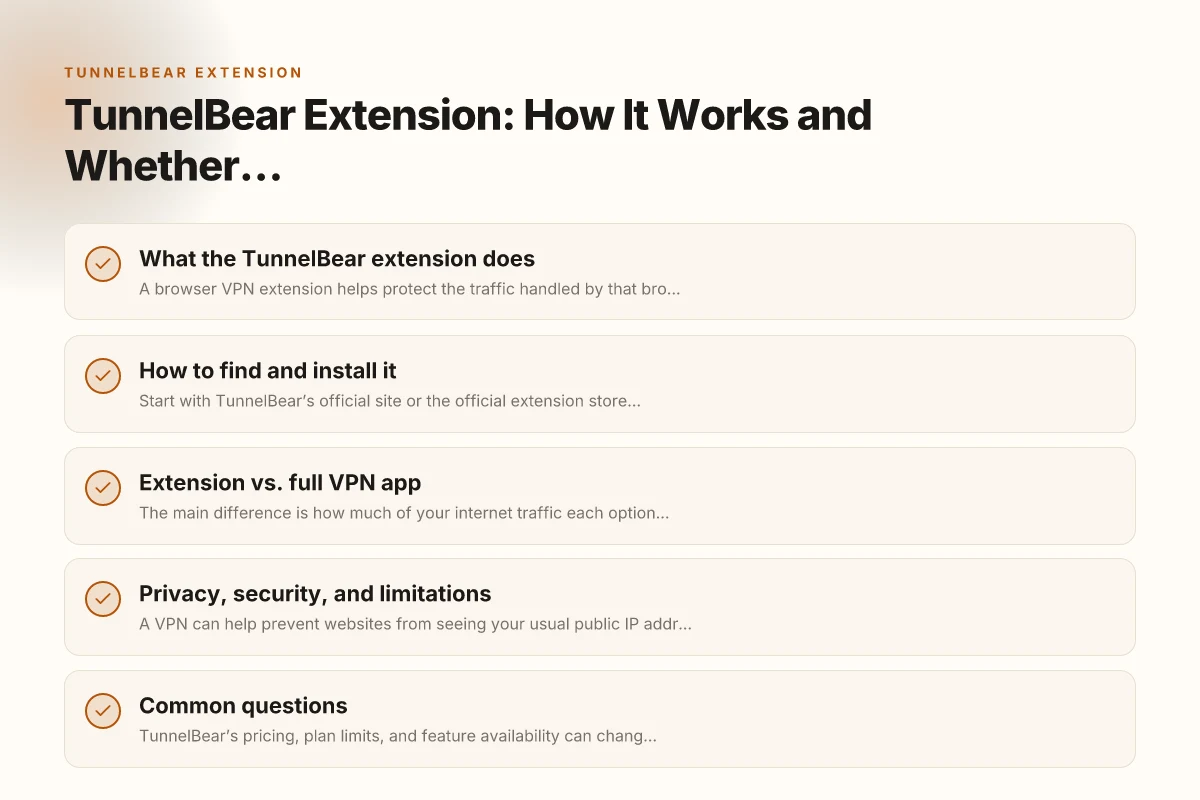
What the TunnelBear extension does
A browser VPN extension helps protect the traffic handled by that browser by sending it through a VPN server. This can help conceal your device’s IP address from websites and make browsing on public Wi-Fi more private. The extension may also let you select a virtual location, depending on the version and available features.
A browser extension is different from a standalone VPN application. It generally applies only to the browser where it is installed. Other apps on your computer, such as email clients, games, or software that connects directly to the internet, may continue using your regular connection.
That distinction matters if you expect VPN protection for your entire device. A browser extension can be useful for a focused browsing session, but it should not be assumed to protect every online activity.
How to find and install it
Start with TunnelBear’s official site or the official extension store for your browser. Search for the publisher name and verify that the listing is genuine before installing anything. Avoid download sites and unofficial copies, which may offer outdated or unsafe files. Clash for iPad: How to Play and What to Expect
If TunnelBear currently offers an extension for your browser, the usual process is:
- Open the browser’s official extension store.
- Search for “TunnelBear” and confirm the publisher.
- Review the listing, permissions, and recent update information.
- Select the install or add button and approve the browser’s prompts.
- Open the extension, sign in or create an account if required, and connect to a location.
- Visit a reputable IP-checking site to confirm that the browser appears to connect through the VPN.
The exact buttons and setup steps can vary by browser and extension version. If no official listing appears, do not assume that a similarly named add-on is the TunnelBear product. Use the official TunnelBear app instead, or consult TunnelBear support for current availability.
Extension vs. full VPN app
The main difference is how much of your internet traffic each option covers. The extension is browser-specific. The app is designed to protect connections across the device, subject to the app’s settings and platform support.
| Feature | TunnelBear browser extension | TunnelBear VPN app |
|---|---|---|
| Coverage | Usually limited to the supported browser | Intended to cover device traffic |
| Setup | Installed through a browser store, if available | Installed as an app for a supported device |
| Best for | Browser-only use | Browsing and other internet-connected apps |
| Browser selection | May offer location controls | Usually provides VPN connection controls for the device |
| Availability | Depends on current browser support | Depends on current operating-system support |
Choose the extension if you only need a browser-based option and TunnelBear officially supports your browser. Choose the full app if you want broader protection or need VPN access in multiple applications. FortiClient VPN Setup: A Step-by-Step Guide for Windows and Mac
Check before installing the TunnelBear extension
| Check | What to look for | Why it matters |
|---|---|---|
| Browser compatibility | Supported browser | The extension may not work in every browser |
| Official source | TunnelBear or the browser’s official store | Helps avoid counterfeit downloads |
| Extension permissions | Requested access | Understand what browser data it can access |
| Account requirements | Sign-in or account prompts | Know what setup involves |
| Traffic coverage | Browser traffic only | Other apps may need the full VPN app |
| Privacy details | TunnelBear’s current policy | Check how data is handled |
| Updates | Current version and publisher | Helps confirm the extension is maintained |
Compiled November 2026; check the provider's site for current details.
Privacy, security, and limitations
A VPN can help prevent websites from seeing your usual public IP address, and it can make traffic harder to inspect on an untrusted network. However, it does not make you anonymous or protect you from every online threat. Websites may still identify you through account logins, cookies, browser fingerprinting, or information you share.
Keep these limits in mind: VPN for Edge Extension: What to Choose and How to Set It Up
- Coverage may be narrow. Traffic outside the browser may not use the VPN connection.
- A VPN does not replace HTTPS. Look for secure connections on websites and avoid entering sensitive information on suspicious pages.
- Permissions deserve attention. Read the extension’s requested permissions and install only the official product.
- Performance can vary. A VPN may affect loading speed, latency, or access to some websites.
- Availability can change. Browser stores and product features are updated over time, so old setup guides may no longer be accurate.
- Streaming and location access are not guaranteed. Services can block VPN connections, and a server location does not guarantee access to specific content.
For stronger privacy, keep your browser and operating system updated, use unique passwords, enable multifactor authentication, and be cautious about links and downloads. A VPN is one layer of protection, not a substitute for good security habits.
Common questions
Is the TunnelBear extension free?
TunnelBear’s pricing, plan limits, and feature availability can change. Check the current details on TunnelBear’s official website and the extension’s official store listing. Do not rely on older articles for current plan terms.
Does it protect all apps on my computer?
A browser extension generally protects only the browser in which it runs. For broader device coverage, use the TunnelBear app for your operating system and confirm its settings are active.
What if the extension is missing from my browser store?
It may not be available for that browser, region, or current product version. Check TunnelBear’s official support information. Avoid installing an unofficial add-on that merely uses a similar name. Tuxler VPN Chrome: How It Works, Setup, and What to Know
Should I use the extension or the app?
The right choice depends on what you need to protect. Browser-only users may find an extension convenient if it is officially supported. People who want VPN coverage for other apps should use the full application.
Which TunnelBear option fits your needs?
| Your need | Extension | Full VPN app | Better fit |
|---|---|---|---|
| Protect browsing in one supported browser | Yes | Yes | Extension |
| Protect traffic from other apps | No | Yes | Full VPN app |
| Use protection without a browser | No | Yes | Full VPN app |
| Keep setup inside the browser | Yes | No | Extension |
| Protect the whole device | No | Yes | Full VPN app |
| Use TunnelBear on unsupported browsers | No | Possible, depending on device support | Check app compatibility |
| Want browser-only coverage | Yes | Yes, but broader | Extension |
Compiled November 2026; check the provider's site for current details.
Recommendation
The TunnelBear extension can be a convenient choice for browser-only VPN use, but verify that TunnelBear currently offers an official version for your browser. If you want protection beyond browser traffic, install the official TunnelBear app instead. Before connecting, review the product’s current features and limitations, then treat the VPN as one part of a broader privacy and security setup. VPN Change Location Free: How to Switch Your Virtual Location Safely