Nord VPN for PC: How to Download, Install, and Use It
Learn how to download NordVPN for a Windows PC, install the app, connect securely, and understand key limitations.


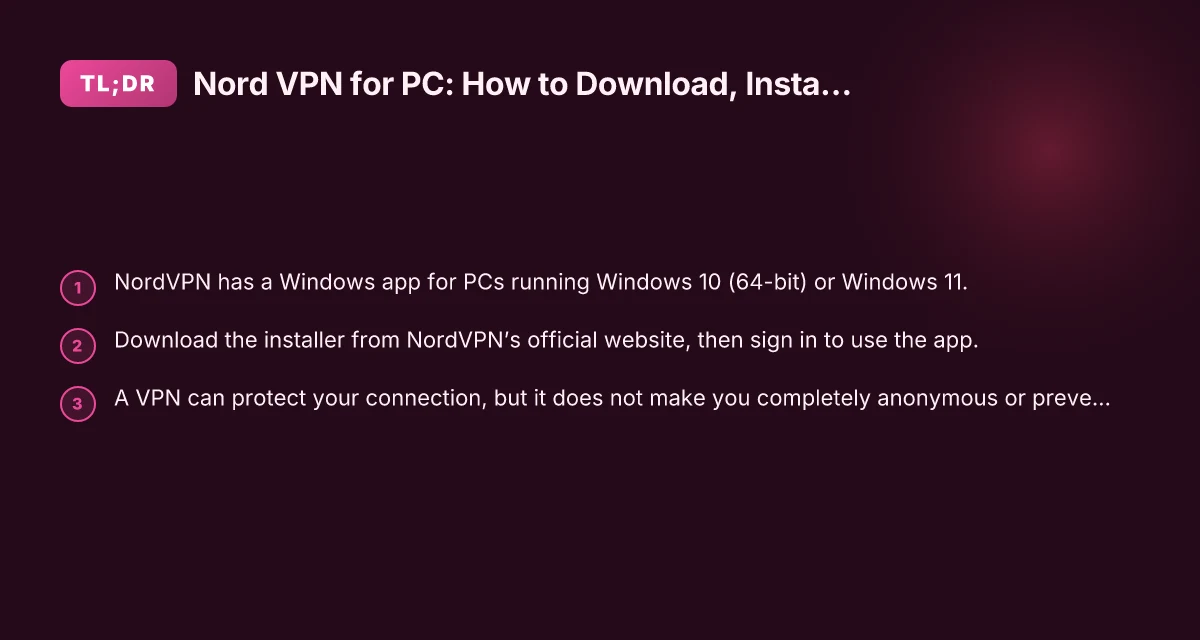
Nord VPN for PC is available as a Windows app for Windows 10 (64-bit) and Windows 11. Download it from NordVPN’s official website, install it, and sign in with your account to connect. The app routes your internet traffic through a VPN connection, helping protect it while you browse. You’ll need an internet connection to download the app and log in.

Editor's pick: NordVPN — fast, secure VPN — Strong encryption, a no-logs policy and apps for every device. 30-day money-back guarantee. Get NordVPN →
NordVPN for PC: Compare ways to get and use the app
| Option | What it is | Best for | Main consideration |
|---|---|---|---|
| Official NordVPN website | Download source for the Windows app | Getting the app directly from NordVPN | Check that the site is official |
| Microsoft Store | Store listing, if available in your region | Installing through Windows’ app store | Availability may vary |
| Windows desktop app | NordVPN’s PC application | Connecting and changing VPN settings | Requires a NordVPN account |
| Quick Connect | App feature that selects a server | Connecting with minimal setup | You have less control over location |
| Country selection | Choose a VPN server by country | Connecting through a preferred country | Available locations depend on the service |
| Specialty servers | Servers for specific use cases, where available | Finding a server suited to a particular need | Options depend on the app and plan |
| Disconnect | Ends the VPN connection | Returning to your regular internet connection | Your traffic is no longer routed through the VPN |
Compiled November 2026; check the provider's site for current details.
| VPN | Obfuscation | From / month | Plan | Free plan | Refund | Alipay | UnionPay | Crypto | Website opens in China | Trustpilot | |
|---|---|---|---|---|---|---|---|---|---|---|---|
 NordVPN | Turn on manually Obfuscated Servers / NordWhisper | $3.49/mo | 27 months: $94.23 | No | 30 days | ? | ✗ | ✓ | ✓ | ✗ Blocked | 4.2/5 (51,628 reviews) |
 ZoogVPN | Turn on manually Shadow | $2.49/mo | 27 months: $59.99 | Yes | 7 days | ✓ | ✓ | ✓ | ✓ | Official site blocked; our special link opens (4.4 s) | 4.2/5 (195 reviews) |
 ExpressVPN | ✓ On by default all servers | $3.00/mo | 28 months: $84 | No | 30 days | ✗ | ✗ | ✓ | ✗ | ✗ Blocked | 4.4/5 (29,706 reviews) |
 Surfshark | ✓ On by default Camouflage, with OpenVPN | See site | See site | No | 30 days | ✗ | ✗ | ✗ | ✓ | ✗ Blocked | 4.3/5 (31,823 reviews) |
 Proton VPN | Turn on manually Stealth, free plan too | $2.99/mo | 12 months: $35.88 | Yes | 30 days | ✗ | ✗ | ✗ | ✓ | ✗ Blocked | 2.1/5 (1,040 reviews) |
 Astrill VPN | Turn on manually StealthVPN / OpenWeb | $12.50/mo | 24 months: $300 | No | See site | ✗ | ✗ | ✗ | ✓ | ✗ Blocked | 1.3/5 (110 reviews) |
 Private Internet Access | Turn on manually Shadowsocks, OpenVPN only | $2.03/mo | 40 months: $81.2 | No | 30 days | ✗ | ✗ | ✗ | ✗ | ✗ Blocked | 4.2/5 (11,033 reviews) |
 CyberGhost | Turn on manually selected servers | $2.19/mo | 28 months: $61.32 | No | 45 days | ✗ | ✗ | ✗ | ✓ | ✗ Blocked | 4.0/5 (24,178 reviews) |
 PureVPN | Turn on manually switch to OpenVPN | $1.69/mo | 60 months: $101.55 | No | 31 days | ? | ? | ✗ | ✓ | ✗ Blocked | 4.4/5 (17,994 reviews) |
 AdGuard VPN | ✓ On by default TrustTunnel | $2.99/mo | 24 months: $71.76 | Yes | 30 days | ✓ | ✗ | ✓ | ✓ | Official site blocked; our special link opens (3.7 s) | 4.3/5 (290 reviews) |
 Mullvad | Turn on manually QUIC / Shadowsocks / LWO | $5.61/mo | €5/mo | No | 14 days | ✗ | ✗ | ✗ | ✓ | ✗ Blocked | 3.2/5 (192 reviews) |
 Windscribe | Turn on manually Stealth / WStunnel | $5.75/mo | 12 months: $69 | Yes | See site | ✗ | ✗ | ✗ | ✓ | ✗ Blocked | 4.7/5 (13,355 reviews) |
 StrongVPN | Turn on manually Scramble, OpenVPN TCP | See site | See site | No | 30 days | ✓ | ✗ | ✗ | ✗ | ✗ Blocked | 4.4/5 (2,695 reviews) |
 LightXtreme 闪连 | Not listed | $7.08/mo | 12 months: $84.99 | Yes | 30 days | ✓ | ✓ | ✓ | ✓ | ✓ Yes (3.5 s) | No page |
Prices checked 2026-11-10 on each vendor's pricing page (cheapest long plan, USD). Check the vendor's checkout for the final price.
Obfuscation checked 2026-11-14 on each vendor's site and help center: "on by default" = nothing to set; "turn on manually" = switch protocol or mode in settings; "not listed" = the vendor describes no obfuscation.
Payment methods checked 2026-11-10 on each vendor's payment pages: all 14 take cards and PayPal; ✗ = not listed, ? = the vendor's own pages disagree.
China access: whether the official website opens from mainland China networks (tests the website only, not the VPN connection). Last checked 2026-11-18 01:02 Beijing time.
Trustpilot score and review count checked 2026-11-10.
Is NordVPN available for PC?
Yes. NordVPN offers an app for Windows PCs and laptops. Its listed system requirements are Windows 10 (64-bit) or Windows 11. Check that your device meets these requirements before downloading. The Windows app may not work on older or unsupported systems.
Use NordVPN’s official Windows download page to get the installer. This helps you avoid unofficial download sites and ensures you are getting the app from the provider. NordVPN also offers apps for other platforms, including macOS, Linux, Android, and iOS, but the steps and system requirements may differ.
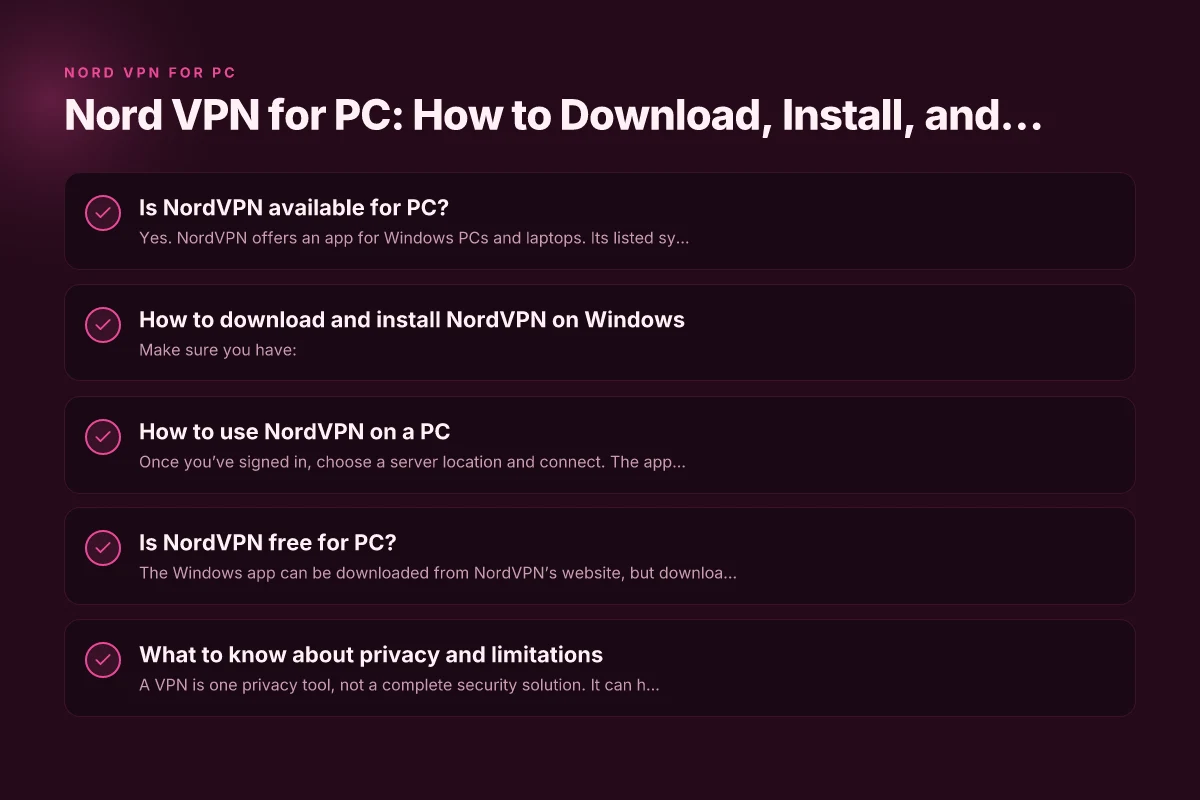
How to download and install NordVPN on Windows
Before you start
Make sure you have:
- A PC running Windows 10 (64-bit) or Windows 11.
- A working internet connection.
- Your NordVPN account login details.
Installation steps
- Open NordVPN’s official Windows download page.
- Download the Windows installer.
- Open the downloaded file and follow the installation prompts.
- Launch the NordVPN app after installation.
- Sign in to your account.
- Select a server or use the app’s quick-connect option to start a VPN connection.
The exact screen layout can change as the app is updated, so follow the prompts shown in your version. If you run into problems, consult NordVPN’s Windows installation and support instructions. VPN Extension for Edge Free: How to Choose a Safer Option
NordVPN for PC: Compare your options before subscribing
| Option | Cost | NordVPN account | VPN protection | Main limitation |
|---|---|---|---|---|
| NordVPN subscription | Paid | Yes | Yes, while connected | Terms depend on the selected plan |
| NordVPN free trial | Not established here | Not established here | Not established here | Check current availability and terms |
| Free VPN service | May be free | Depends on provider | Depends on provider | Privacy, features, and limits vary |
| Windows built-in VPN settings | No VPN service included | No NordVPN account needed | Only with a VPN service configured | Does not provide NordVPN by itself |
| Browser private mode | Usually included with the browser | No | No VPN connection | Does not replace a VPN |
| Unprotected internet connection | No VPN cost | No | No VPN protection | Internet traffic is not routed through a VPN |
Compiled November 2026; check the provider's site for current details.
How to use NordVPN on a PC
Once you’ve signed in, choose a server location and connect. The app will indicate when the VPN connection is active. You can then use your browser and other internet-enabled applications as usual.
A VPN can encrypt traffic between your device and the VPN server, which can help protect your connection on public Wi-Fi. It also changes the public IP address websites see to the address associated with the VPN server. This may help with privacy, but it does not erase cookies, stop all forms of online tracking, or make you anonymous in every situation. FortiClient IPsec: Setup, Troubleshooting, and Best Practices
| Option | What it does | When it may be useful |
|---|---|---|
| Quick connect | Connects through the app’s suggested server | For a simple, everyday connection |
| Choose a server | Lets you select an available location | When you need a particular server location |
| Disconnect | Ends the VPN connection | When you no longer want traffic routed through the VPN |
Server availability and app features can change. Check the current app for the options included with your account.
Is NordVPN free for PC?
The Windows app can be downloaded from NordVPN’s website, but downloading an app is not the same as getting a free VPN subscription. Review the provider’s current plans and terms before signing up. Do not assume that third-party download pages offering a “free” copy provide a free NordVPN service or an authentic installer.
For the safest download, use NordVPN’s official site. If you already have an account, sign in through the app. If you do not, check the current subscription details directly with NordVPN before making a decision.
NordVPN for PC: Check these points before connecting Urban VPN Edge Extension: How It Works and What to Know
| Check | What to look for | Why it matters | Practical choice |
|---|---|---|---|
| Download source | Official NordVPN source | Helps avoid unofficial installers | Download from NordVPN |
| Windows compatibility | App supports your Windows setup | The installer must work on your PC | Check current requirements |
| Account status | Active NordVPN subscription | Access depends on your account | Sign in before connecting |
| Connection status | App shows connected | Confirms the VPN session is active | Verify after connecting |
| Server location | Selected country or server | Affects the apparent connection location | Choose a suitable location |
| Internet access | Sites and apps load as expected | A VPN connection does not guarantee access to every service | Test the apps you need |
| Privacy expectations | VPN scope and provider terms | A VPN is not complete anonymity | Review NordVPN’s privacy information |
| App updates | Current app version | Updates can include fixes and changes | Keep the app updated |
Compiled November 2026; check the provider's site for current details.
What to know about privacy and limitations
A VPN is one privacy tool, not a complete security solution. It can help secure traffic between your PC and the VPN server, but it cannot prevent every threat or guarantee that no one can identify you.
Keep these points in mind:
- Websites may still recognize you through account logins, cookies, or browser fingerprinting.
- A VPN does not replace antivirus protection, software updates, or careful handling of links and files.
- Your internet provider may be able to see that you are connecting to a VPN, even if the VPN helps conceal the contents of your traffic from local network observers.
- Law enforcement access to information depends on the circumstances and applicable legal processes. A VPN should not be treated as a guarantee against investigation.
- Connection speed can vary based on your internet service, chosen server, distance, and network conditions.
If you’re troubleshooting, check that your internet connection works without the VPN, confirm your account details, and restart the app or PC. For installation or account-specific issues, use NordVPN’s official support resources. Ey VPN connect: How to Sign In and Troubleshoot Access
Recommendation
For a Windows PC that runs Windows 10 (64-bit) or Windows 11, NordVPN’s official app is the straightforward way to use the service. Download it from NordVPN’s website, install it, and sign in. Before subscribing, review the current plan terms and remember that a VPN can improve connection privacy but cannot make you fully anonymous or replace other security measures.