Free V2Ray: What It Is, How to Choose a Safer Option, and What to Expect
Learn what free V2Ray access offers, its risks and limits, and how to evaluate a provider before connecting.


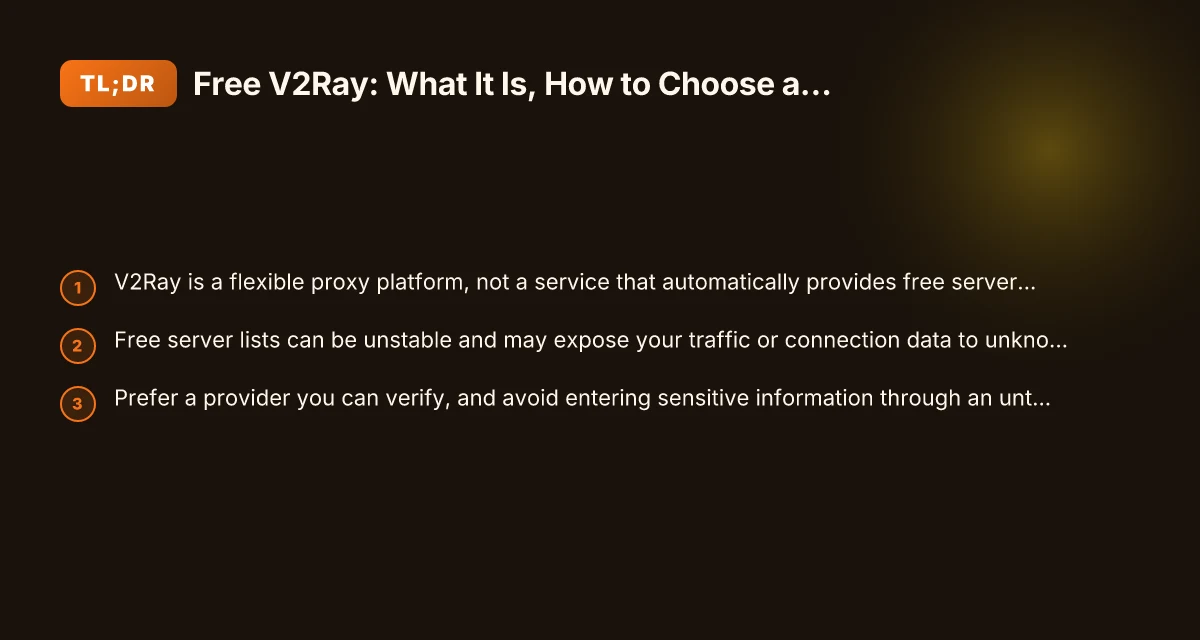
“Free V2Ray” usually refers to free access to a V2Ray-compatible server, not a single official service. V2Ray is software used to route network traffic through proxy protocols, and people may use it to improve privacy on untrusted networks or connect through a proxy. Free access can be useful for testing, but it often comes with trade-offs: uncertain operators, limited bandwidth, unreliable connections, and unclear privacy practices. Before connecting, check who runs the server, what data may be collected, and whether the setup is safe for your needs.

How to compare common free V2Ray access options
| Option | Cost | Setup effort | Privacy control | Availability | Best suited for |
|---|---|---|---|---|---|
| Public V2Ray server | Free | Low | Low; operator is unknown | Can change or disappear | Short-term testing |
| Community-run server | Free or donation-based | Medium | Varies by operator | Depends on volunteers | Users who can verify the community |
| Free tier from a provider | Free within stated limits | Low to medium | Check provider policies | Subject to plan limits | Trying a provider’s service |
| Self-hosted server | Hosting fees may apply | High | More control; host still matters | Depends on server upkeep | Technically confident users |
| Paid provider plan | Subscription | Low | Check logging and ownership | Usually defined by plan | Regular use |
| Browser or app-based proxy | Often free | Low | Often limited visibility | Depends on service | Basic, non-sensitive browsing |
Compiled November 2026; check the provider's site for current details.
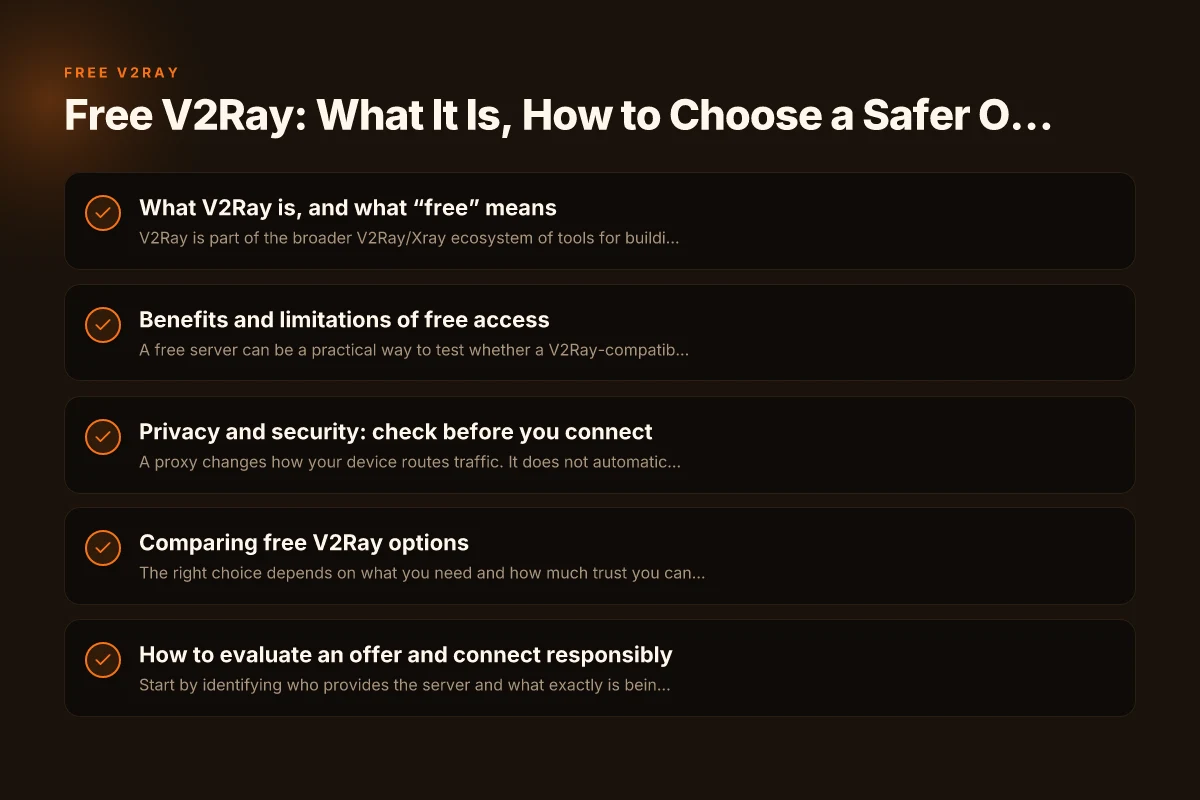
What V2Ray is, and what “free” means
V2Ray is part of the broader V2Ray/Xray ecosystem of tools for building and managing proxy connections. It is not, by itself, a subscription service or a directory of trustworthy servers. To use it, you generally need compatible client software and connection details supplied by a server operator.
A free V2Ray option may be offered in several ways:
- A public configuration shared online by an individual or community.
- A limited free tier from a proxy or VPN provider.
- A temporary trial intended to demonstrate a paid service.
- A self-hosted server running on infrastructure that has a free tier.
These options are not equivalent. A public configuration may have no reliable support or privacy policy. A provider’s free tier may have clearer terms but impose data or speed limits. Self-hosting gives you more control over the server, although it requires technical knowledge and may still involve hosting costs.
“Free” also does not mean risk-free. Someone has to operate the server and pay for bandwidth and infrastructure. Understand how that operator covers the cost before trusting the service. Urban VPN Browser Extension: Features, Setup, and Safety Considerations
Benefits and limitations of free access
A free server can be a practical way to test whether a V2Ray-compatible client works on your device or whether a proxy connection suits your situation. It may also be enough for occasional, low-stakes browsing.
The common limitations are more significant when you need consistent access:
- Unpredictable uptime: Public servers can disappear or stop accepting connections without warning.
- Crowded capacity: Many users sharing one server can mean slow speeds, high latency, and interruptions.
- Data limits: Free plans may restrict monthly usage, connection time, or available locations.
- No support: You may have to troubleshoot client settings and connection failures yourself.
- Changing configurations: Shared connection details can be rotated or revoked, and old details may be copied long after they stop working.
Free access is therefore best treated as temporary or experimental, rather than a dependable solution for work, streaming, or other activities where continuity matters.
Privacy and security checks before connecting Clash for iPhone: What It Is, How to Install It, and What to Know
| Check | Better sign | Warning sign | What to do |
|---|---|---|---|
| Operator identity | Clear organization and contact details | Anonymous or unverifiable operator | Avoid sharing sensitive traffic |
| Privacy policy | Explains data collection and retention | Missing or vague policy | Choose a more transparent option |
| Logging practices | Specific, understandable disclosures | Unsupported “no logs” claims | Treat claims as unverified |
| Configuration source | Shared through a trusted channel | Random links or unsolicited files | Verify the source before importing |
| App or client | Reputable source and maintained software | Unknown download or outdated client | Use a trusted, updated client |
| Permissions | Only permissions needed to operate | Unrelated or excessive access | Decline or remove the app |
| Connection behavior | Expected settings and stable connection | Unexpected redirects or errors | Disconnect and investigate |
| Sensitive activity | Reserved for a trusted, assessed service | Routed through an unknown free server | Do not use it for sensitive accounts |
Compiled November 2026; check the provider's site for current details.
Privacy and security: check before you connect
A proxy changes how your device routes traffic. It does not automatically make that traffic private or anonymous. The server operator may be able to see connection metadata, such as when you connect and how much data you use. Depending on the setup and the sites or apps involved, the operator may also have visibility into some traffic details. Encrypted websites protect content in transit between your device and the website, but they do not make an unknown proxy operator trustworthy.
Before using a free service, look for:
- A named operator and clear terms: Be wary when no one takes responsibility for the server or explains how it is run.
- A privacy policy: Check what connection logs are kept, why they are collected, and how long they are retained.
- A credible source for configuration details: Avoid files, apps, or QR codes from accounts or websites you cannot assess.
- A maintained client: Get client software from its official project page or a reputable app store, and keep it updated.
- A sensible use case: Do not use an untrusted server for banking, work accounts, confidential messages, or other sensitive activity.
A connection being encrypted between your device and a proxy does not prove that the proxy itself is safe. Likewise, a server’s location or a claim of “no logs” is not proof of good privacy practices. Free Location Changing VPN: How to Choose and Use One Safely
Comparing free V2Ray options
The right choice depends on what you need and how much trust you can place in the operator.
| Option | Cost and convenience | Main concern | Best suited to |
|---|---|---|---|
| Public shared configuration | Usually free and quick to try | Unknown operator, weak reliability, unclear data handling | Brief, low-risk testing |
| Provider’s free tier | Often easier to use and documented | Usage limits and provider-specific privacy terms | Light use after reviewing the terms |
| Time-limited trial | May offer better performance temporarily | Expires, may require an account or payment details | Evaluating a provider before subscribing |
| Self-hosted server | May have low or no initial cost on eligible hosting | Setup, maintenance, and possible charges | Users comfortable managing a server |
Free hosting offers can have limits or become paid if you exceed them. Review the provider’s current pricing and usage rules before deploying anything. Do not assume that a free trial or free tier will remain available indefinitely.
Decide whether a free V2Ray offer fits your needs
| Your need | Free access may fit when | Consider another option when | Before connecting |
|---|---|---|---|
| Learning how V2Ray works | You want a temporary test | You need dependable daily access | Use non-sensitive traffic |
| Occasional browsing | Limits and interruptions are acceptable | You need consistent availability | Check the operator and policy |
| Streaming or downloads | The offer permits your intended use | Speed or data limits are unclear | Review terms and test cautiously |
| Sensitive accounts | The service is independently trusted | The operator is unknown | Use a more trustworthy connection |
| Privacy from the operator | You understand what the service can observe | You expect anonymity without evidence | Read the privacy disclosures |
| Reliable access | Downtime is acceptable | You need support and predictable service | Compare stated service terms |
| Technical control | You can inspect and maintain setup | You cannot verify configuration or updates | Choose a simpler, trusted option |
| Long-term use | The offer has clear, sustainable terms | Access depends on an unexplained free server | Compare reputable paid or self-hosted options |
Compiled November 2026; check the provider's site for current details. A. Proton VPN free: What the Free Plan Includes and Whether It’s Worth Using
How to evaluate an offer and connect responsibly
Start by identifying who provides the server and what exactly is being offered. Read the service terms and privacy policy, confirm any data or speed limits, and check whether the operator explains how to contact support. If the source is anonymous and there is no meaningful information about data handling, the safest choice is not to use it.
For a basic setup, the usual process is to install a compatible client from a trusted source, obtain connection details from the provider, and add them through the client’s documented import or configuration method. Avoid copying configurations from unrelated comments or downloading modified clients. If a setup guide asks you to disable security protections, install an unknown certificate, or run an unexplained script, stop and investigate before proceeding.
After connecting, test only with ordinary, non-sensitive browsing. If the service is unexpectedly slow, asks for unnecessary permissions, or behaves differently from what the provider describes, disconnect and remove its configuration. A proxy connection is only one part of online privacy. Use HTTPS, keep your device updated, and protect accounts with strong, unique passwords and multifactor authentication.
Recommendation
Free V2Ray access can be useful for a short, low-risk test, but public configurations are difficult to assess and often unreliable. Choose a transparent provider with clear limits and privacy terms, or consider a reputable paid service if you need consistent performance and support. If you cannot verify who operates a free server or how it handles data, do not use it for sensitive activity. Microsoft Edge Free VPN Extension: What to Know Before You Install One