Free Clash: How to Play Clash Games for Free
Find out what “free Clash” usually means, how to play official Clash games safely, and what in-app purchases to expect.


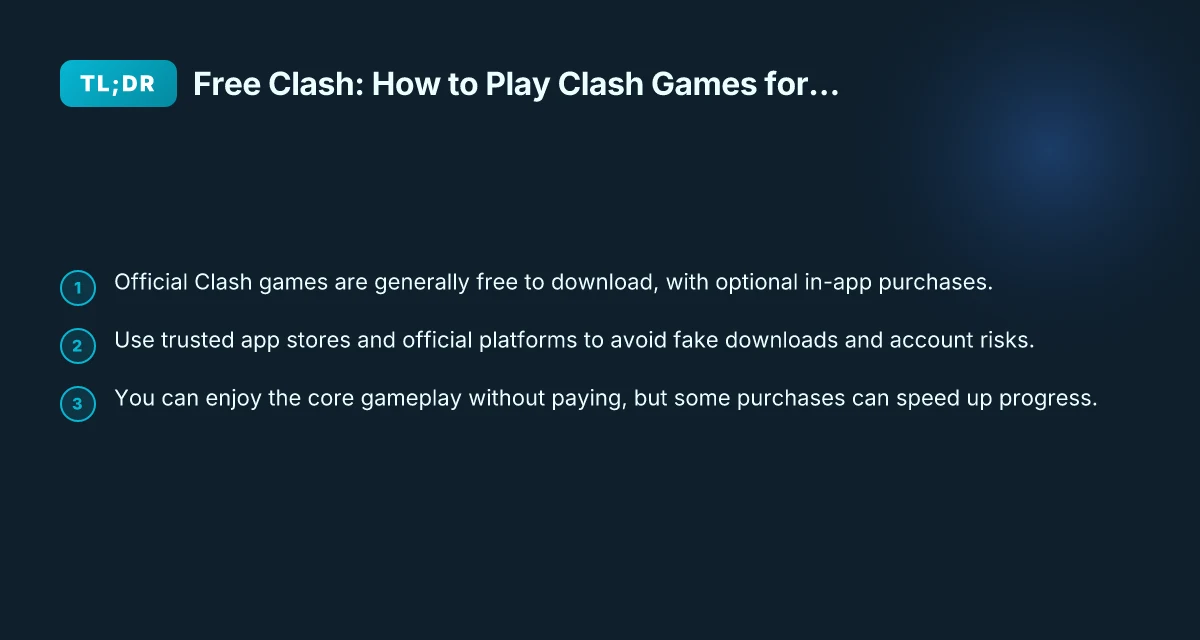
“Free Clash” usually means playing a Clash game without paying to download it. Supercell’s Clash titles, including Clash of Clans and Clash Royale, are free to start on supported platforms, though they offer optional in-app purchases. You can play without buying anything. Purchases are not required to access the basic game. Check the game’s listing in your device’s official app store for current availability, age guidance, and purchase details.

Official download channels by platform
| Platform | Best starting point | What to check | Safer choice | Avoid |
|---|---|---|---|---|
| Android | Google Play | Developer name | Official listing | Unknown APK sites |
| iPhone or iPad | Apple App Store | Developer name | Official listing | Unofficial app files |
| Windows | Official game or platform page | Publisher and requirements | Publisher-linked download | Unverified installers |
| Mac | Official game or platform page | macOS compatibility | Publisher-linked download | Unverified installers |
| Any platform | Game’s official website | Store links and support details | Links provided by the publisher | Lookalike websites |
| Any platform | Official support page | Account and safety guidance | Publisher guidance | Shared login details |
Compiled November 2026; check the provider's site for current details.
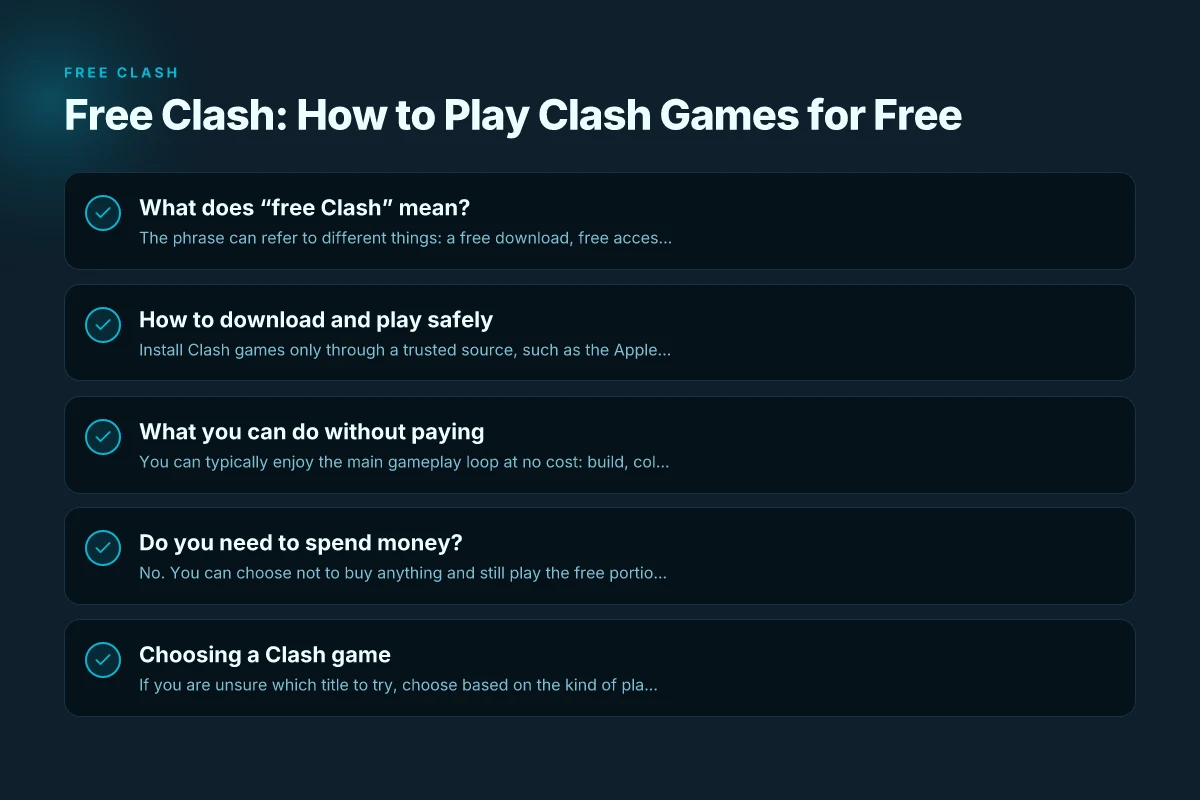
What does “free Clash” mean?
The phrase can refer to different things: a free download, free access to a game, a special promotion, or a third-party site offering a purported free version. Most often, people searching for “free Clash” want to know whether they can play a Clash game without paying.
For official Clash games, “free” generally describes the download and basic gameplay. Optional purchases may include in-game currency, cosmetic items, or ways to speed up certain activities. The exact offers vary by game, region, and time.
A free-to-play game can still include ads, purchase prompts, limited-time offers, or features that take longer to unlock without spending. Read the store listing and in-game purchase information so you know what to expect.
How to download and play safely
Install Clash games only through a trusted source, such as the Apple App Store or Google Play Store. If a game is available on another platform, use the official platform or link provided by the publisher. Proton VPN Extension for Edge: How to Install and Use It
A safe download process is straightforward:
- Search for the specific game, such as Clash of Clans or Clash Royale.
- Check the developer name and store listing before installing.
- Review the app’s ratings, recent reviews, age rating, and purchase disclosures.
- Download the official app and follow its setup instructions.
- Use the game’s supported account and recovery options to protect your progress.
Be cautious of websites advertising “unlimited gems,” modified versions, hacks, or downloads that promise paid content for free. These offers may expose your device to malware, steal login details, violate the game’s rules, or result in account suspension. Never share your password or verification codes with a third-party service.
What you can do without paying
You can typically enjoy the main gameplay loop at no cost: build, collect, compete, complete objectives, or progress through the game’s available content. The specific activities depend on which Clash title you choose.
| Option | What it usually means | What to check |
|---|---|---|
| Free download | You can install the game without an upfront price | Confirm the official store listing |
| Free gameplay | Core features are available without a purchase | Some progress may take time |
| Optional purchases | You can buy items or convenience features | Review prices and purchase settings |
| Promotions or rewards | The game may offer limited-time bonuses | Check official announcements and in-game notices |
Some titles may offer a pass or other paid features alongside free rewards. Free rewards and paid rewards can differ, so check the current game interface rather than relying on old guides. Offers change, and a promotion described in a video or post may have ended. Free VPN Extension for Edge: How to Choose and Use One
Free play and optional spending
| Item | Usually available for free? | May require payment? | What to check |
|---|---|---|---|
| Downloading the game | Yes, for free-to-play titles | Some games have a purchase price | Store listing |
| Core gameplay | Often supported | Optional purchases may be offered | Game description |
| Online features | Depends on the game | Platform or subscription rules may apply | Platform requirements |
| In-game currency | Some may be earned through play | Extra currency may be sold | In-game shop |
| Cosmetic items | Some may be free | Optional paid items may be offered | Item details |
| Progression boosts | Depends on the game | May be sold as add-ons | Purchase prompts |
| Ads | Depends on the game | Some games offer paid ad removal | Store listing |
| Refunds | Depends on store policy | Purchases are not always refundable | Store refund rules |
Compiled November 2026; check the provider's site for current details.
Do you need to spend money?
No. You can choose not to buy anything and still play the free portions of an official Clash game. However, the experience may involve waiting for upgrades, earning resources through gameplay, or progressing at a different pace from players who purchase convenience items.
If you are playing on a shared device or setting up a game for a child, review purchase controls first. You can use your device’s parental controls or purchase authentication settings to reduce accidental spending. Do not save payment details unless you are comfortable with how purchases are approved. How to Fix Virgin TV Go App Not Working With VPN
A few practical habits can help you keep the game free:
- Treat purchase prompts as optional and take time before confirming.
- Set a spending limit, or disable in-app purchases where appropriate.
- Avoid services claiming they can add currency or unlock paid items for free.
- Check receipts and account settings if a purchase appears unexpectedly.
Choosing a Clash game
If you are unsure which title to try, choose based on the kind of play you enjoy. Clash of Clans centers on building and improving a village, managing resources, and taking part in battles. Clash Royale focuses on shorter, real-time competitive matches using cards and decks. Availability and features can change, so consult each game’s current store page for the latest details.
Consider your available time, device compatibility, and interest in competition. A game that suits your play style is more likely to remain enjoyable without purchases. If you want to try several options, download them from official sources and remove any you no longer use.
Choosing a Clash game Microsoft Edge Secure Network VPN: How It Works and How to Use It
| Decision factor | Questions to ask | Good fit if you want… | Check before playing |
|---|---|---|---|
| Gameplay style | What do you enjoy doing most? | The game’s main activity | Screenshots and description |
| Device support | Does it run on your device? | A smooth, compatible experience | Store requirements |
| Price model | Is it free to start? | Optional spending, not required spending | In-game purchase details |
| Online play | Does it need an internet connection? | Multiplayer or connected features | Connection requirements |
| Time commitment | How often do you want to play? | A pace that suits your routine | Progression and event details |
| Age suitability | Is the content appropriate? | Play that fits your household | Age rating and parental controls |
| Account safety | What account details are requested? | A secure setup | Official login and privacy guidance |
| Recommendation | Which option matches your priorities? | A game you will enjoy without pressure | Try the official free version first |
Compiled November 2026; check the provider's site for current details.
Recommendation
For a safe free Clash experience, pick an official Supercell title, download it from a trusted store, and begin without making a purchase. Explore the free gameplay first, check what is optional, and use device settings to control spending. Avoid unofficial downloads and “free currency” offers: they can put your device and game account at risk.