CatVPN Explained: Features, Safety, and What to Check
Learn what CatVPN may offer, how to assess its privacy and security, and what to check before using it.


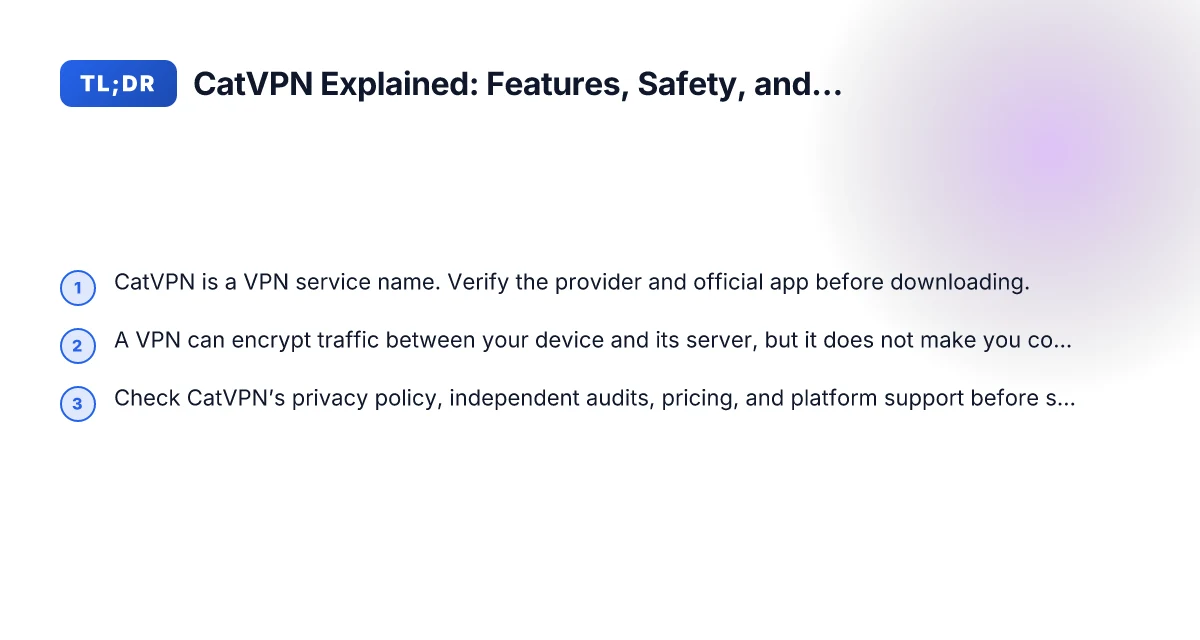
CatVPN refers to a VPN service or app, but the name alone is not enough to confirm who operates it, what features it provides, or how it handles user data. If you are considering CatVPN, verify the provider and download the app only from a trustworthy source. Then compare its privacy policy, security practices, server options, and cost with your needs.
A virtual private network (VPN) routes your internet traffic through a VPN server and typically encrypts the connection between your device and that server. This can help protect traffic on public Wi-Fi and change the IP address websites see. It does not prevent every form of tracking, guarantee anonymity, or protect you from malware and phishing.
| VPN | Obfuscation | From / month | Plan | Free plan | Refund | Alipay | UnionPay | Crypto | Website opens in China | Trustpilot | |
|---|---|---|---|---|---|---|---|---|---|---|---|
 ZoogVPN | Turn on manually Shadow | $2.49/mo | 27 months: $59.99 | Yes | 7 days | ✓ | ✓ | ✓ | ✓ | Official site blocked; our special link opens (4.4 s) | 4.2/5 (195 reviews) |
 NordVPN | Turn on manually Obfuscated Servers / NordWhisper | $3.49/mo | 27 months: $94.23 | No | 30 days | ? | ✗ | ✓ | ✓ | ✗ Blocked | 4.2/5 (51,628 reviews) |
 ExpressVPN | ✓ On by default all servers | $3.00/mo | 28 months: $84 | No | 30 days | ✗ | ✗ | ✓ | ✗ | ✗ Blocked | 4.4/5 (29,706 reviews) |
 Surfshark | ✓ On by default Camouflage, with OpenVPN | See site | See site | No | 30 days | ✗ | ✗ | ✗ | ✓ | ✗ Blocked | 4.3/5 (31,823 reviews) |
 Proton VPN | Turn on manually Stealth, free plan too | $2.99/mo | 12 months: $35.88 | Yes | 30 days | ✗ | ✗ | ✗ | ✓ | ✗ Blocked | 2.1/5 (1,040 reviews) |
 Astrill VPN | Turn on manually StealthVPN / OpenWeb | $12.50/mo | 24 months: $300 | No | See site | ✗ | ✗ | ✗ | ✓ | ✗ Blocked | 1.3/5 (110 reviews) |
 Private Internet Access | Turn on manually Shadowsocks, OpenVPN only | $2.03/mo | 40 months: $81.2 | No | 30 days | ✗ | ✗ | ✗ | ✗ | ✗ Blocked | 4.2/5 (11,033 reviews) |
 CyberGhost | Turn on manually selected servers | $2.19/mo | 28 months: $61.32 | No | 45 days | ✗ | ✗ | ✗ | ✓ | ✗ Blocked | 4.0/5 (24,178 reviews) |
 PureVPN | Turn on manually switch to OpenVPN | $1.69/mo | 60 months: $101.55 | No | 31 days | ? | ? | ✗ | ✓ | ✗ Blocked | 4.4/5 (17,994 reviews) |
 AdGuard VPN | ✓ On by default TrustTunnel | $2.99/mo | 24 months: $71.76 | Yes | 30 days | ✓ | ✗ | ✓ | ✓ | Official site blocked; our special link opens (3.7 s) | 4.3/5 (290 reviews) |
 Mullvad | Turn on manually QUIC / Shadowsocks / LWO | $5.61/mo | €5/mo | No | 14 days | ✗ | ✗ | ✗ | ✓ | ✗ Blocked | 3.2/5 (192 reviews) |
 Windscribe | Turn on manually Stealth / WStunnel | $5.75/mo | 12 months: $69 | Yes | See site | ✗ | ✗ | ✗ | ✓ | ✗ Blocked | 4.7/5 (13,355 reviews) |
 StrongVPN | Turn on manually Scramble, OpenVPN TCP | See site | See site | No | 30 days | ✓ | ✗ | ✗ | ✗ | ✗ Blocked | 4.4/5 (2,695 reviews) |
 LightXtreme 闪连 | Not listed | $7.08/mo | 12 months: $84.99 | Yes | 30 days | ✓ | ✓ | ✓ | ✓ | ✓ Yes (3.5 s) | No page |
Prices checked 2026-11-10 on each vendor's pricing page (cheapest long plan, USD). Check the vendor's checkout for the final price.
Obfuscation checked 2026-11-14 on each vendor's site and help center: "on by default" = nothing to set; "turn on manually" = switch protocol or mode in settings; "not listed" = the vendor describes no obfuscation.
Payment methods checked 2026-11-10 on each vendor's payment pages: all 14 take cards and PayPal; ✗ = not listed, ? = the vendor's own pages disagree.
China access: whether the official website opens from mainland China networks (tests the website only, not the VPN connection). Last checked 2026-11-18 01:02 Beijing time.
Trustpilot score and review count checked 2026-11-10.

Editor's pick: NordVPN — fast, secure VPN — Strong encryption, a no-logs policy and apps for every device. 30-day money-back guarantee. Get NordVPN →
Verify CatVPN’s claims before relying on it
| Check | What to look for | Why it matters | If unclear |
|---|---|---|---|
| Provider identity | A named, verifiable company | Establishes who operates the service | Find official contact details |
| Privacy policy | Data collected and retention periods | Shows what activity may be recorded | Avoid assumptions |
| Logging claims | Clear definitions of logs kept | “No logs” can mean different things | Seek specific examples |
| Independent audits | Public audit and its scope | Adds outside scrutiny | Check what was actually tested |
| Encryption | Protocols and encryption details | Helps assess connection protection | Look for technical documentation |
| Security features | Kill switch and leak protection | Can reduce exposure if a tunnel drops | Verify availability on your device |
| Apps and downloads | Official sources and supported platforms | Reduces risk of counterfeit software | Use provider-controlled links |
Compiled November 2026; check the provider's site for current details.
What to verify about CatVPN
Before installing CatVPN, make sure you have identified the correct product and its operator. Similar app names, unofficial downloads, and misleading listings can make it difficult to know who is behind a service.
Check the following:
- Provider identity: Does the website or app listing name a company and provide clear contact details?
- Official download source: Is the app available through the provider’s verified website or a recognized app store?
- Platform support: Does it support your operating system and device?
- Recent updates: Is the app maintained, with a visible update history?
- Independent information: Are there credible reviews or security assessments that identify the same provider?
Treat claims such as “military-grade,” “100% anonymous,” or “unlimited protection” cautiously. Marketing language is not a substitute for clear technical details or independent evidence.
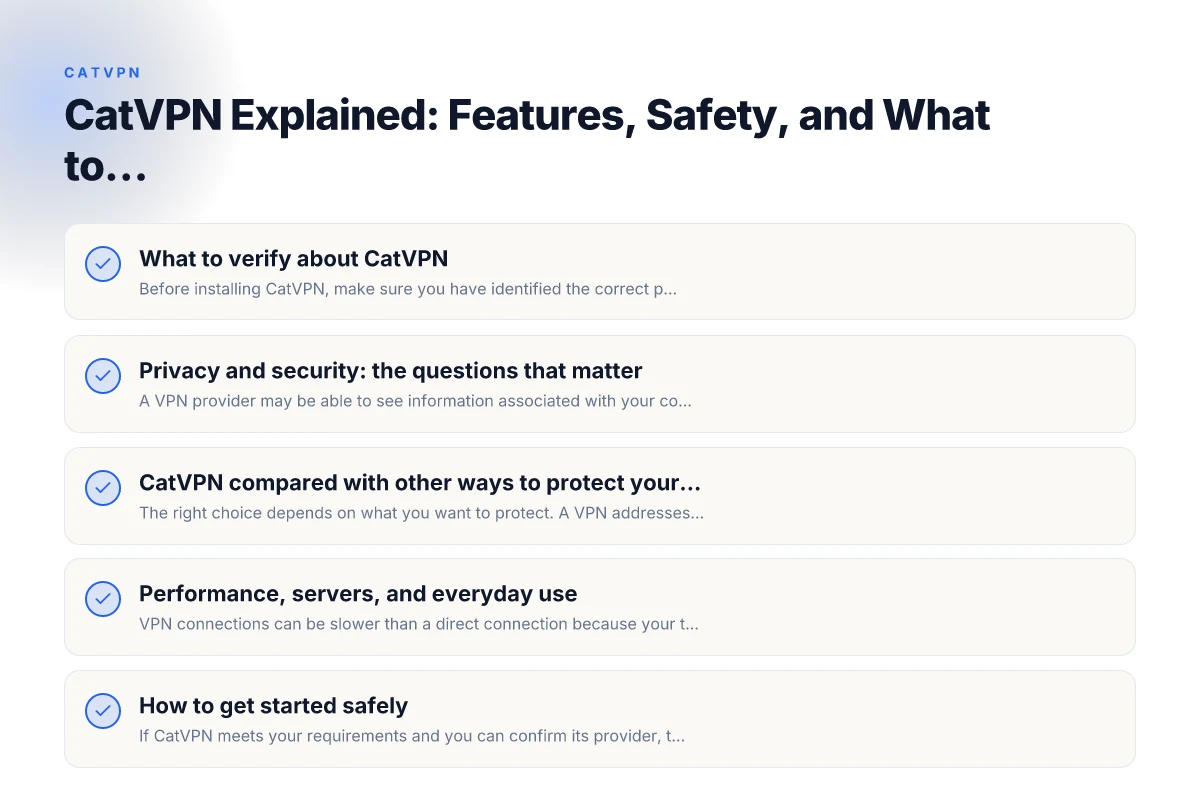
Privacy and security: the questions that matter
A VPN provider may be able to see information associated with your connection, so its data practices deserve close attention. Read CatVPN’s privacy policy before creating an account or connecting. Look for a plain explanation of what the service collects, why it collects it, how long it keeps it, and whether it shares information with third parties. Extension VPN Free Edge: What to Know Before You Install One
In particular, check whether the policy addresses:
- Connection records, such as connection times or data volume
- Your original IP address and assigned VPN IP address
- Browsing activity or DNS requests
- Account, payment, and diagnostic information
- Data-sharing requests and retention periods
A “no-logs” claim should explain what the provider means by logs. A policy that says it does not store browsing history may still describe collecting account details, crash reports, or connection metadata. Independent audits can help support a provider’s claims, but check who performed the audit, what was examined, and when it took place.
Also look for practical security features, such as modern VPN protocols, a kill switch that blocks internet access if the VPN disconnects, and DNS leak protection. These features are useful only if they are implemented correctly and available on the version you use.
Compare ways to protect your connection Free VPN Extension for Microsoft Edge Browser: What to Know Before You Install
| Option | Encrypts traffic to a provider | Hides your IP from websites | Main limitation | Useful when |
|---|---|---|---|---|
| CatVPN | Verify in its documentation | Verify in its documentation | Provider practices may be unclear | Its claims and safeguards check out |
| Another VPN | Depends on the service | Depends on the service | Trust shifts to that provider | You want to compare policies and features |
| HTTPS | Protects traffic to supported sites | No | Does not hide your IP | Browsing secure websites |
| Public Wi-Fi without a VPN | No VPN tunnel | No | Network exposure may be higher | Only with careful, secure browsing |
| Mobile data | Not a VPN tunnel | No | Carrier can observe connection metadata | Avoiding an unfamiliar Wi-Fi network |
| Tor Browser | Routes traffic through the Tor network | Often hides your IP from sites | Some sites may block or slow access | Greater browsing privacy is the goal |
Compiled November 2026; check the provider's site for current details.
CatVPN compared with other ways to protect your connection
The right choice depends on what you want to protect. A VPN addresses some network-privacy risks, while other tools address different problems.
| Option | What it can help with | What it does not guarantee |
|---|---|---|
| CatVPN or another VPN | Encrypting the device-to-VPN connection and masking your public IP from websites | Anonymity, safe browsing, or protection from all tracking |
| HTTPS websites | Encrypting information between your browser and a website | Hiding all activity from your network provider or VPN provider |
| Password manager | Creating and storing strong, unique passwords | Encrypting your internet connection |
| Antivirus or device security tools | Detecting some malicious files and software | Preventing every scam, data breach, or privacy risk |
A VPN can be useful when you connect through public Wi-Fi or want to reduce the exposure of your IP address to websites. For everyday browsing, secure HTTPS connections, software updates, strong passwords, and careful handling of links remain important.
Performance, servers, and everyday use
VPN connections can be slower than a direct connection because your traffic takes an additional route and is encrypted. The impact depends on the VPN server’s distance, its current workload, your internet connection, and the provider’s infrastructure. VPN 360 for Windows 11: What to Know Before You Install It
Before paying for CatVPN, check whether it offers the locations and connection options you need. A large server list is not automatically better. Reliable performance and clearly described locations matter more than a headline number. If you need a VPN for work, streaming, gaming, or travel, test those activities during a trial or refund period where available.
Check for:
- Supported devices and any limit on simultaneous connections
- Server locations relevant to your use
- Connection stability and speed in your area
- Clear rules about peer-to-peer traffic, if relevant
- A trial, refund policy, or free plan with clearly explained limits
Be wary of free VPN offers that do not explain how they pay for their service. Some free plans may have data caps, fewer server choices, slower speeds, or advertising. Those limits do not automatically make a service unsafe, but vague business practices and unclear privacy terms are reasons to look elsewhere.
How to get started safely
If CatVPN meets your requirements and you can confirm its provider, take a few simple precautions: How to Download VPNify on Xbox Through Microsoft
- Download it only from a verified source.
- Review requested permissions before installation.
- Read the privacy policy and subscription terms.
- Choose a secure protocol and enable the kill switch if available.
- Test whether the app reconnects reliably and whether your normal services still work.
- Keep the app and your device’s operating system updated.
Avoid entering sensitive information into an app or website until you are confident it is the genuine service. If the provider is difficult to identify, the policy is missing, or the app requests unrelated permissions, do not install it.
Decide whether CatVPN fits everyday use
| Decision point | What to check | Good sign | Caution sign | Next step |
|---|---|---|---|---|
| Device support | Apps for your devices | Official app is available | Device is unsupported | Confirm before subscribing |
| Server locations | Locations listed in the app | A suitable nearby option | Needed location is absent | Test available servers |
| Connection stability | Drops during ordinary use | Stable sessions | Frequent interruptions | Check support guidance |
| Speed | Performance for your activities | Meets your needs | Streaming or calls struggle | Test before depending on it |
| Leak protection | DNS and IP leak safeguards | Features are documented | Claims are vague | Verify with reputable tests |
| Subscription terms | Price, renewal, and cancellation | Terms are clear | Fees or cancellation are unclear | Read terms before payment |
| Support | Contact methods and help resources | Reachable, useful support | No clear support channel | Resolve key questions first |
| Recommendation | Evidence for privacy and safety | Claims are specific and checkable | Important facts remain unknown | Avoid relying on it until verified |
Compiled November 2026; check the provider's site for current details.
Recommendation
CatVPN may be worth considering if you can verify its operator and confirm that its privacy practices, security features, performance, and price suit your needs. Do not choose it based on the name or marketing claims alone. If you cannot find clear provider details, a meaningful privacy policy, and a trustworthy download source, choose a VPN with more transparent documentation instead. Advanced Proxy Settings Edge: How to Configure and Troubleshoot Them