Best VPN Extensions for Edge: Top Picks for Privacy and Speed
Compare the best VPN extensions for Edge by privacy, speed, features, and ease of use.


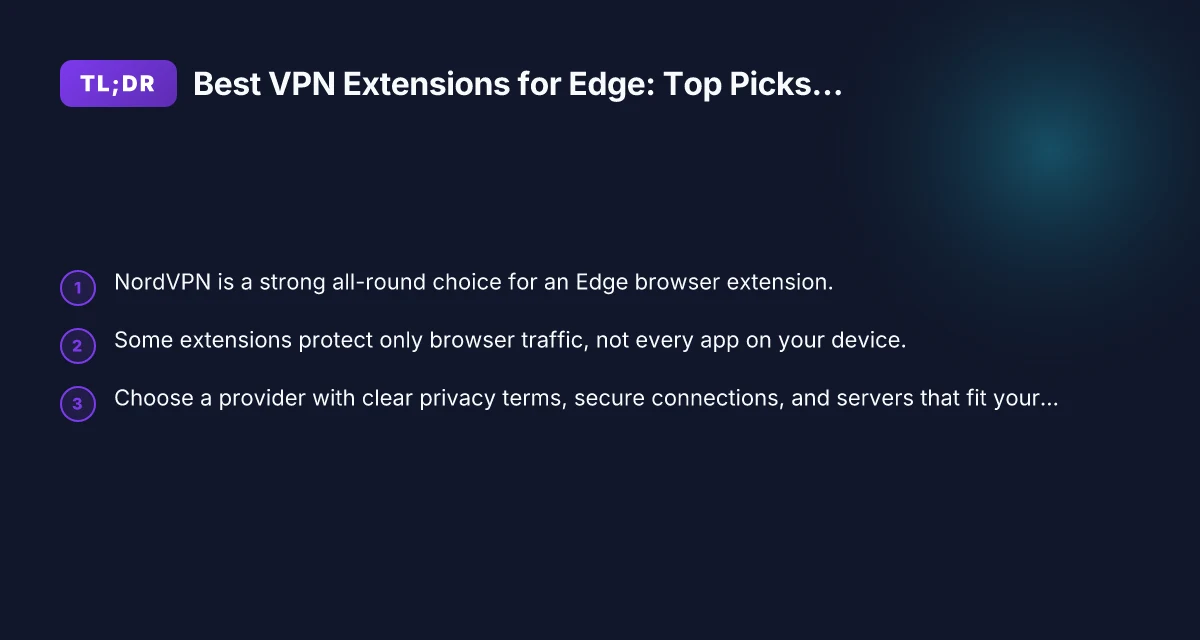
The best VPN extensions for Edge include NordVPN, ExpressVPN, Surfshark, and Proton VPN. Each can help protect browser traffic on public Wi-Fi and make it easier to connect through a different location. The right pick depends on whether you value simple controls, lower cost, advanced privacy features, or a browser extension that works alongside a full VPN app.
Before installing one, check what the extension actually protects. Many VPN browser extensions route traffic from the browser only. They do not necessarily cover other apps on your computer. If you want device-wide protection, use the provider’s desktop VPN app instead of, or alongside, the extension.
| VPN | Obfuscation | From / month | Plan | Free plan | Refund | Alipay | UnionPay | Crypto | Website opens in China | Trustpilot | |
|---|---|---|---|---|---|---|---|---|---|---|---|
 NordVPN | Turn on manually Obfuscated Servers / NordWhisper | $3.49/mo | 27 months: $94.23 | No | 30 days | ? | ✗ | ✓ | ✓ | ✗ Blocked | 4.2/5 (51,628 reviews) |
 ExpressVPN | ✓ On by default all servers | $3.00/mo | 28 months: $84 | No | 30 days | ✗ | ✗ | ✓ | ✗ | ✗ Blocked | 4.4/5 (29,706 reviews) |
 Surfshark | ✓ On by default Camouflage, with OpenVPN | See site | See site | No | 30 days | ✗ | ✗ | ✗ | ✓ | ✗ Blocked | 4.3/5 (31,823 reviews) |
 Proton VPN | Turn on manually Stealth, free plan too | $2.99/mo | 12 months: $35.88 | Yes | 30 days | ✗ | ✗ | ✗ | ✓ | ✗ Blocked | 2.1/5 (1,040 reviews) |
 ZoogVPN | Turn on manually Shadow | $2.49/mo | 27 months: $59.99 | Yes | 7 days | ✓ | ✓ | ✓ | ✓ | Official site blocked; our special link opens (4.4 s) | 4.2/5 (195 reviews) |
 Astrill VPN | Turn on manually StealthVPN / OpenWeb | $12.50/mo | 24 months: $300 | No | See site | ✗ | ✗ | ✗ | ✓ | ✗ Blocked | 1.3/5 (110 reviews) |
 Private Internet Access | Turn on manually Shadowsocks, OpenVPN only | $2.03/mo | 40 months: $81.2 | No | 30 days | ✗ | ✗ | ✗ | ✗ | ✗ Blocked | 4.2/5 (11,033 reviews) |
 CyberGhost | Turn on manually selected servers | $2.19/mo | 28 months: $61.32 | No | 45 days | ✗ | ✗ | ✗ | ✓ | ✗ Blocked | 4.0/5 (24,178 reviews) |
 PureVPN | Turn on manually switch to OpenVPN | $1.69/mo | 60 months: $101.55 | No | 31 days | ? | ? | ✗ | ✓ | ✗ Blocked | 4.4/5 (17,994 reviews) |
 AdGuard VPN | ✓ On by default TrustTunnel | $2.99/mo | 24 months: $71.76 | Yes | 30 days | ✓ | ✗ | ✓ | ✓ | Official site blocked; our special link opens (3.7 s) | 4.3/5 (290 reviews) |
 Mullvad | Turn on manually QUIC / Shadowsocks / LWO | $5.61/mo | €5/mo | No | 14 days | ✗ | ✗ | ✗ | ✓ | ✗ Blocked | 3.2/5 (192 reviews) |
 Windscribe | Turn on manually Stealth / WStunnel | $5.75/mo | 12 months: $69 | Yes | See site | ✗ | ✗ | ✗ | ✓ | ✗ Blocked | 4.7/5 (13,355 reviews) |
 StrongVPN | Turn on manually Scramble, OpenVPN TCP | See site | See site | No | 30 days | ✓ | ✗ | ✗ | ✗ | ✗ Blocked | 4.4/5 (2,695 reviews) |
 LightXtreme 闪连 | Not listed | $7.08/mo | 12 months: $84.99 | Yes | 30 days | ✓ | ✓ | ✓ | ✓ | ✓ Yes (3.5 s) | No page |
Prices checked 2026-11-10 on each vendor's pricing page (cheapest long plan, USD). Check the vendor's checkout for the final price.
Obfuscation checked 2026-11-14 on each vendor's site and help center: "on by default" = nothing to set; "turn on manually" = switch protocol or mode in settings; "not listed" = the vendor describes no obfuscation.
Payment methods checked 2026-11-10 on each vendor's payment pages: all 14 take cards and PayPal; ✗ = not listed, ? = the vendor's own pages disagree.
China access: whether the official website opens from mainland China networks (tests the website only, not the VPN connection). Last checked 2026-11-18 01:02 Beijing time.
Trustpilot score and review count checked 2026-11-10.

Editor's pick: NordVPN — fast, secure VPN — Strong encryption, a no-logs policy and apps for every device. 30-day money-back guarantee. Get NordVPN →
Compare Edge VPN extension options
| Option | Edge support | Traffic covered | Privacy considerations | Best for |
|---|---|---|---|---|
| Browser extension | Check Edge add-on listing | Usually browser traffic | Review logging policy | Simple browser protection |
| Full VPN app | Check provider compatibility | Device-wide traffic | Review provider’s privacy policy | Protection beyond Edge |
| Free VPN extension | Varies by provider | Often browser traffic | Check limits and data practices | Occasional basic use |
| Paid VPN extension | Varies by provider | Usually browser traffic | Compare logging and ownership | Regular use |
| Proxy-style extension | Check listing details | Browser traffic may be routed | Encryption may vary | Changing apparent location |
| Extension with app pairing | Check Edge support | Depends on app settings | Review both extension and app policies | Coordinated protection |
Compiled November 2026; check the provider's site for current details.
Best VPN extensions for Edge
Edge supports many extensions built for Chromium-based browsers, but availability and features can change. Check the Microsoft Edge Add-ons store or the provider’s official website, and verify that you are installing the genuine extension.
| VPN extension | Best for | Notable strengths | Keep in mind |
|---|---|---|---|
| NordVPN | Most users | Simple controls, broad server network, extra browser security features | A paid plan is generally required |
| ExpressVPN | Ease of use | Polished interface and straightforward location switching | Usually costs more than budget services |
| Surfshark | Value and multiple devices | Competitive plans and useful browser controls | Confirm which features are included in your plan |
| Proton VPN | Privacy-focused users | Strong privacy reputation and a free VPN option in its service | Free-plan features and extension availability may be limited |
This comparison is a starting point, not a guarantee of current plan terms or performance. Server speeds vary with your location, internet connection, chosen server, and network congestion.
NordVPN: best all-round option
NordVPN is a strong pick if you want a familiar interface and a large selection of locations. Its Edge extension is designed to manage browser connections without requiring you to open the desktop app for every change. Depending on the current version and subscription, it may also include browser-focused security controls.
It suits users who want a quick way to connect, change locations, and browse on public Wi-Fi. Review the extension’s permissions and settings before enabling optional features. FortiClient IPsec VPN: Setup, Configuration, and Troubleshooting
ExpressVPN: best for a simple experience
ExpressVPN is known for a clean interface and a straightforward setup. Its browser extension may work with the desktop app, so check whether the configuration you choose requires the app to be installed and running.
This option is worth considering if you prefer easy location selection over a large set of advanced controls. Its plans can be more expensive than some competitors, so compare subscription length, renewal pricing, and refund terms before buying.
Surfshark: best for value
Surfshark is often considered by people looking for a lower-cost paid VPN with broad device support. Its browser extension offers a convenient way to manage browser connections, while the desktop app may provide additional device-wide protection.
Compare the extension’s available settings with the desktop app’s features. A browser extension does not automatically inherit every protection offered by the full application. BIG-IP Edge Client VPN: Setup, Security, and Troubleshooting
Proton VPN: best for privacy-conscious users
Proton VPN may appeal to people who prioritize a privacy-focused provider and want to investigate free access before paying. Free plans commonly have limits, which may include fewer server choices or reduced flexibility. Check the current Edge extension support and plan details before relying on it.
For sensitive browsing, review the provider’s privacy policy, independent security information, and any limits on the free tier. A free VPN should not be assumed to offer the same locations, speeds, or features as a paid plan.
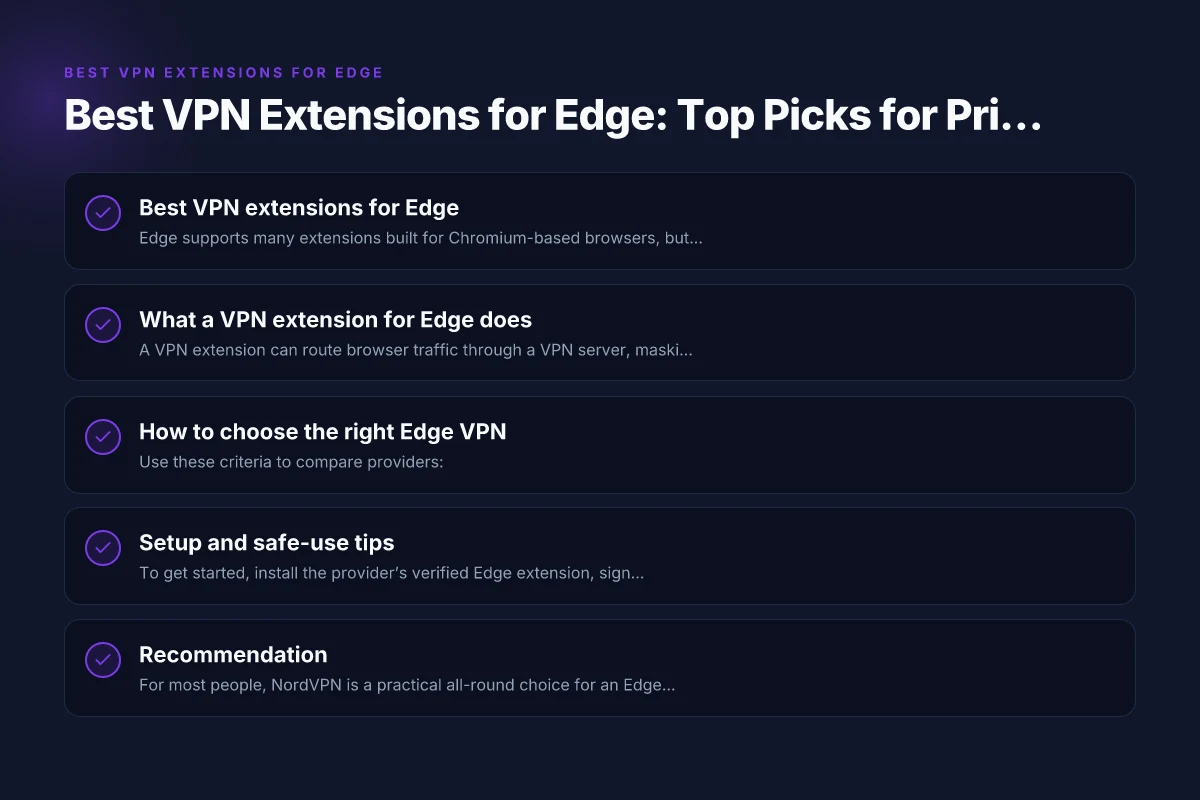
What a VPN extension for Edge does
A VPN extension can route browser traffic through a VPN server, masking your apparent IP address from websites and helping protect traffic on networks you do not control. It may also make it easier to access services that are available in certain regions, although streaming platforms and websites may block VPN connections.
The key distinction is coverage: VPN Edge Extension Free: How to Choose and Use One Safely
- A browser-only extension generally protects traffic from Edge, not every app on your device.
- A desktop VPN app can usually protect traffic from multiple applications.
- Some extensions control or rely on a desktop app, so their coverage depends on how they are configured.
A VPN does not make you anonymous. Websites can still identify you through account logins, cookies, browser fingerprinting, or information you share. It also does not replace antivirus software or protect you from every phishing attack.
Criteria for choosing an Edge VPN
| Criterion | What to check | Why it matters | Good sign | Caution |
|---|---|---|---|---|
| Edge compatibility | Official Edge support | Avoids installation issues | Listed in Edge Add-ons | Unofficial download |
| Privacy policy | Logs and data sharing | Determines data handling | Clear, specific policy | Vague retention terms |
| Encryption | Protection details | Helps protect traffic in transit | Security details are published | No clear explanation |
| Speed | Performance information | Affects browsing and streaming | Consistent performance claims | Unsupported guarantees |
| Server locations | Available regions | Affects location options | Locations are clearly listed | Limited or unclear coverage |
| Usage limits | Data and feature restrictions | Prevents unexpected caps | Limits are disclosed | Hidden restrictions |
| Reputation | Provider history and reviews | Helps assess trustworthiness | Established, transparent provider | Repeated unresolved complaints |
Compiled November 2026; check the provider's site for current details.
How to choose the right Edge VPN
Use these criteria to compare providers: Best Free VPN With Country Selection: What to Know Before You Choose
- Privacy and trust: Read the privacy policy and look for clear details about data collection, retention, and independent audits.
- Connection security: Check the supported protocols and whether the extension offers protections such as blocking insecure connections or WebRTC leaks.
- Coverage: Confirm whether it protects only Edge or works with a desktop app to cover the whole device.
- Server locations: Make sure the provider has locations that suit your travel, work, or browsing needs.
- Speed and reliability: Test nearby servers during your usual browsing hours. Results vary, so avoid relying on broad speed claims alone.
- Price and renewal terms: Compare the total cost, renewal price, refund policy, and which features are included in the plan.
- Ease of use: Look for clear connection status, simple server selection, and settings you can understand.
Install extensions only from the Edge Add-ons store or a provider’s official site. Check the publisher name, requested permissions, and recent reviews. Avoid unfamiliar “free VPN” extensions that do not clearly explain who operates the service or how it handles data.
Setup and safe-use tips
To get started, install the provider’s verified Edge extension, sign in if required, and connect to a nearby server. A nearby server is often a sensible first choice for speed. Then check that the extension shows an active connection and review any privacy or leak-protection settings.
For stronger device-wide coverage, install the provider’s desktop app and use its VPN connection. If you run both an app and an extension, follow the provider’s instructions to avoid conflicting settings.
When you no longer need a VPN location, disconnect through the extension. If a website behaves unexpectedly, try another server or temporarily reconnect without the VPN, while keeping in mind that this changes your privacy protection. VPN Extension for Microsoft Edge: How to Choose and Use One
Setup and safe-use checklist
| Step | Action | Check for | Avoid |
|---|---|---|---|
| Choose a provider | Compare privacy and features | Clear terms and Edge support | Choosing by price alone |
| Install the extension | Use the official Edge Add-ons store | Correct publisher name | Unverified downloads |
| Review permissions | Read requested access | Permissions match features | Approving unexplained access |
| Sign in or configure | Follow provider instructions | Secure account settings | Reusing a weak password |
| Connect to a server | Select a suitable location | Connection status is active | Assuming it connected |
| Test protection | Check the provider’s guidance | Traffic routes as expected | Treating an extension as device-wide |
| Keep it updated | Allow trusted updates | Current version and policy | Ignoring update notices |
| Disconnect safely | Turn off when no longer needed | Browser behavior is expected | Relying on it for every app |
Compiled November 2026; check the provider's site for current details.
Recommendation
For most people, NordVPN is a practical all-round choice for an Edge VPN extension. Choose ExpressVPN if ease of use is your priority, Surfshark if price and device support matter most, or Proton VPN if you want to explore a privacy-focused service and check its current free-plan limits. In every case, confirm whether the extension protects only Edge or your entire device before relying on it.